Task List v1.1.0.9 FS25

Task List v1.1.0.9 FS25
Changelog:
1.1.0.9:
– Change evaluation to account for empty production/husbandry levels triggering a task
– Increase number priority and repetition options
1.1.0.8:
– Fix showing tasks for all farms in the workload view in multiplayer games
– Attempt to fix an issue where ‘auto’ tasks vanish in multiplayer games
– Add Turkish translation, with credit to Cyber-Syntax
1.1.0.7:
– Fix a bug when deleting a template instance
– Sort groups in the Manage Groups dialog by name
1.1.0.6:
– Limit active tasks shown with Shift + T to only those for the current farm
– Add Dutch translation, with credit to Nozem1982
– Add Russian translation, with credit to nik-conder
1.1.0.5:
– Multiplayer fix where auto tasks from previous version would prevent tasks being sent to the client
– Note: Some auto tasks (food, straw etc) may need to be re-added with this update
1.1.0.4:
– Fixed multiplayer issue where tasks would lose connection to the associated placeable between sessions
– Ensure auto tasks show as due when joining a multiplayer game
1.1.0.3:
– Updated dialog layouts to improve readability for lower resolutions.
– Improved German translations, with credit to MeRida2104.
– Fixed a multiplayer bug when changing farms
– Fixed a multiplayer bug where active tasks were not being shown
1.1.0.0:
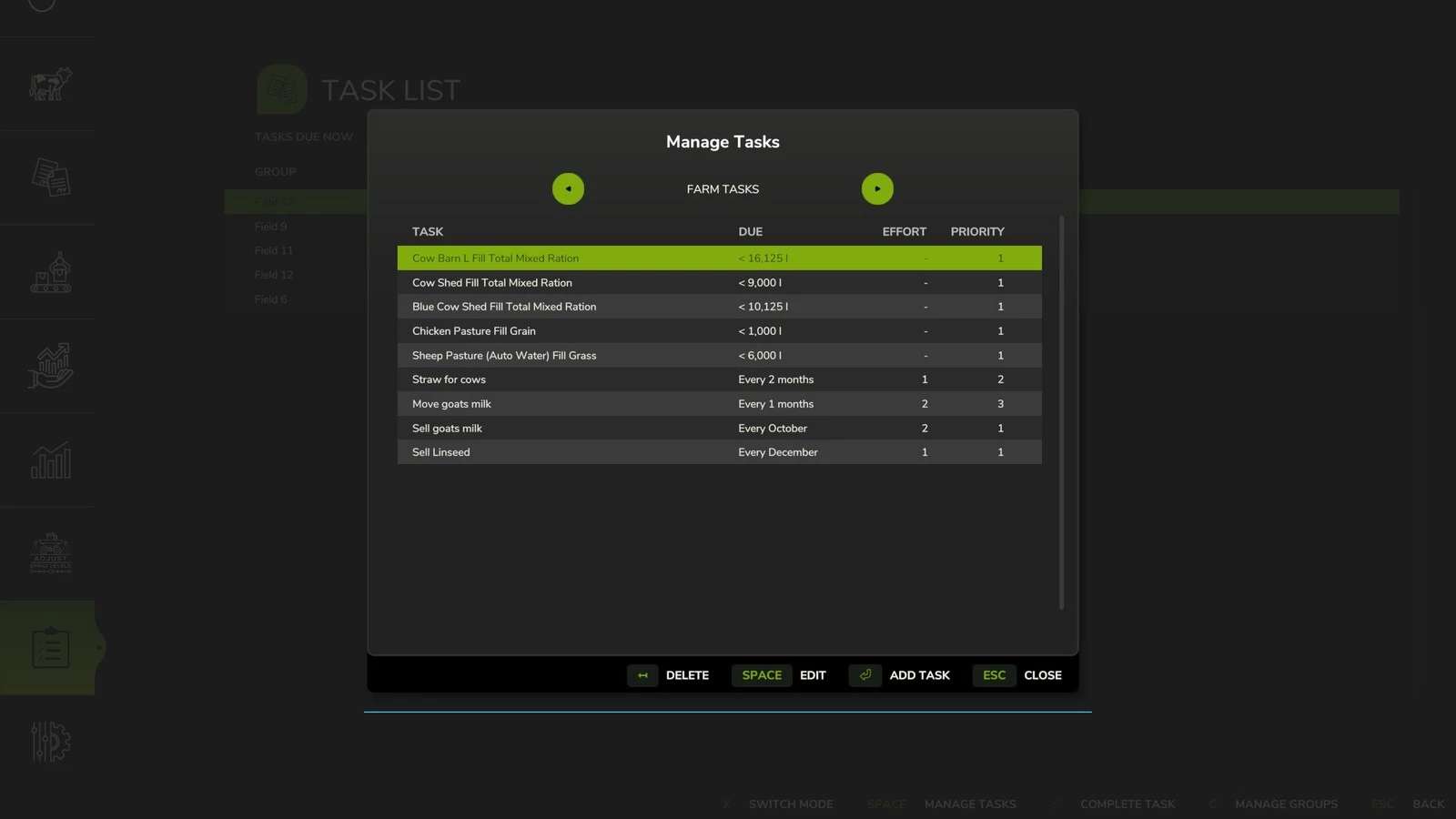
– Added tracking tasks for animal conditions e.g slurry, straw etc
– You can now track the total food level for a husbandry
– You can now track inputs and outputs for productions
– Fixed a non-damaging error when saving
– Fixed bug with sending client state in multiplayer
If you find yourself taking notes of what tasks you need to do, or even using external software, then Task List is here to help.
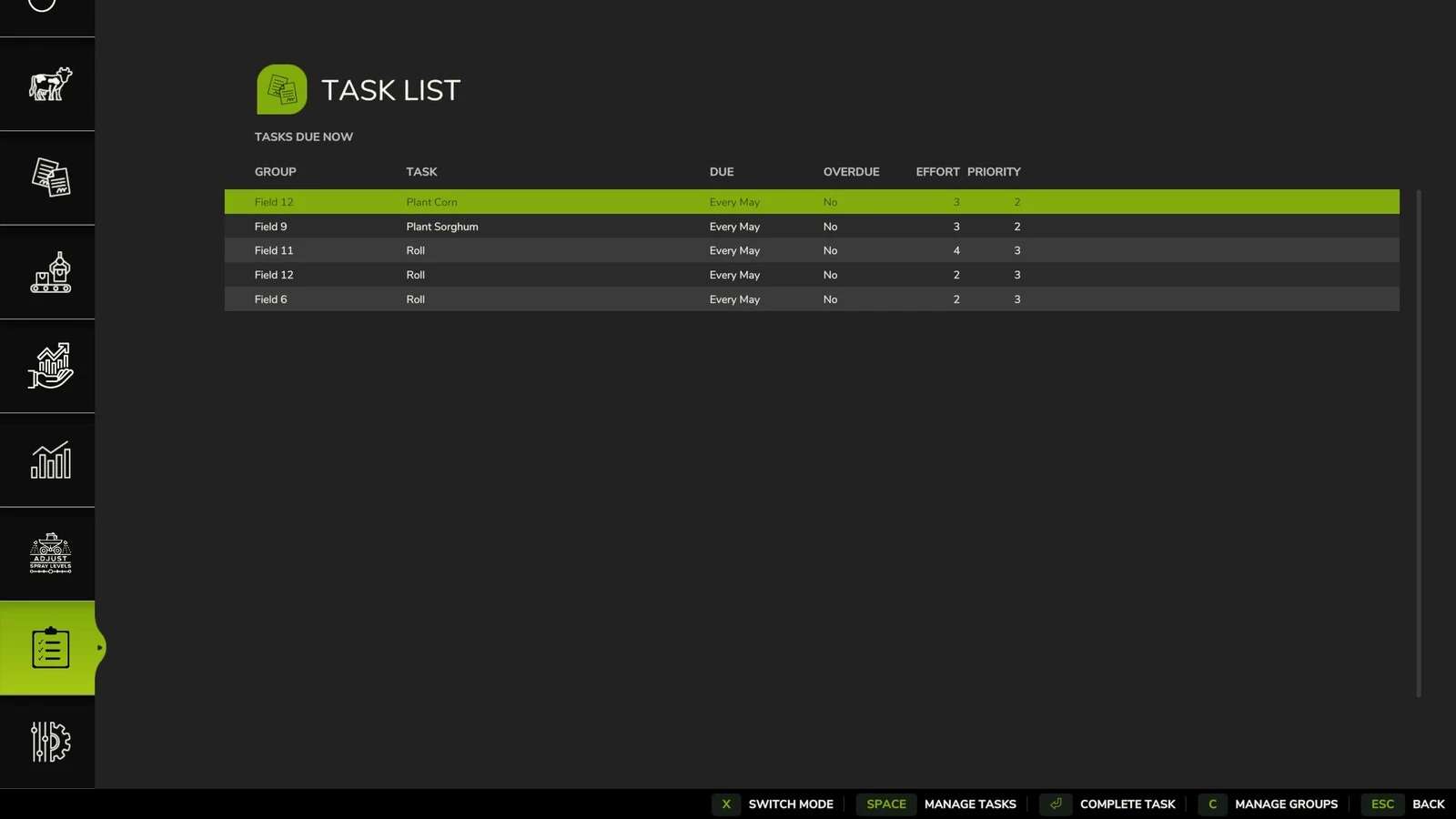
On the main menu, just above Settings, you will find a new menu with a clipboard icon.
Use this menu to get started with the following features:
– Create groups to contain related tasks, such as Field 10 or General Farm Tasks.
– Create one-off tasks or tasks that recur daily, monthly, every N months, or every N days.
– Give tasks a priority so you know what to do first.
– Buy a new field and want to copy tasks from an existing field? No problem, you can do this in seconds.
– Got lots of fields and want to manage them as one? Create a template and use that repeatedly.
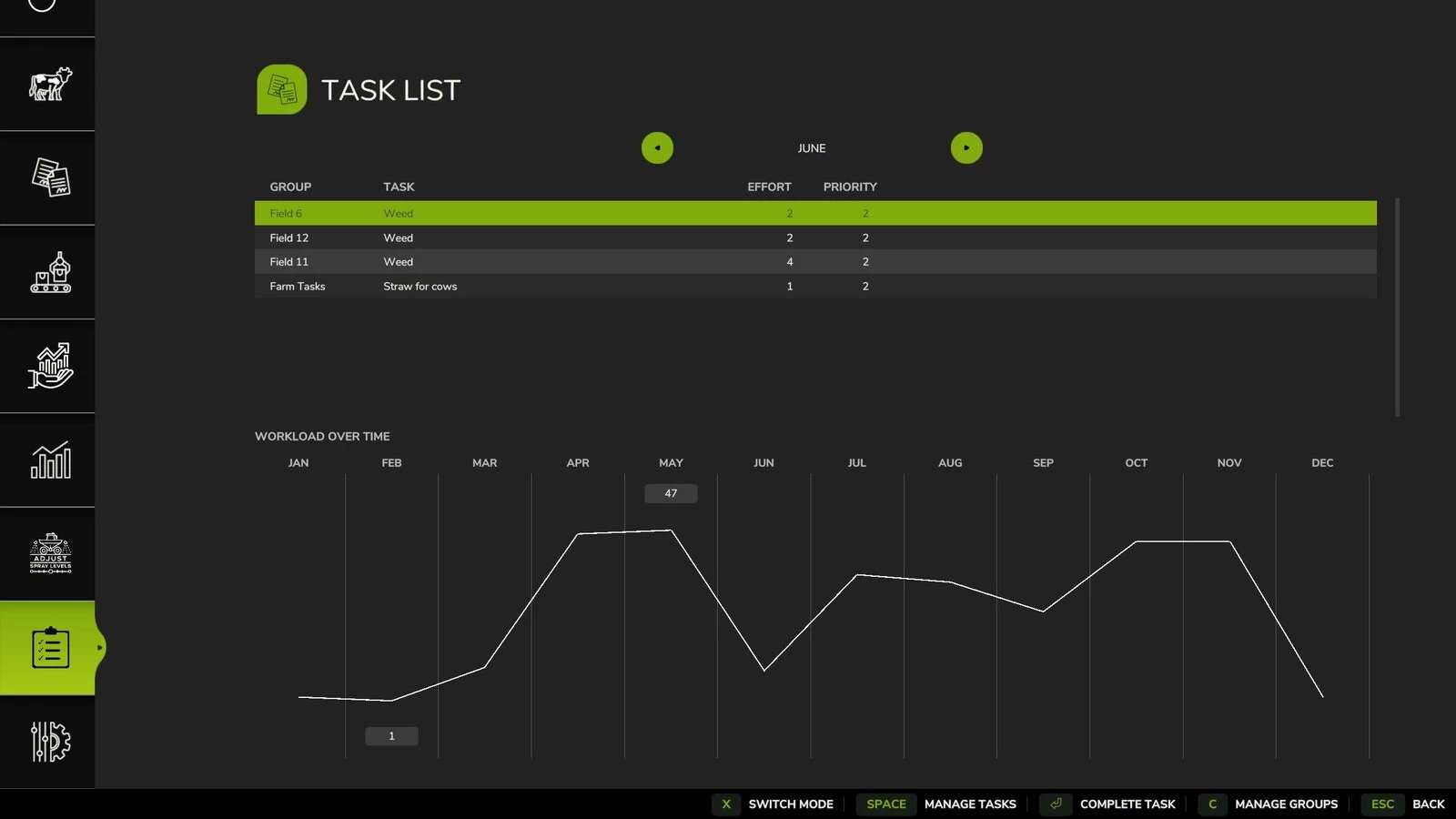
– View currently due tasks in the menu and mark them complete when you’ve done them.
– Plan ahead by looking at cumulative effort throughout the year. Also look ahead at the coming 12 months to see what tasks are coming up.
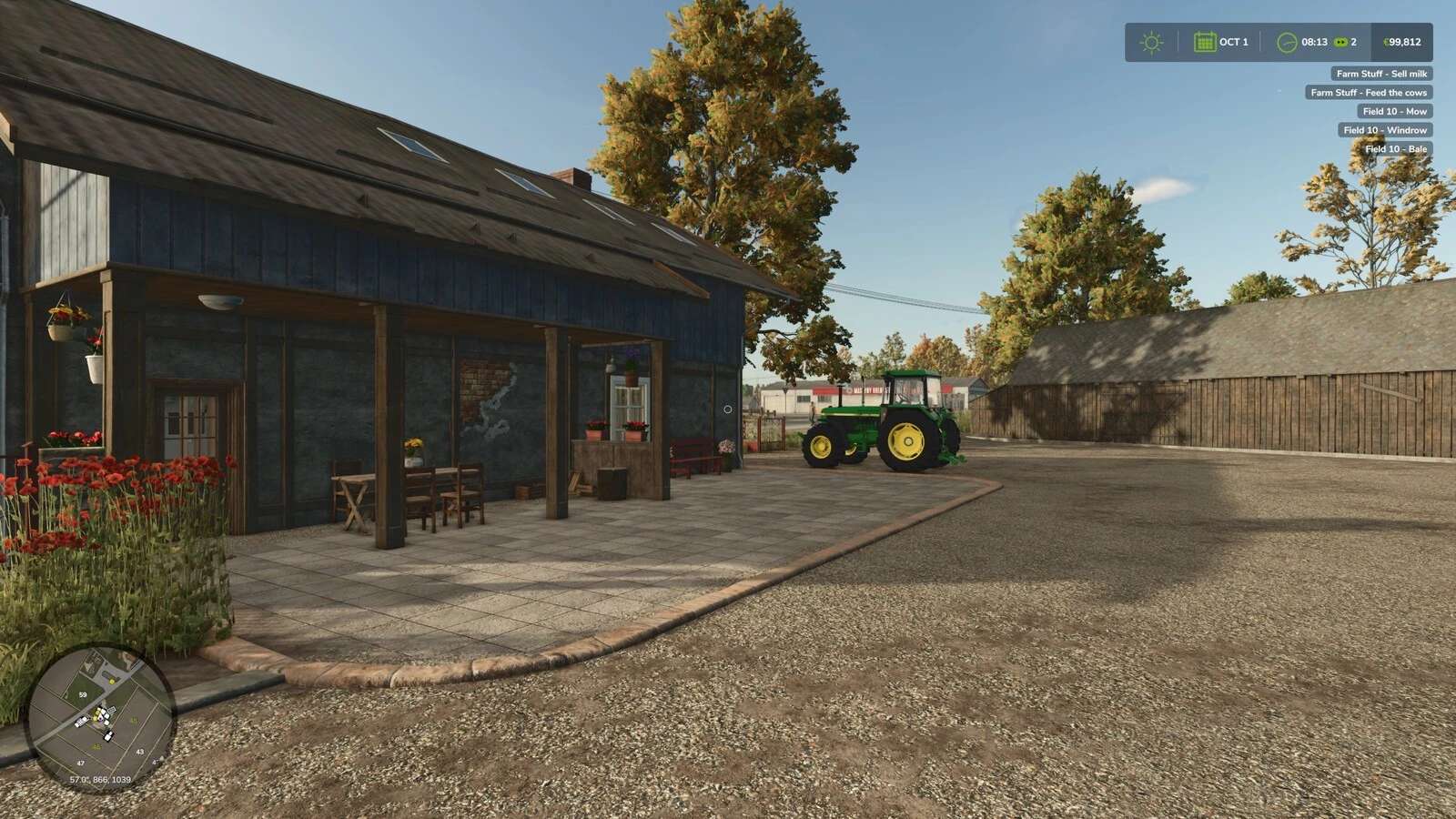
– View currently due tasks without checking the menu by pressing Shift + T
– Automatically track levels for animal food, conditions and production levels.
Ozz