BUG ModManager V2.9.0.1 FS25

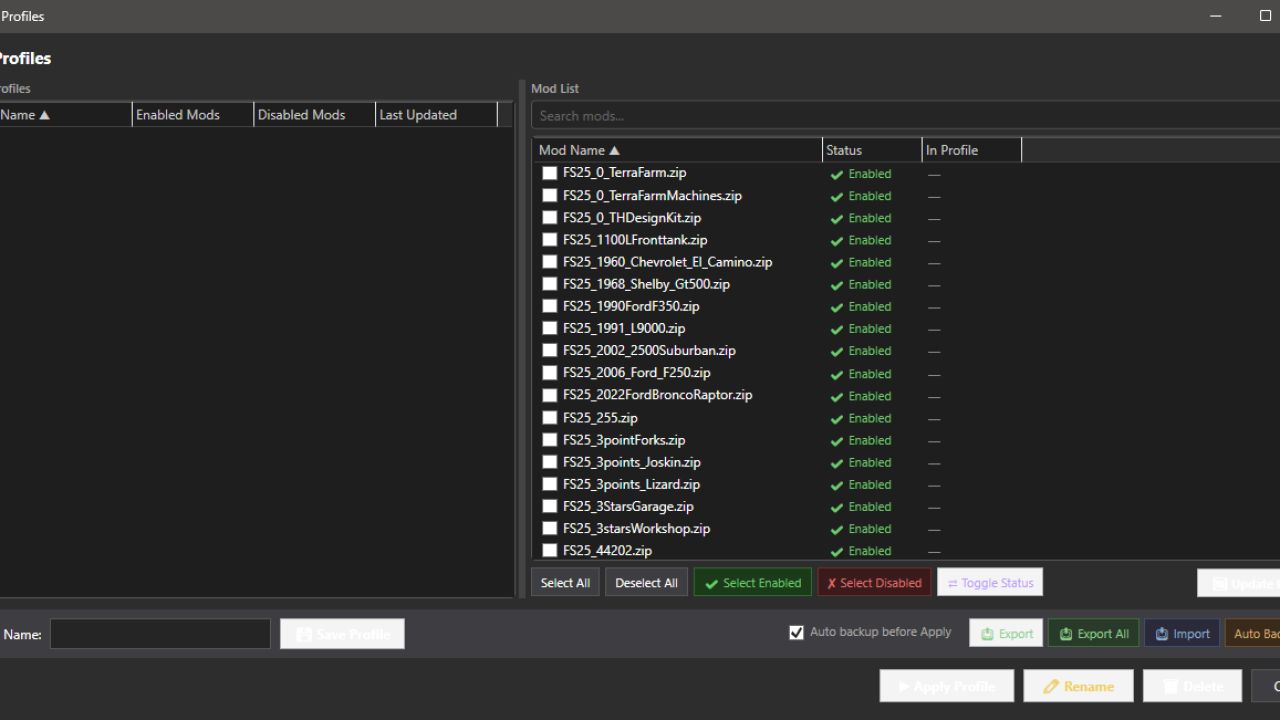
BUG ModManager V2.9.0.1 FS25
This is NOT a MOD! It’s a program for managing your mods before starting the game. Keep the program in a different location than your mod folder.
Technically, it works like this:
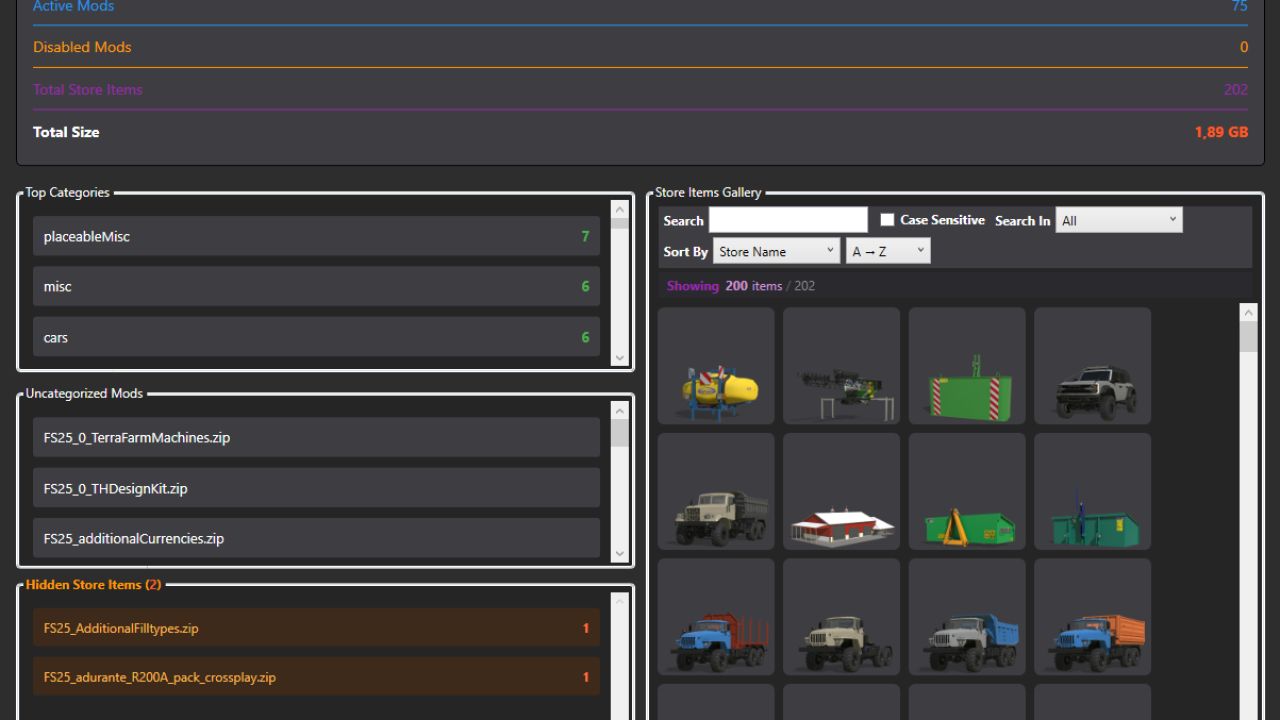
All mods contain a file called modDecs.xml. The game first reads this file and then, using the relevant instructions within the file, accesses other files it needs to read. The program works on a similar principle. First, it finds the modDecs.xml file within the mod’s ZIP file. Then, it retrieves what it needs from this file and performs its functions. If the program displays an ERROR window upon startup, it means that the modDecs.xml file is either missing or contains an unreadable error in the relevant MOD file. It can work in all FS games with this structure. I developed and tested it for FS25.
Usage:
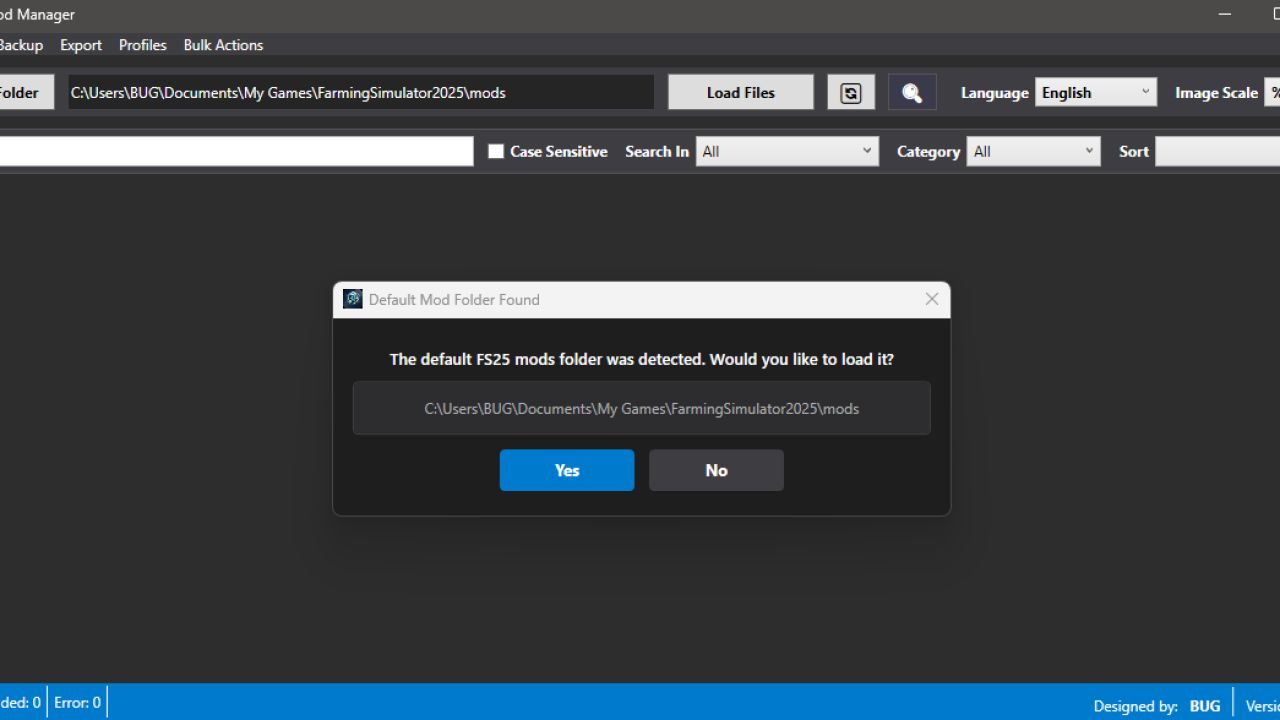
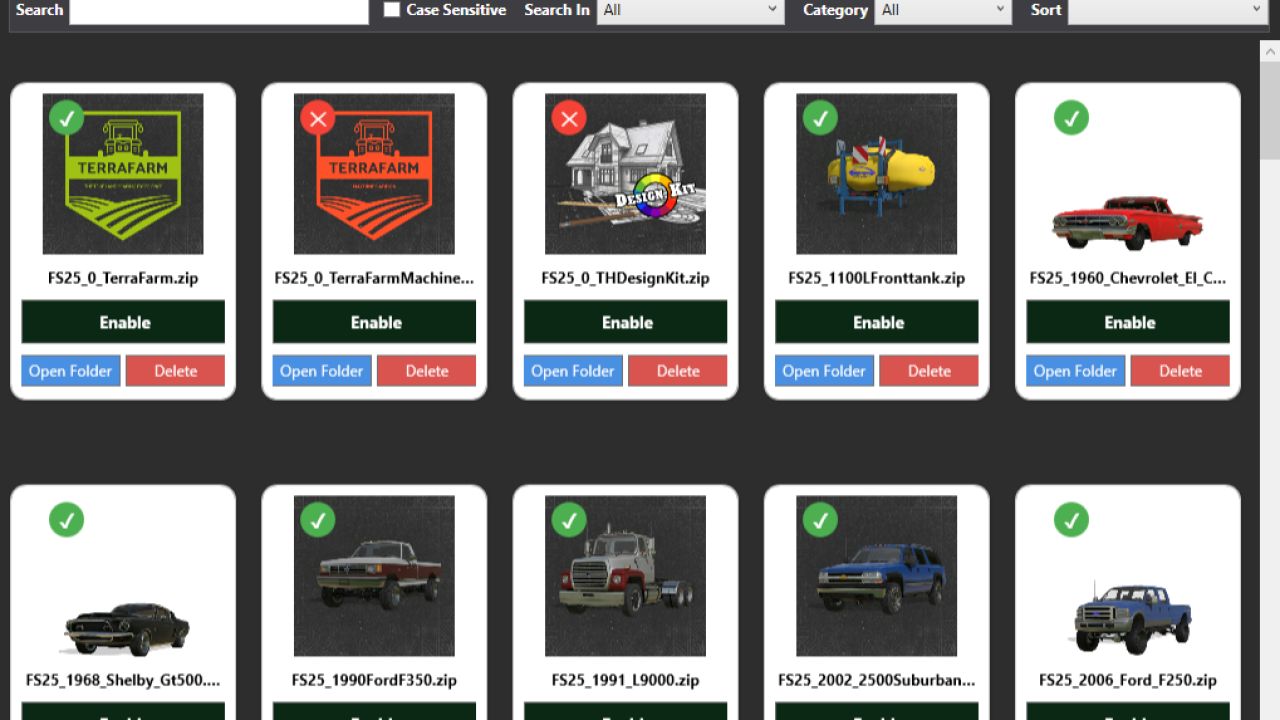
From the left menu, select the MOD folder located in any location. If you haven’t changed it, it’s in “C:/Users/%username%/Documents/My Games/FarmingSimulator2025mods”. After clicking the “Upload Files” option, you wait for the mods to be listed. If there are no errors when the mods are listed, you will receive a notification that the process was successful. Clicking “OK” will make everything ready for use. If you receive an error, the relevant window will provide the necessary instructions. Next to the “Upload Files” button, there is a “Refresh” button. Its function is to transfer only the changes to the list without reloading the entire mod. If you download a new mod or manually delete one outside the program, it will only transfer the changes without closing the program.
Thank you in advance to everyone who shows interest.
Update Roadmap:
Support for additional languages. Primarily German and Russian.
ModHub Update Check: I believe I can implement this using an HTML-based approach. As far as I can tell, Giants does not currently offer API support for this. I can enable this functionality for mods hosted on platforms like GitHub that utilize static HTML links. A system would be established allowing users to enter the HTML addresses of specific sites—provided they have fixed URLs and consistent content structures—via a menu; the tool would then perform mod update checks by monitoring these designated sites.
Drag & Drop Installation: A feature allowing users to install a mod simply by dragging and dropping it into the program window. This process could also work in reverse, enabling users to move a mod from the program to any other location by dragging it out.
Mod Notes: A feature to add custom notes for each individual mod displayed within the mod window.
ModCard Selections: The ability to perform specific actions on multiple mods simultaneously using multi-selection.
Mod Search History: A log of the last 5 search queries performed. This number is subject to change, though I believe 5 should be sufficient.
#Right-Click Context Menu for ModCards: I am currently undecided on this feature. If I were to implement it, the main menu would display only the mod thumbnails, requiring users to utilize the right-click context menu to access specific mod details and options. While this might offer a visually cleaner interface, it could potentially result in a less efficient user experience in terms of functionality.
V2.9.0.1
Some language translation errors have been corrected.
BUG05