BUG ModManager Pre-Final v3.3.5.0 FS25

BUG ModManager Pre-Final v3.3.5.0 FS25
This is not a MOD!
Version 3.3.5.0 changes:
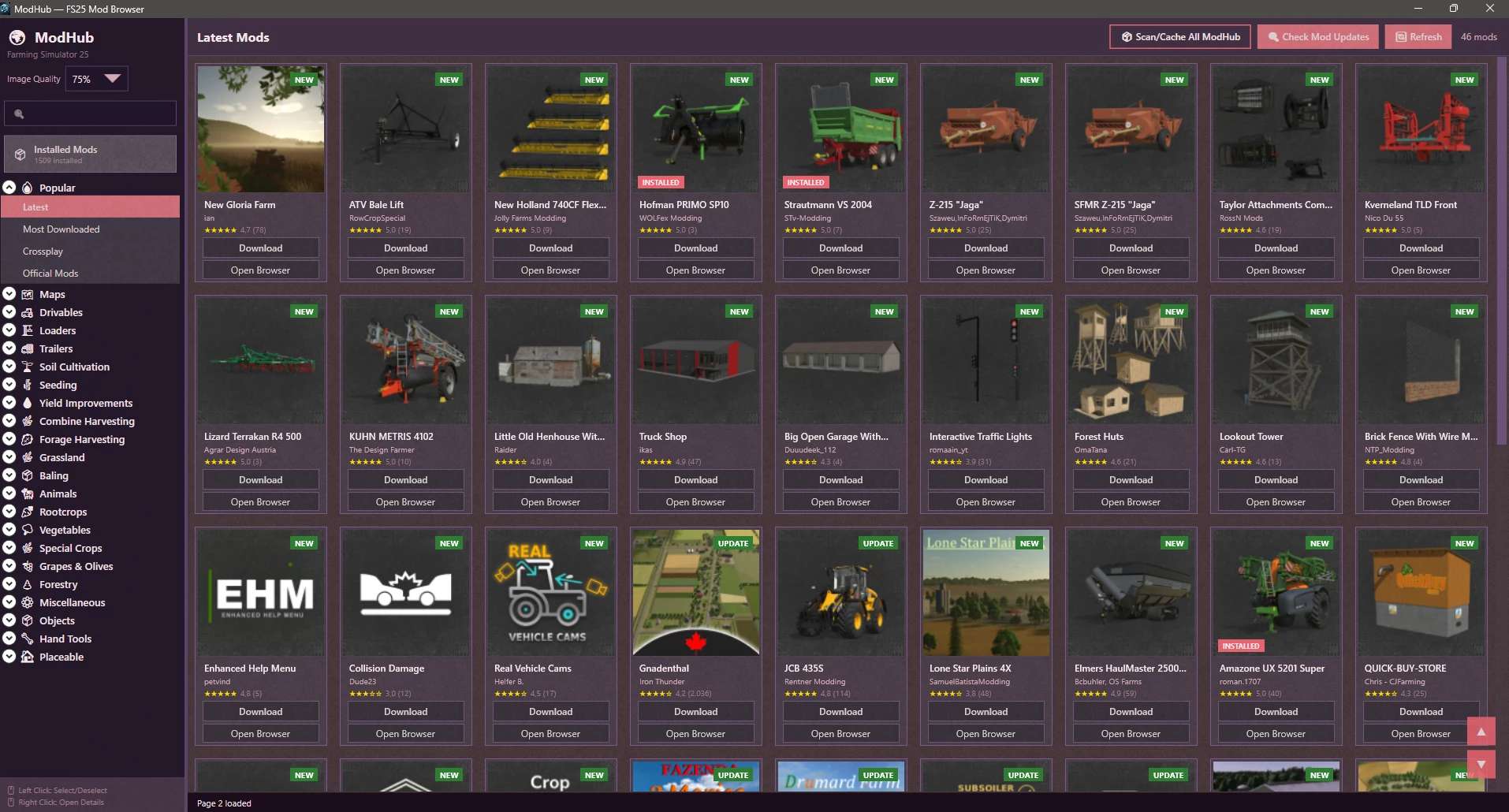
1. A “Non Installed Mods” filter has been added to ModHub. It only shows mods that are not installed.
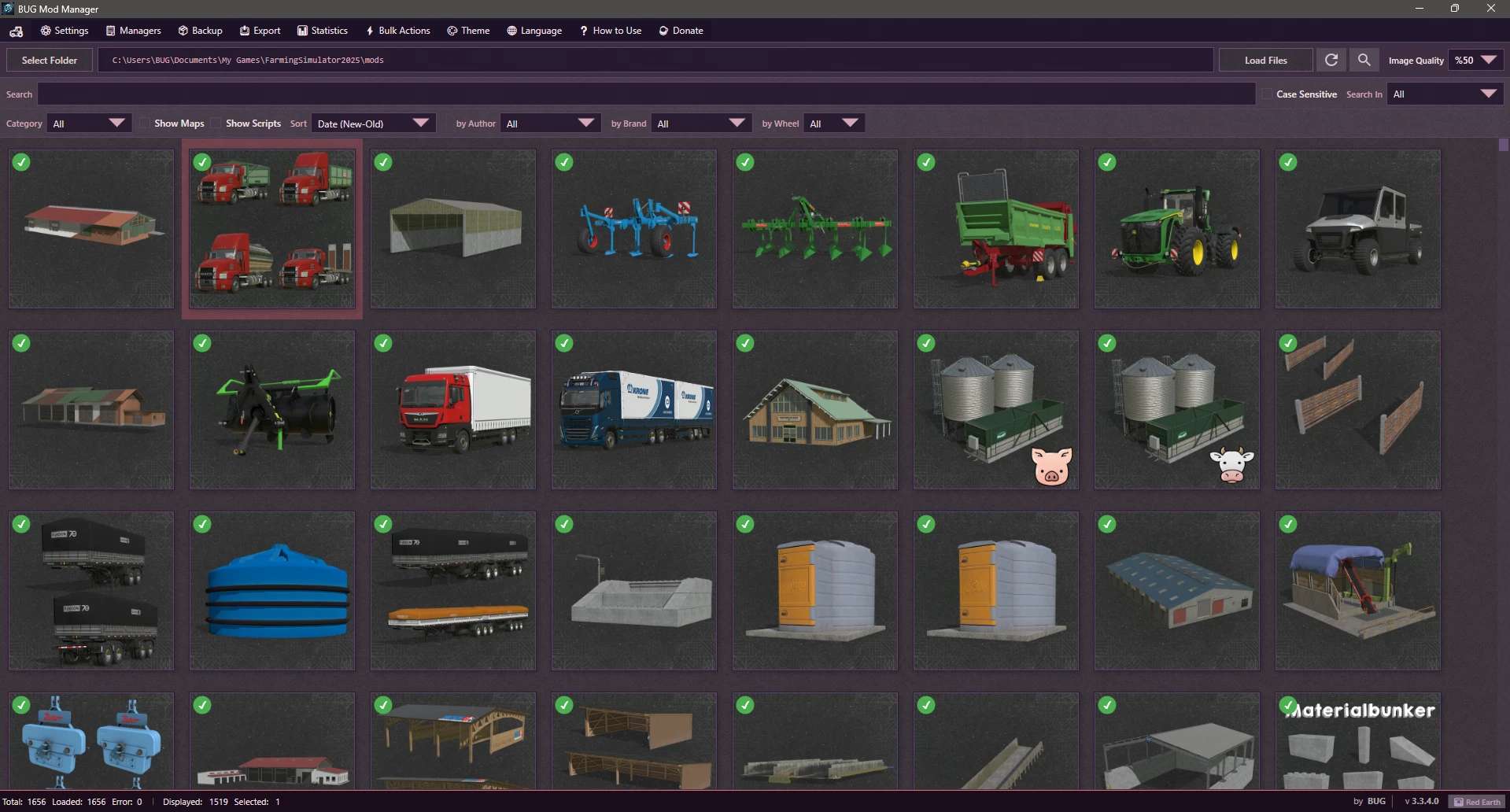
2. A filter has been added to the main menu to only show mods with added notes.
3. Performance and Speed Optimizations (Freezing Issues Fixed): Heavy disk operations such as saving, backing up, opening/compressing ZIP files, and editing details of large mod files will no longer cause the application screen to drop to “Unresponsive”. Additionally, the mouse cursor will show the waiting status.
4. Most crashes due to unexpected errors have been prevented. The application will no longer crash completely when searching on ModHub, switching between categories, pressing the refresh button, or when the internet connection is lost. In such cases, the application will now continue to work safely and will show you the error in the status bar or in an alert box.
5. Folder refresh errors have been fixed. If a problem occurs when refreshing your mod folder, such as a locked file, permission issue, or inaccessible folder, the application will detect the situation without giving an error and inform you.
6. Some theme and translation errors have been corrected.
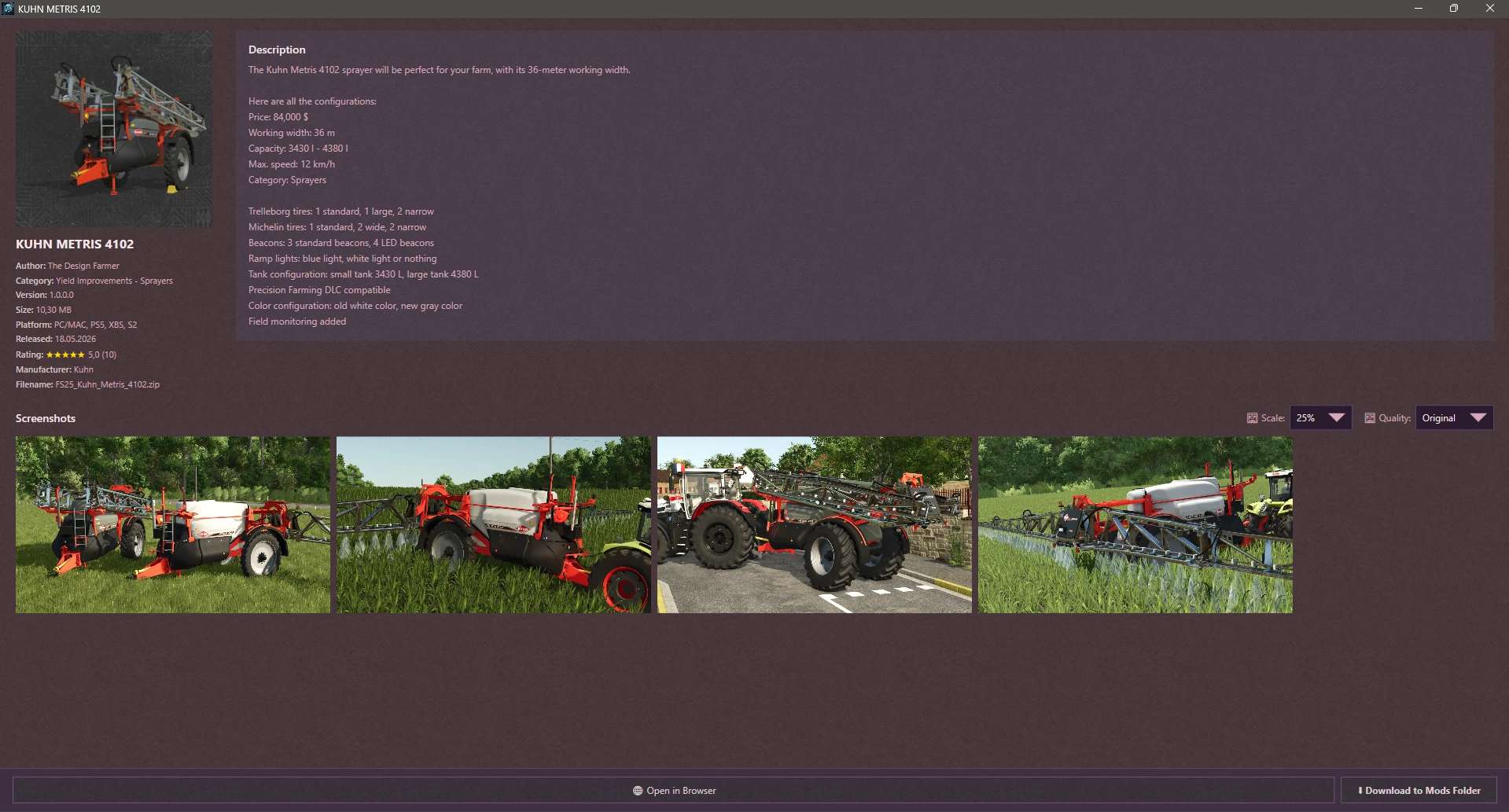
It is a program that allows you to manage your mods before launching the game.
Keep the program in a different location from the folder where your mods are stored.
Technically, it works as follows:
Every mod contains a file named modDecs.xml.
The game first reads this file and then uses the relevant instructions within it to locate the other files it needs to read.
The program works on a similar principle. It first locates the modDecs.xml file inside the mod’s ZIP file.
Then it retrieves the necessary information from this file and executes the corresponding functions.
I had to spend money to develop version 3.0.0.0 of the program.
If you’d like to support the project, you can make a donation toward its development.
The relevant section is available within the program. Thank you in advance to everyone who has shown interest.
Installation :
No installation is required. Simply extract the file to a folder.
NOTE 1:
Cache and other files generated when the new ModHub integration is run accumulate next to the EXE file.
In versions after 3.3.0.0, simply modifying the EXE file prevents the program from rebuilding everything from scratch.
NOTE 2:
Make sure you enter the correct EXE file paths when the program starts. The default paths are listed below.
NOTE 3:
Starting with this version, updates and fixes will be delayed due to financial constraints.
Once I have resolved my personal financial situation, the program’s development process will return to its previous pace.
Steam/Epic Paths :
SavePath : Documents/My Games/FarmingSimulator2025
ModPath : Documents/My Games/FarmingSimulator2025/mods
GamePath Steam : C:/Program Files (x86)/Steam/steamapps/common/Farming Simulator 25
GamePath Epic : C:/Program Files/Epic Games/FarmingSimulator25
Xbox Paths :
SavePath : Documents/My Games/FarmingSimulator2025
ModPath : C:/Users/[Username]/AppData/Local/Packages/GIANTSSoftware.FarmingSimulator25PC_[RandomID]/LocalCache/Local/mods
GamePath Xbox : C:/Users/[Username]/AppData/Local/Packages/GIANTSSoftware.FarmingSimulator25PC_[RandomID]/LocalCache/Local/
IMPORTANT! :
I’ve tested everything, but it’s not possible for me to try every possible scenario.
Therefore, if you encounter an error, please share the crash.log file created alongside the program’s EXE file and a screenshot of the error.
NOTE:
The program can run on its own, but it still includes a dependency checker.
If it prompts you to install .NET 8, you can download it from the official Microsoft website.
BUG92