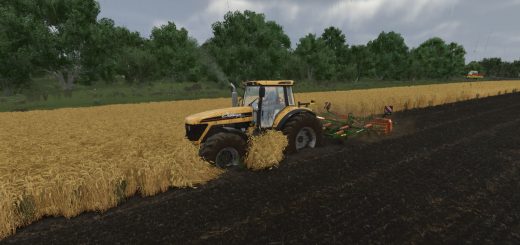
Dynamic interior camera when turning V1.0.0.0 FS25
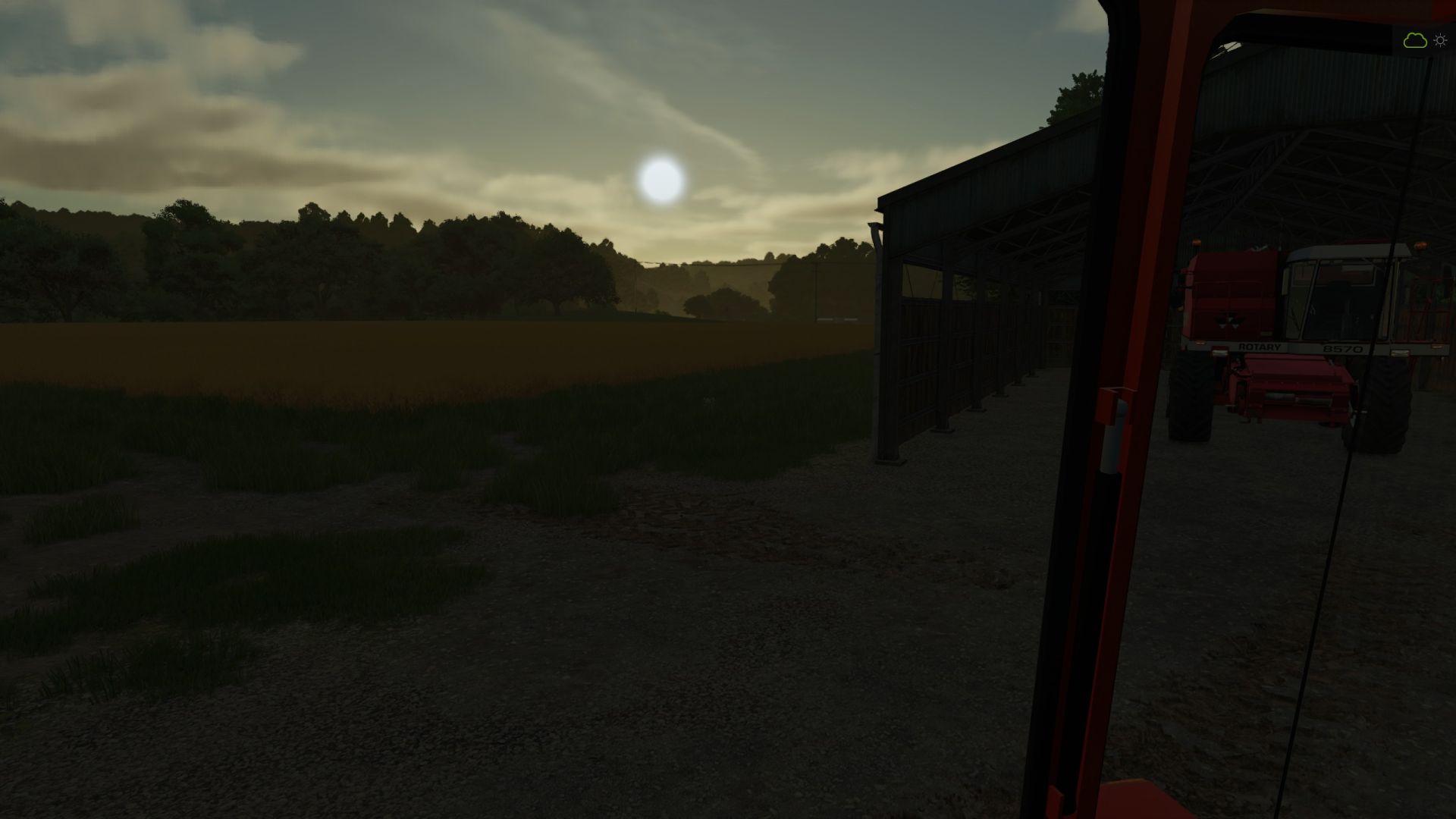

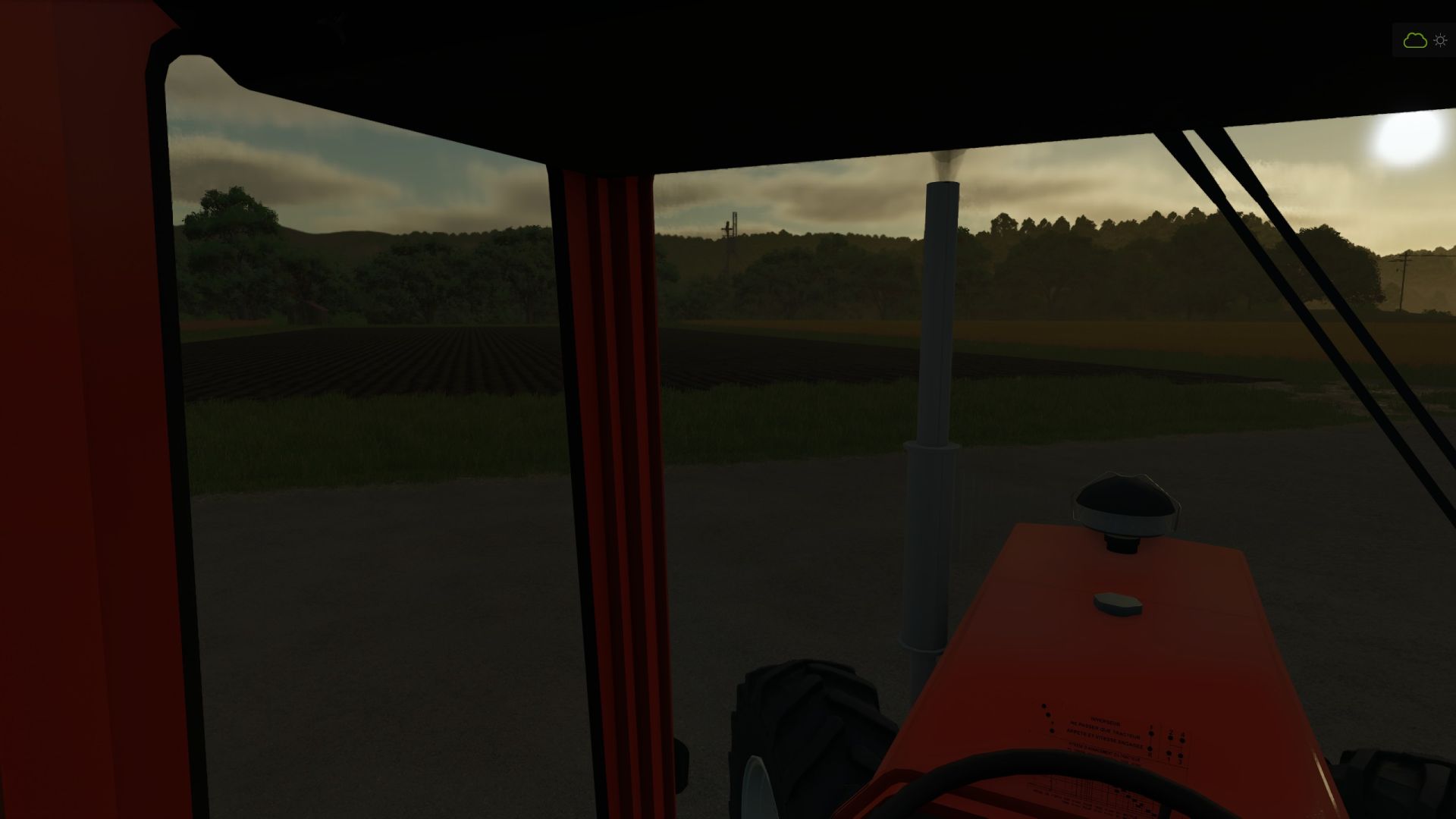
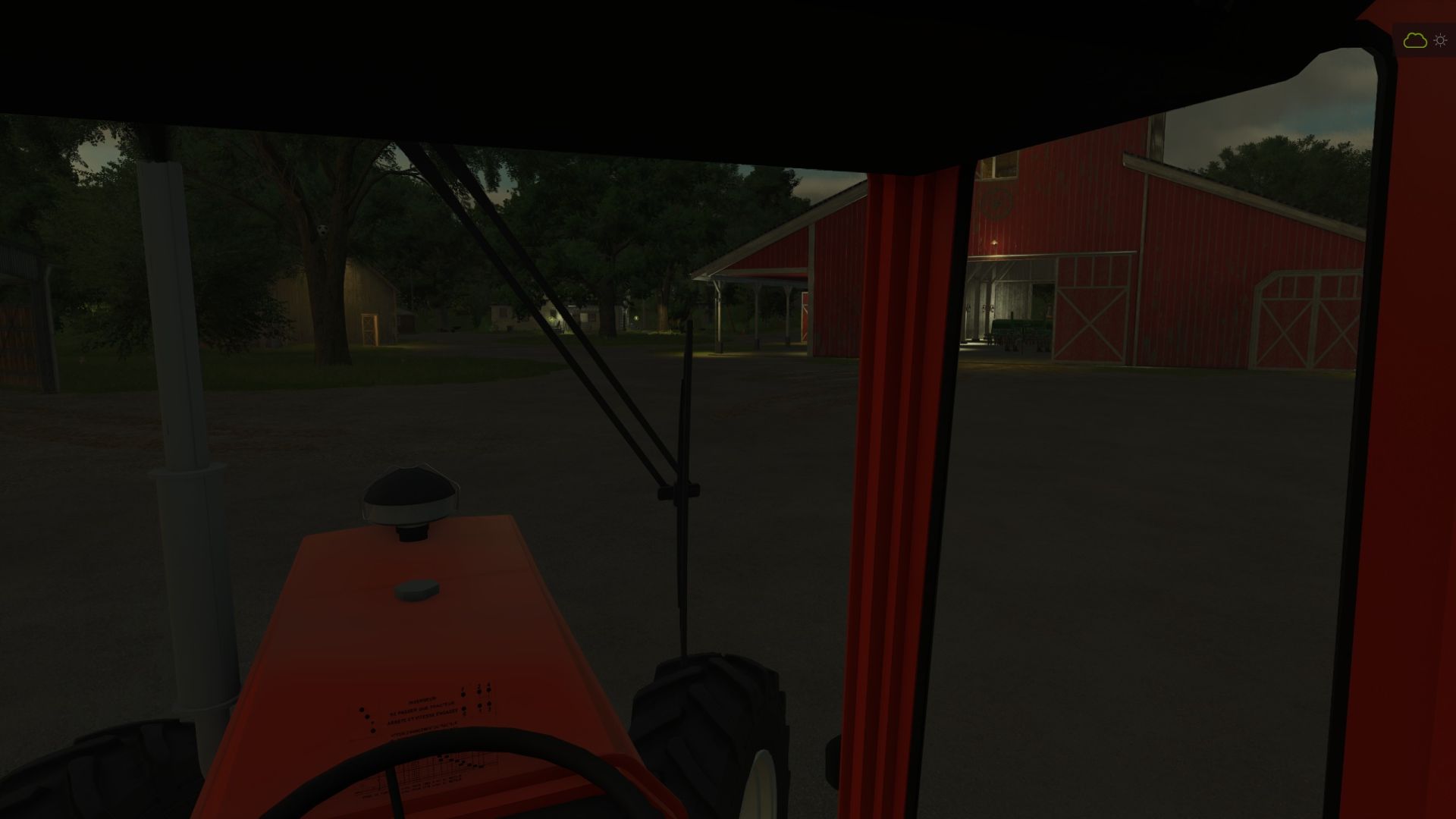
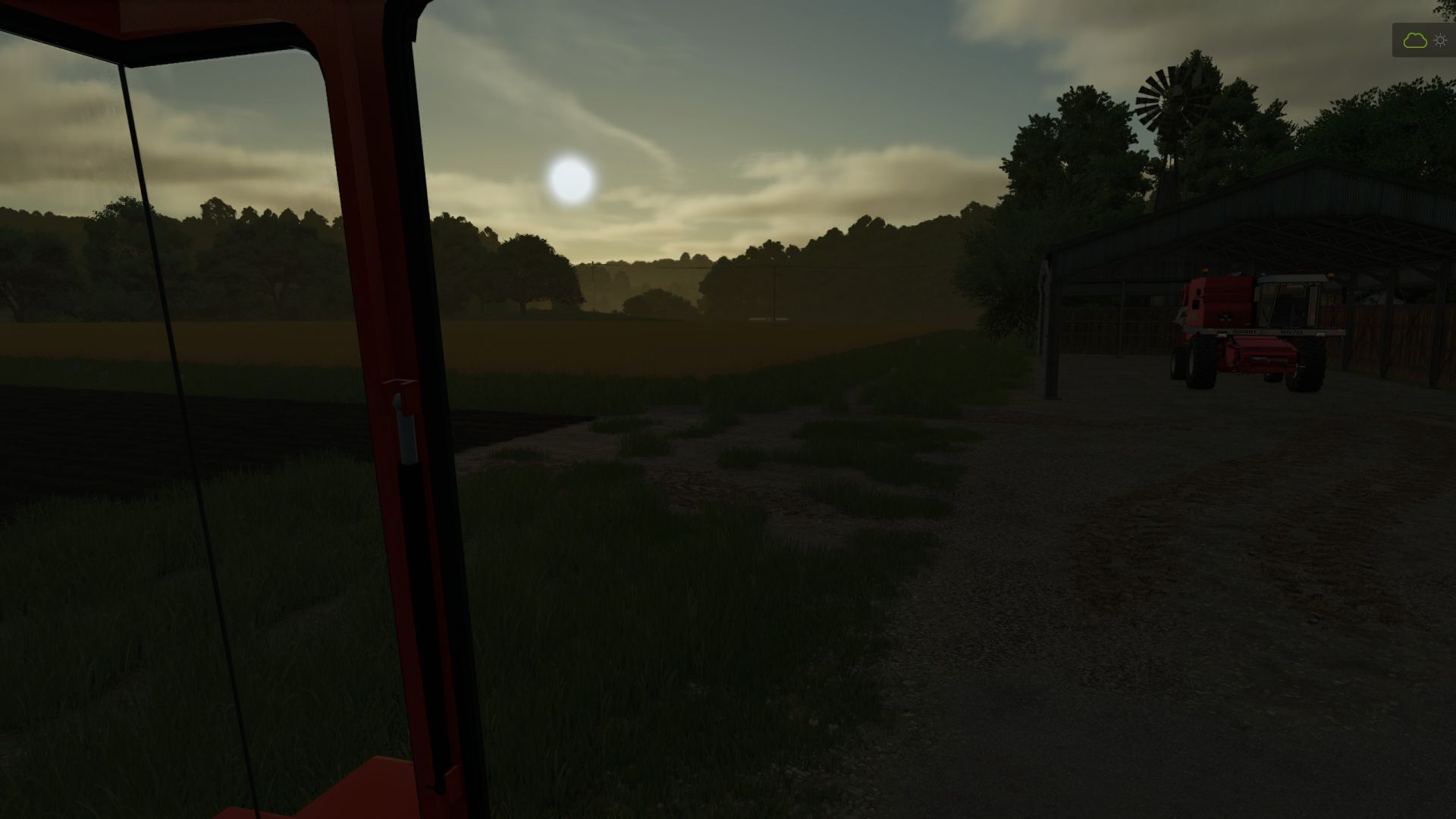
Dynamic interior camera when turning V1.0.0.0 FS25
Operation:
– active only in interior view;
– the camera reacts to the actual rotation of the vehicle;
– no reaction if the steering wheel turns while the vehicle remains stationary;
– the tighter the turn, the more the camera looks around the turn;
– gradual return to the center;
– automatic switch to rear view as soon as reverse gear is selected;
– reversing to the right: camera 165° to the right rear;
– reversing to the left: camera 165° towards the left rear;
– by moving straight back, the camera keeps the last side detected;
– the left/right change is done around the rear without going back to the front;
– progressive return to the front when forward gear is selected;
– the mouse and joystick continue to move the camera normally;
– multiplayer compatible, because the effect is only local and visual.
Advanced settings:
The values are at the beginning of the file:
src/FirstPersonTurnCamera.lua
MAX_ANGLE_DEG = maximum forward camera angle.
MIN_SPEED_KMH = minimum speed before activation.
YAW_SAMPLE_TIME = duration of the average which stabilizes the rotation.
YAW_FILTER_RESPONSE = smoothing of the actual vehicle rotation.
FOLLOW_RESPONSE = speed of movement towards the turn.
RETURN_RESPONSE = speed of return to center.
REVERSE_RIGHT_ANGLE_DEG = right rear angle (-165°).
REVERSE_LEFT_ANGLE_DEG = rear left angle (+165°).
REVERSE_SIDE_SWITCH_YAW_DEG = rotation required to switch sides when moving backwards.
REVERSE_SIDE_MIN_SPEED_KMH = minimum speed to detect reversing side.
REVERSE_FOLLOW_RESPONSE = speed of pivoting backwards.
REVERSE_RETURN_RESPONSE = speed of return after reversing.
Version 1.0.1.0: Removed stuttering caused by irregular physics updates.
Version 1.1.0.0: Added automatic camera rotation when switching to reverse.
Version 1.2.0.0: Added rear left and rear right views depending on the actual direction of recoil.
Installation:
Place the ZIP file directly in:
Documents/My Games/FarmingSimulator2025/mods
Then activate the mod in the save.
Zarthars