AI Farm Manager V2.2.3.0 FS25

AI Farm Manager V2.2.3.0 FS25
YOUR FARM FINALLY HAS A MANAGER — one that actually reads your save, watches the prices, and taps you on the shoulder when it matters.
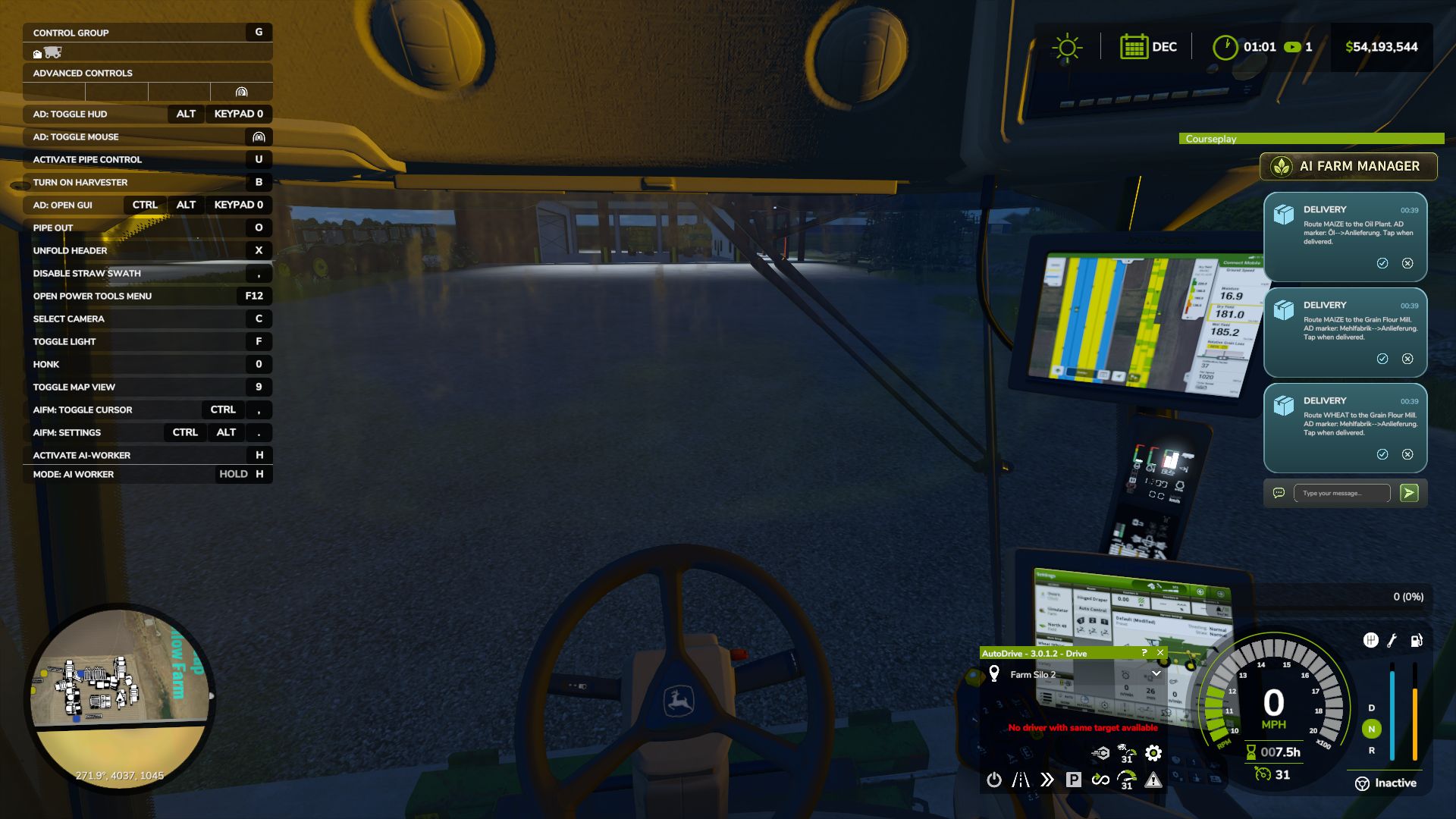
AI Farm Manager 25 gives your farm a real manager: an AI that reads your ACTUAL savegame — cash, fields, fleet, prices, weather, the clock — remembers your farm across sessions, and pops colour-coded cards onto your screen the moment something needs a decision. Answer right there in the game with a click or a typed reply, and it answers back.
FIRST, THE HONEST BIT (READ THIS)
This .zip is only HALF the mod — the part that lives in your game and puts messages on your screen. The other half is the brain: a free tool called Claude Code that runs on your PC and IS the manager. The two talk through tiny files on disk. Install only the .zip and nothing happens — you need the companion set up too (2-minute one-time setup, link below). The upside: you pick the AI. Point it at a cloud model, or run one 100% locally and free with Ollama — either way, your farm data never leaves your computer.
HOW IT WORKS
1. You play. FS25 saves your farm to disk as usual.
2. The manager reads it — cash, land, fleet, crops, contracts, silos, prices, weather — straight from your save files. It reads; it never guesses, and it never writes your save.
3. When something actually matters, it drops a card on your screen mid-game — a ripe crop about to spoil, fertilizer at its annual low, a silo filling up.
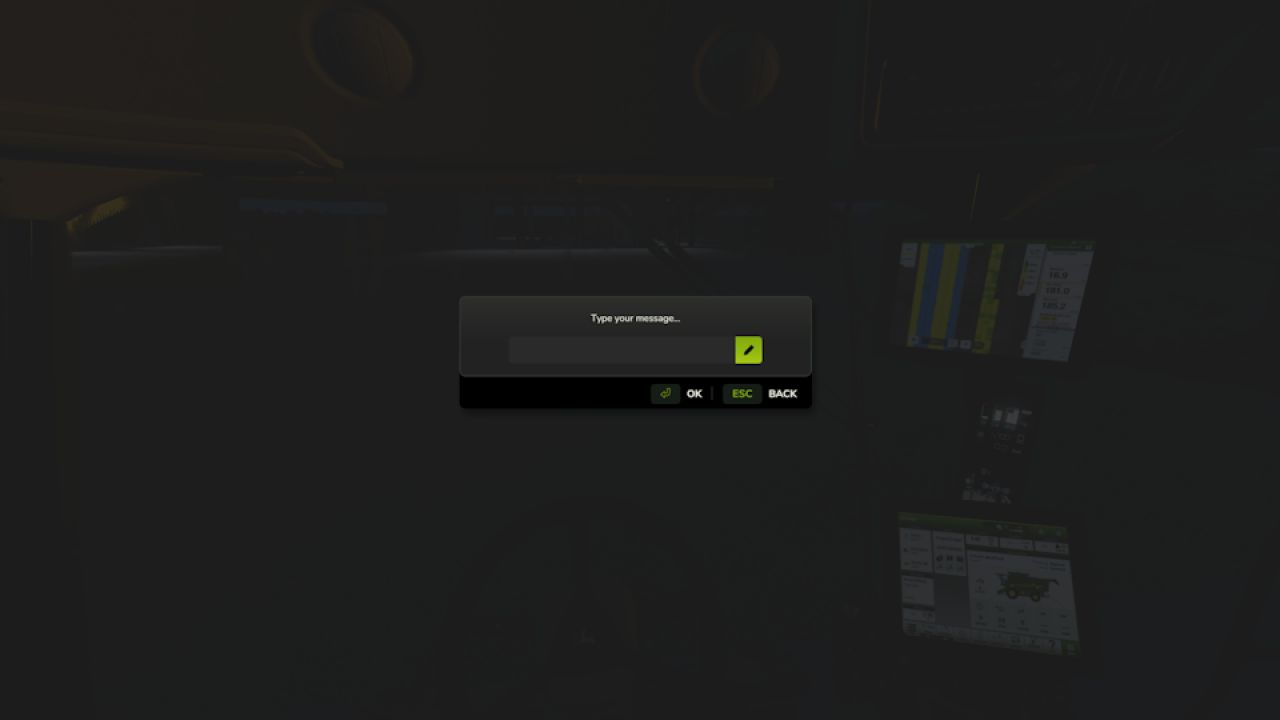
4. You answer in the game — click 👍/👎, acknowledge, dismiss, or type a free-text reply. Bring your mouse cursor up the way you already do for AutoDrive / Courseplay.
5. It reacts — reads your answer, remembers it, and follows up. Then it idles at basically zero cost until the next real event.
WHAT IT DOES FOR YOU
Real memory — a per-farm history of decisions, plans, and YOUR house rules, so it starts every session already caught up.
Buy/sell price sense — grain flagged at its seasonal peak; seed / fertilizer / lime / herbicide flagged at their annual low — and only if you actually own the storage to stockpile.
Used-equipment reality check — “is this listing actually a bargain?” answered against real new prices.
Planning that respects timing — what to buy and WHEN, not just what.
Notifications you can trust — colour-coded cards (green ok / blue info / amber warn / red critical) with 31 context glyphs. It under-sends on purpose: silence is the default, and it only interrupts when it’s worth your hands off the wheel.
Your overlay, your way — persistent panel or classic pop-ups (toggle Ctrl+Period), movable and restylable, and your unanswered cards survive a restart.
Two-way, for real — it reads your clicks and typed replies back; a double-click can’t double-count.
WHAT IT WILL NEVER DO
Never writes to your savegame — not once, not ever. 100% read-only against your game.
Never phones home — everything stays on your PC (run it on a local model and your farm data never touches the internet at all).
Client-side only, safe for singleplayer AND multiplayer; changes no gameplay system.
WHAT YOU’LL NEED
Farming Simulator 25 + this mod (PC).
Claude Code installed on your PC — the free companion that runs the manager.
An AI model for it to use — your choice: a Claude / Anthropic account, an OpenRouter key, or a free local model via Ollama.
Python 3 (standard library only — nothing to pip-install).
A one-time 2-minute setup: start Claude Code in your farm folder and say “set up my farm manager.”
Currently WSL / Linux-oriented on Windows (it uses /mnt/c/… paths). To click card buttons you need a mouse cursor on screen (AutoDrive’s MMB, Courseplay’s RMB, or any cursor mod).
THIS IS EARLY — HELP SHAPE IT
Built for Claude Code today; more AI CLIs may follow as the community asks. Got a feature idea or hit a bug? Please open it on GitHub.
Made by Parzival. Reads everything, guesses nothing, and stays on your machine.
V2.2.3.0
Added
Setup now asks how you want to play your scenario, challenge, or preset — so the manager’s advice fits your run from the start.
Mouse-wheel scrolling through the on-screen card stack.
A draggable scrollbar on the card panel, so you can scroll through your notifications even without a mouse wheel.
A dedicated keybind (Ctrl+Comma) to raise or lower the mouse cursor on foot, so you can click, drag, and scroll the notification panel without needing to be in a vehicle.
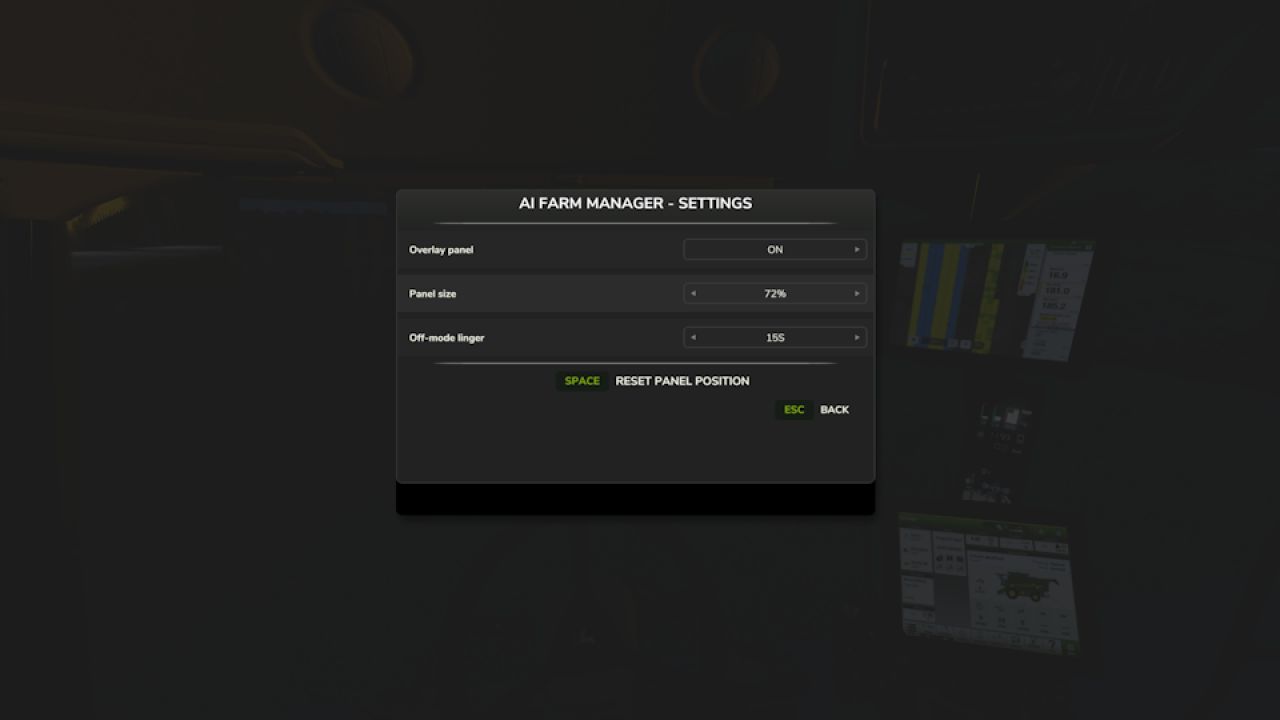
A settings page (Ctrl+Alt+Period, on foot or in a vehicle): toggle the panel on/off, change its size, reset its position, and set how long messages linger when the panel is off.
The manager now keeps a single running plan for your farm read at the start of every session and updated as decisions are made instead of only tracking scattered long-term notes. Nothing to set up; it starts empty and fills in as you play.
Changed
The manager now remembers your game settings such as season length and crop growth mode between sessions, instead of only reading them once during setup.
Session history now tracks the in-game season and day, so your progress reads on the farm’s own calendar rather than only the real-world date.
Shortened the mod’s keybind names so they no longer get cut off in FS25’s Controls menu.
The notification overlay now renders at higher resolution, so the cards, panel, and top bar stay crisp on high-resolution (1440p/4K) displays instead of looking soft, and the scrollbar sits clear of the cards.
Fixed
When several notifications were active, the on-screen card list could grow to fill most of your screen. It’s now capped to a fixed number of visible cards, with the rest reachable by scrolling.
Bales stored in modded storage sheds weren’t counted in your farm’s holdings. They’re now detected and included in your totals.
Removed a stretched backdrop panel behind the cards that distorted their rounded corners. Cards now render cleanly.
Long notification titles no longer run past the edge of the card or overlap the timestamp they’re shortened with an ellipsis when needed.
therealparzival