Irrifrance Optima 1036 V1.0.0.3 FS25
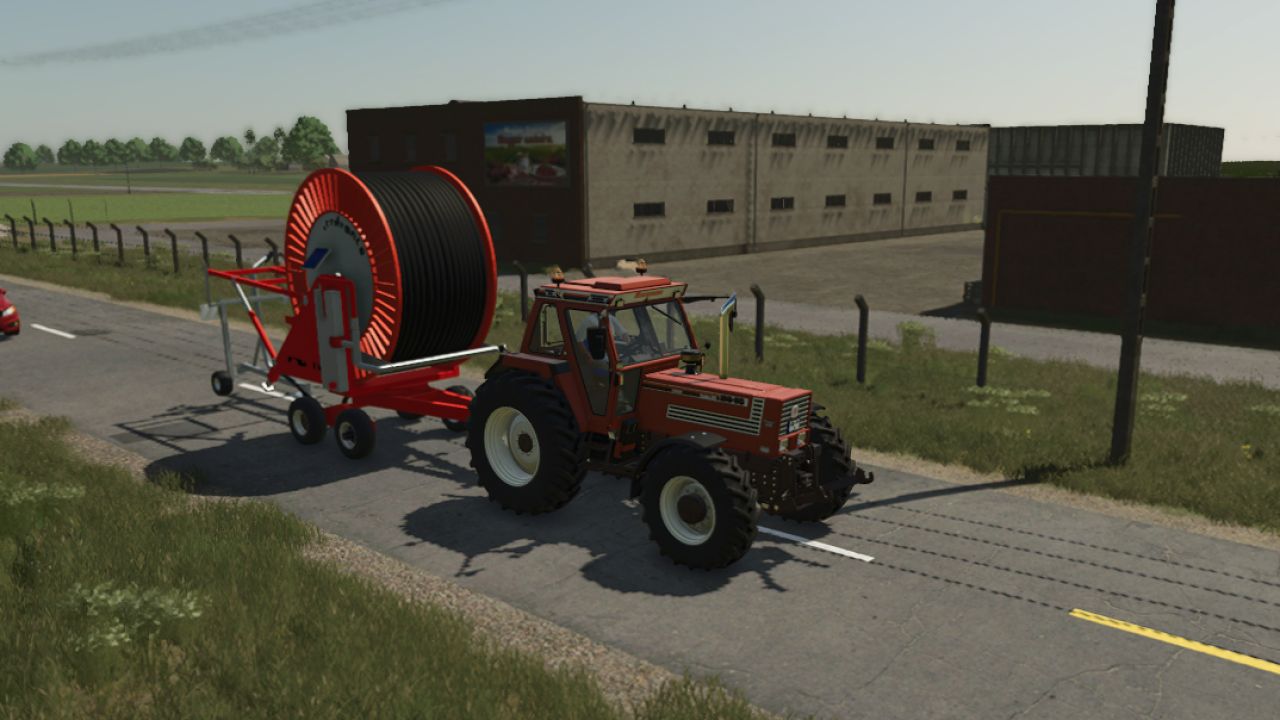

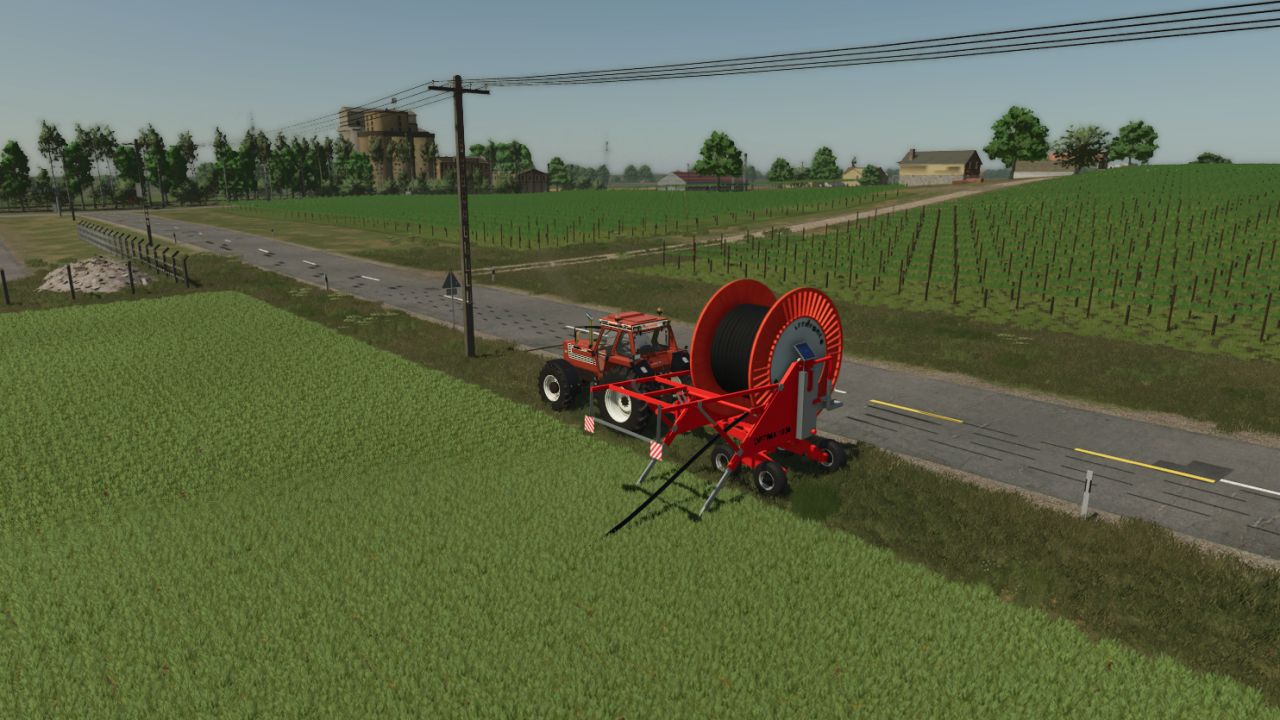
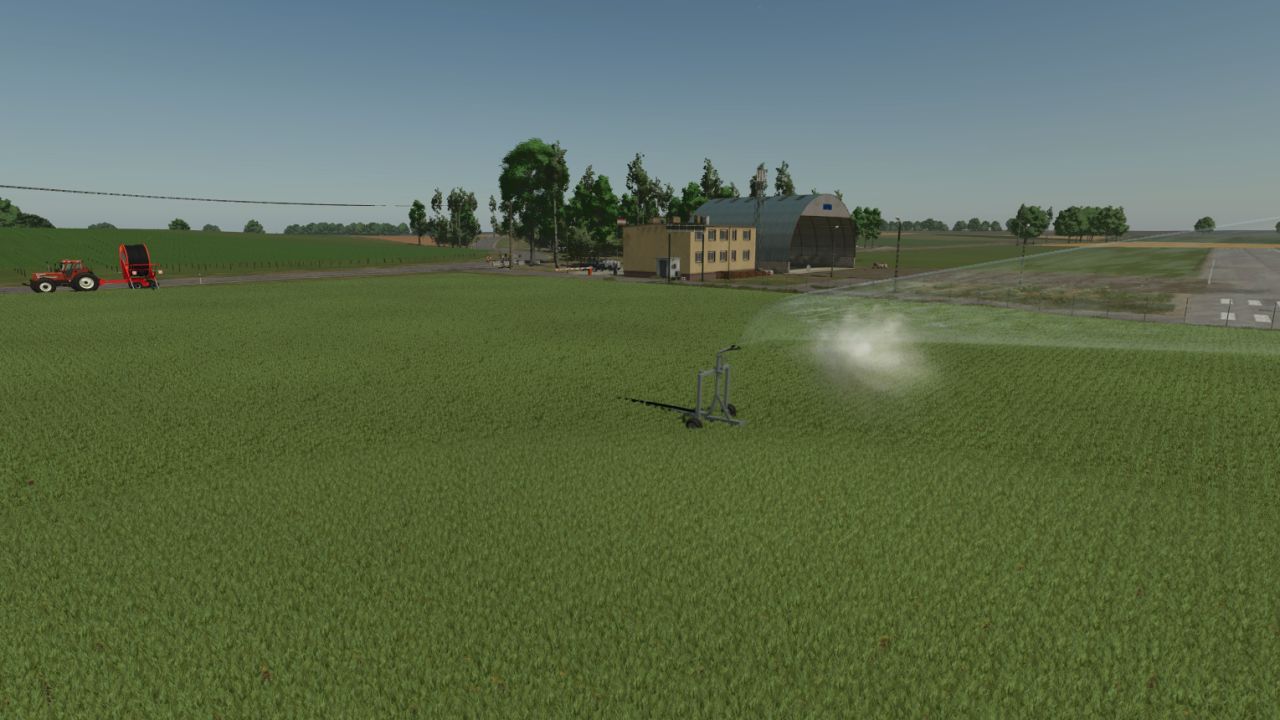
Irrifrance Optima 1036 V1.0.0.3 FS25
Irrifrance Optimal 1036
Welcome to the newly updated Irrifrance Optimal 1036 irrigation reel! This mod has received a brand new script, making the gameplay much more realistic and enjoyable.
Known Issue Before Purchase
Please note that when viewing the equipment in the shop, the hose may appear bugged or visually glitched. Do not worry—this is a known shop-only issue and it completely fixes itself as soon as you purchase the item.
How to Use (Step-by-Step Guide)
Positioning Drive to the edge of your field and park the irrigation reel.
Rotate the Drum Rotate the drum 90 degrees into the working position.
Deploy the Cannon Press X to deploy the irrigation cannon.
Connect Water Press N to simulate placing and connecting a water base directly next to the drum.
Position the Cannon Hitch your tractor to the end of the cannon and pull it out to the opposite end of your field (try to pull it in a straight line for the best results).
Reattach Unhitch the cannon, drive your tractor back, and attach it to the main irrigation reel. Wait a moment to let it settle.
Open the Valve (Interactive Control) Get out of your tractor. You must have Interactive Control installed. Look for the ‘x’ icon on the valve and click it to open the water flow.
Adjust Speed Get back into the tractor. You can adjust the hose reeling speed from level 1 to 5 by pressing Ctrl + Z. Choose whichever speed fits your needs!
Start Watering Press B to turn on the equipment. The hose will slowly reel itself in while the cannon beautifully waters your field.
Finishing Up Once the cannon reaches the starting point, close the valve via Interactive Control, and press N to remove the water base.
Pack Up Turn off the implement with B. Press X to fold the cannon back into place, and rotate the drum back from 90 degrees into its standard transport position. You are now ready to move to the next field!
New Features in this Version
90-Degree Rotation You can now realistically rotate the drum before deployment.
Interactive Control Integration It is now mandatory to manually open the water valve using IC, adding a great layer of realism.
Custom Script A completely new script has been added to make everything run smoothly.
Permissions & Modding
This mod is freely available for anyone to edit, modify, and improve at any time, anywhere. I am only happy if the mod continues to evolve and get better!
Happy farming and wishing you a bountiful harvest!
V1.0.0.3
New script
90 degree rotation at the drum
Mandatory interactive controlled animation activation that opens and closes the valve
The pipe already follows the connection between the water base and the drum
honved4