Production Advisor V1.0.0.0 FS25

Production Advisor V1.0.0.0 FS25
Production Advisor is a complete management assistant for products, production chains, farmland and animals. It uses the data loaded by the current map and active mods to help you plan work and make more informed economic decisions.
PRODUCTS
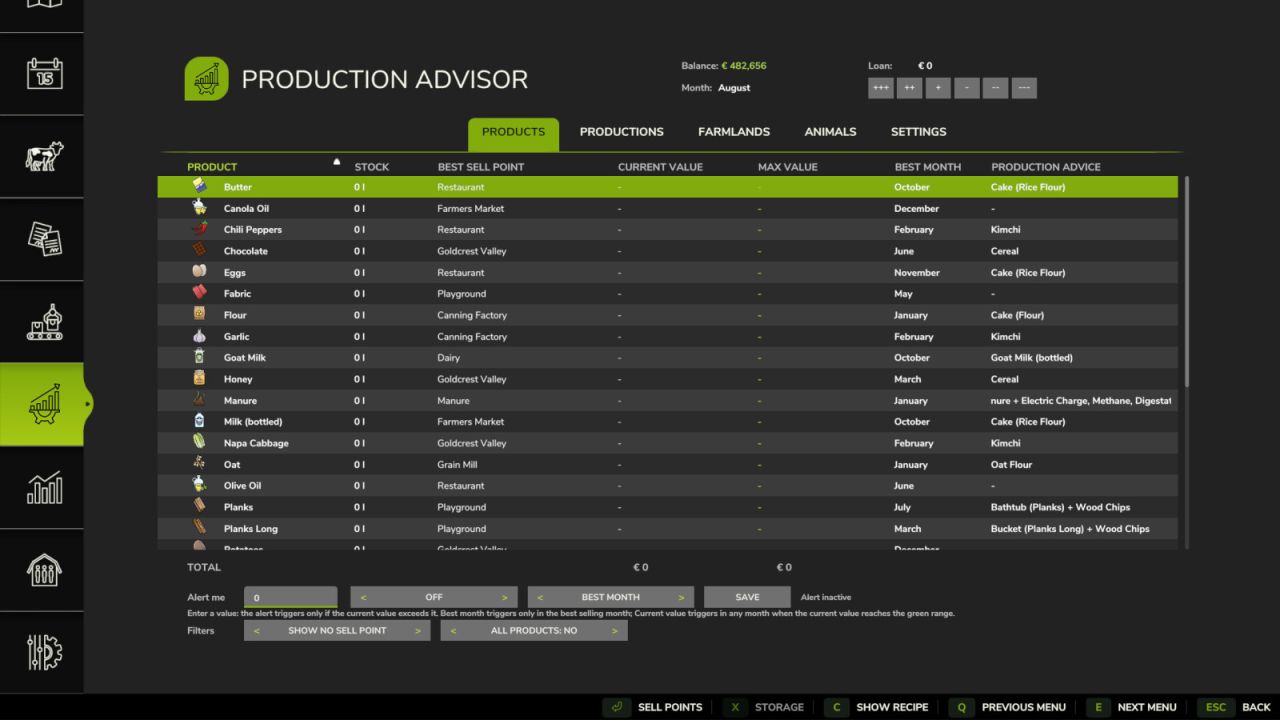
Check all stock owned by your farm, including silos, productions, animal pens, vehicles, trailers, pallets, bales and object storage. Compare current and estimated maximum selling values, find the best selling point and month, inspect storage locations and set custom price alerts. Recipe advice compares direct selling with processing through productions you own, productions for sale on the map and placeable productions available from the shop.
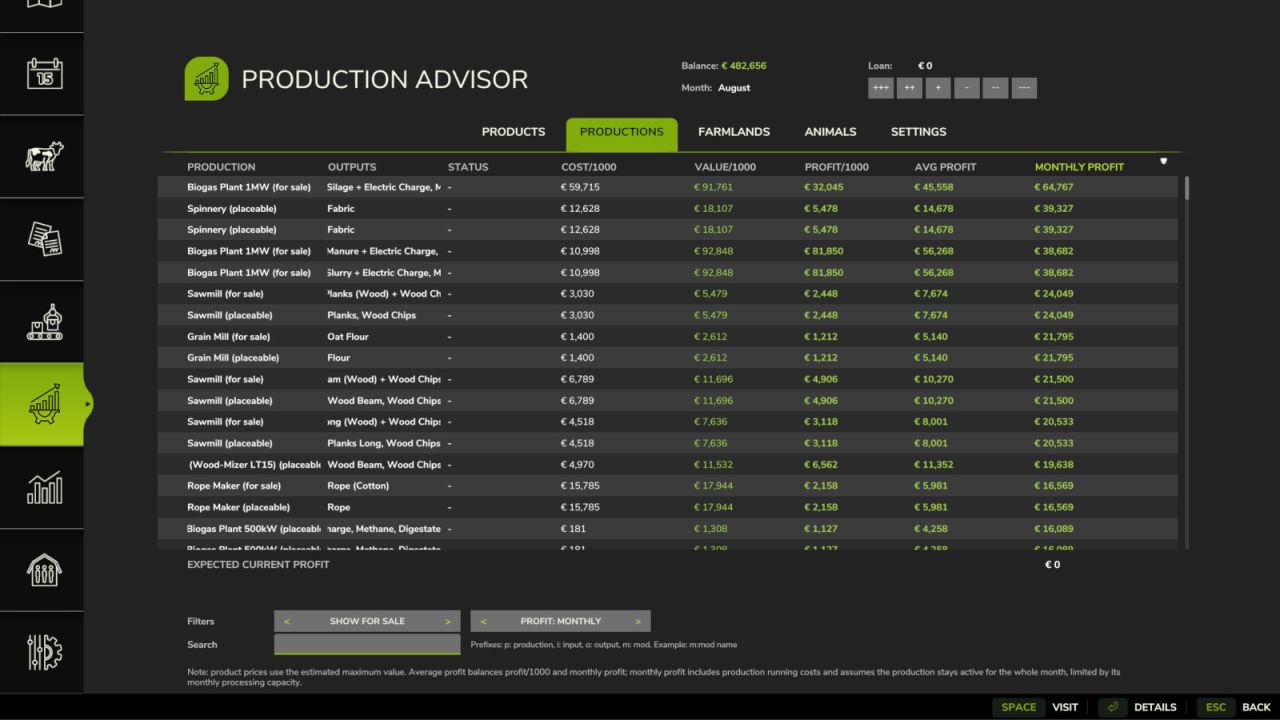
PRODUCTIONS
Compare recipes by input cost, output value, profit per 1000 liters and estimated monthly profit. Filter owned, for-sale or purchasable productions, inspect detailed recipes and visit existing facilities. For owned productions you can review their condition, missing ingredients and output mode, then prepare and save recipe activation and output-mode changes.
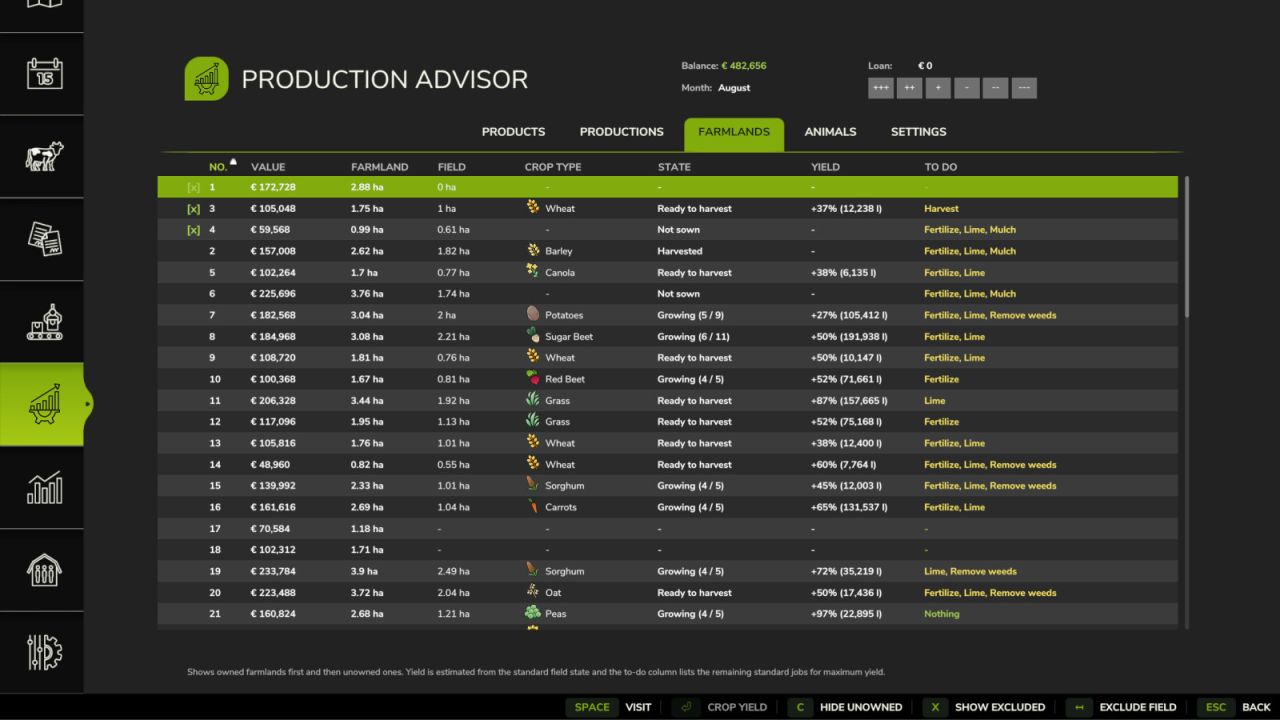
FARMLAND
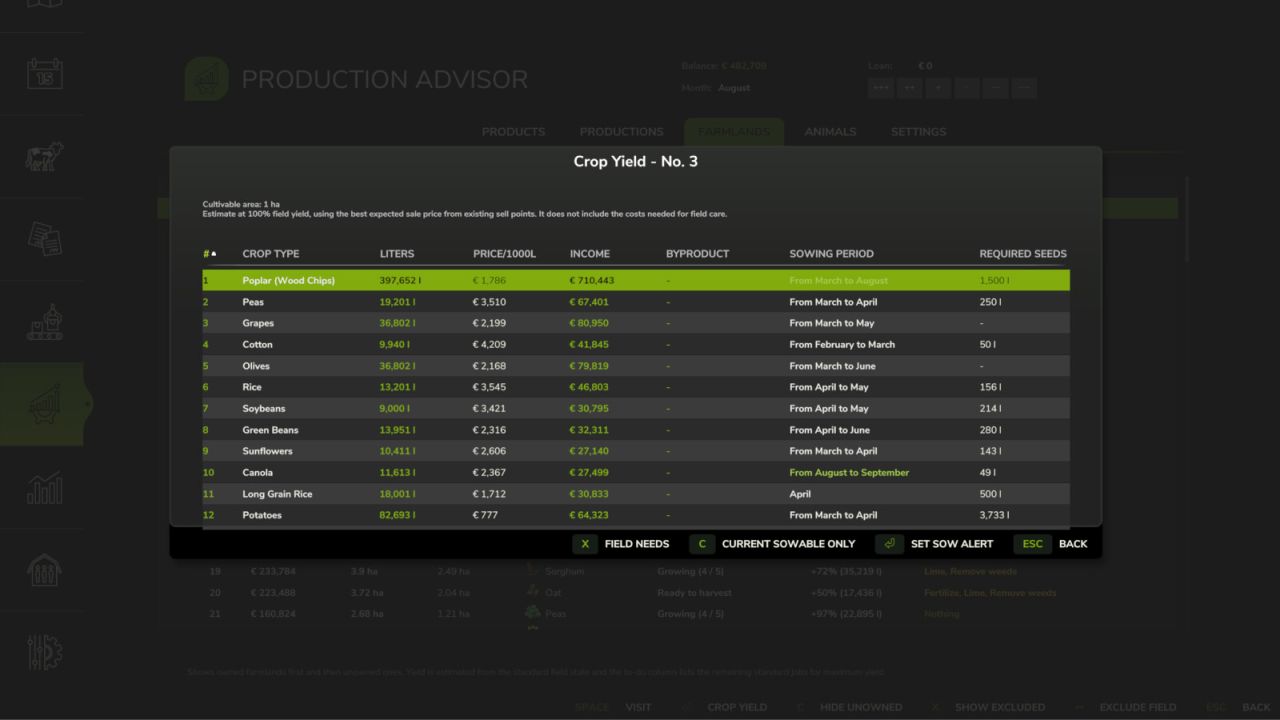
Review owned fields progressively without slowing down the menu. See farmland value, usable field area, crop, growth state, estimated yield and useful work still to do according to the active gameplay settings. Compare potential crop yields and values, exclude fields from the overview and plan a crop so the mod can remind you when its sowing period begins.
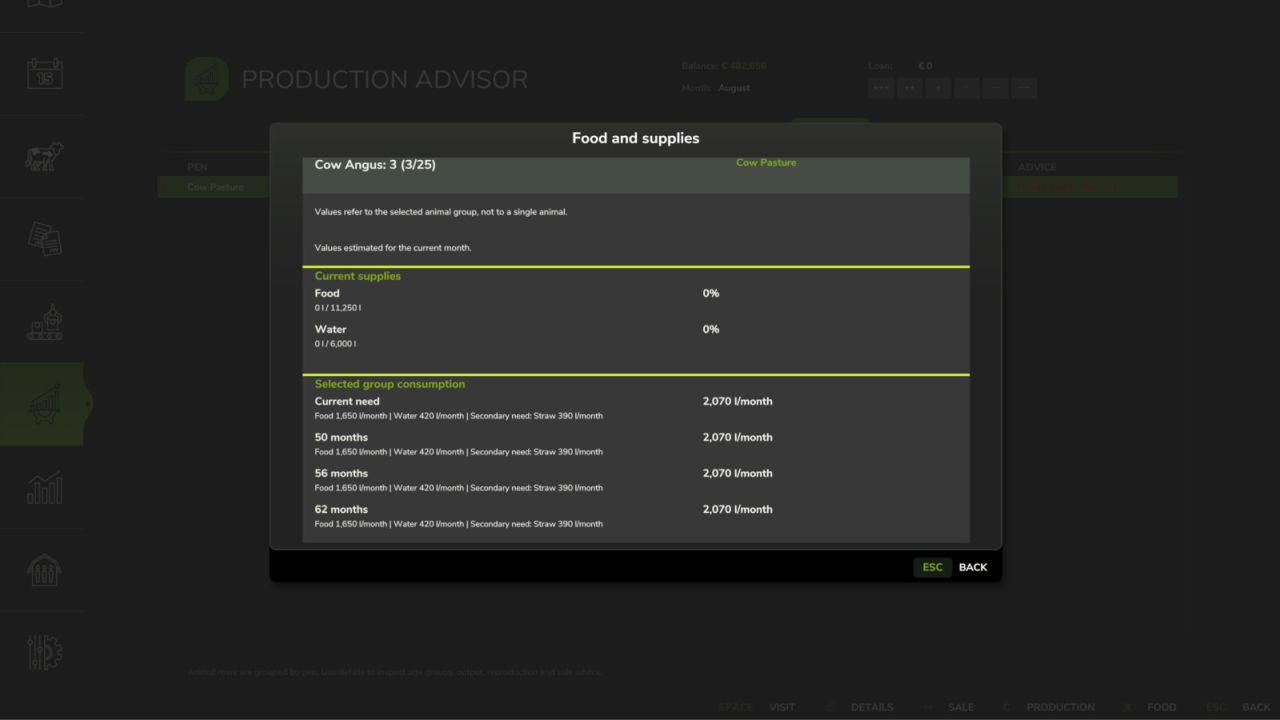
ANIMALS
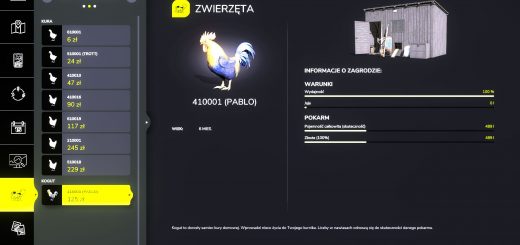
View every animal group in the pens owned by your farm, with age, health, supplies, production and sale advice. Dedicated pages explain monthly feed requirements, food groups, current and potential output, reproduction, real sale value and the most profitable sale age based on the runtime animal curves.
THIS MONTH WINDOW
The movable in-game window keeps urgent tasks visible while you play: product alerts, crops ready to harvest, planned crops ready to sow, bales or loose material to collect, full vehicles, low animal food or water, low production inputs and full stored outputs. Its contents, warning thresholds, number of rows and rotation can be customized in the mod settings.
Default controls:
Left Ctrl + N: expand or collapse the This Month window.
Left Ctrl + M: release or capture the mouse cursor, allowing you to move the window and interact with its entries.
Both controls can be reassigned in the game controls menu.
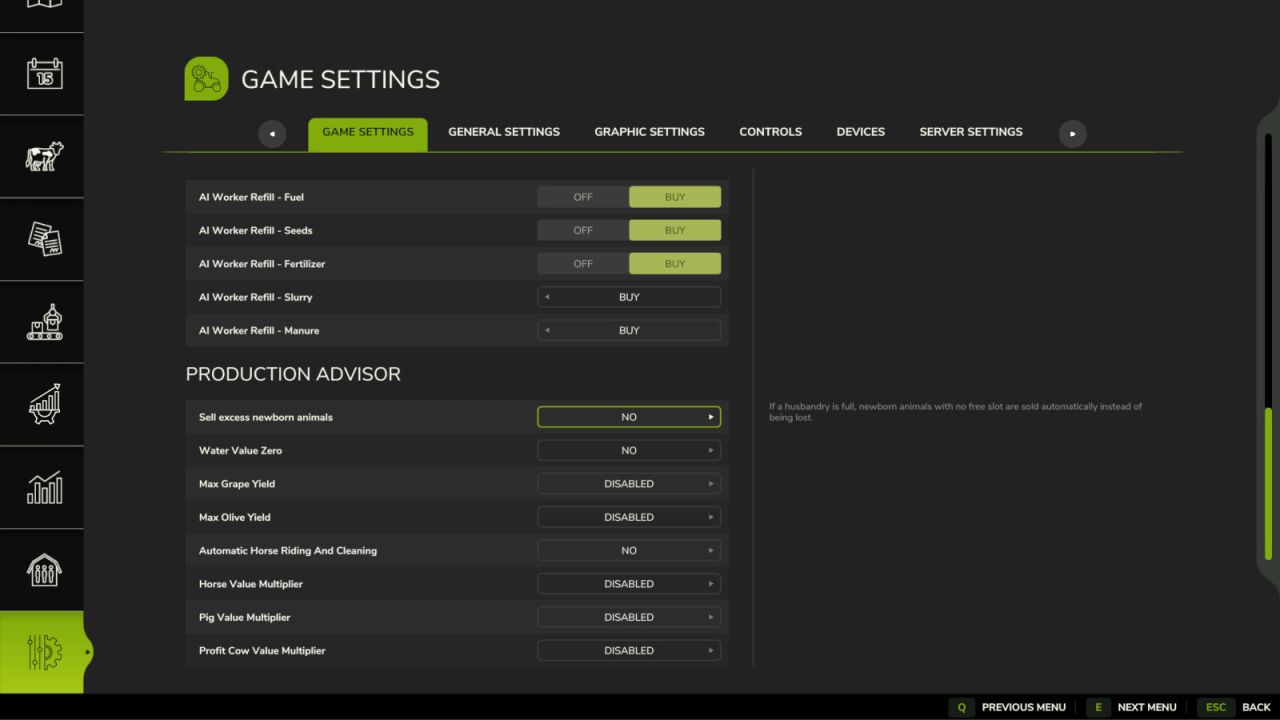
Additional multiplayer-synchronized game settings include optional grape and olive yield multipliers, automatic horse riding, automatic sale of excess newborn animals and configurable value multipliers for horses, pigs and beef cattle. Personal display and calculation preferences are saved separately for each player.
Credits:NYKK3