Avatar Switcher v1.0.0.0 FS25

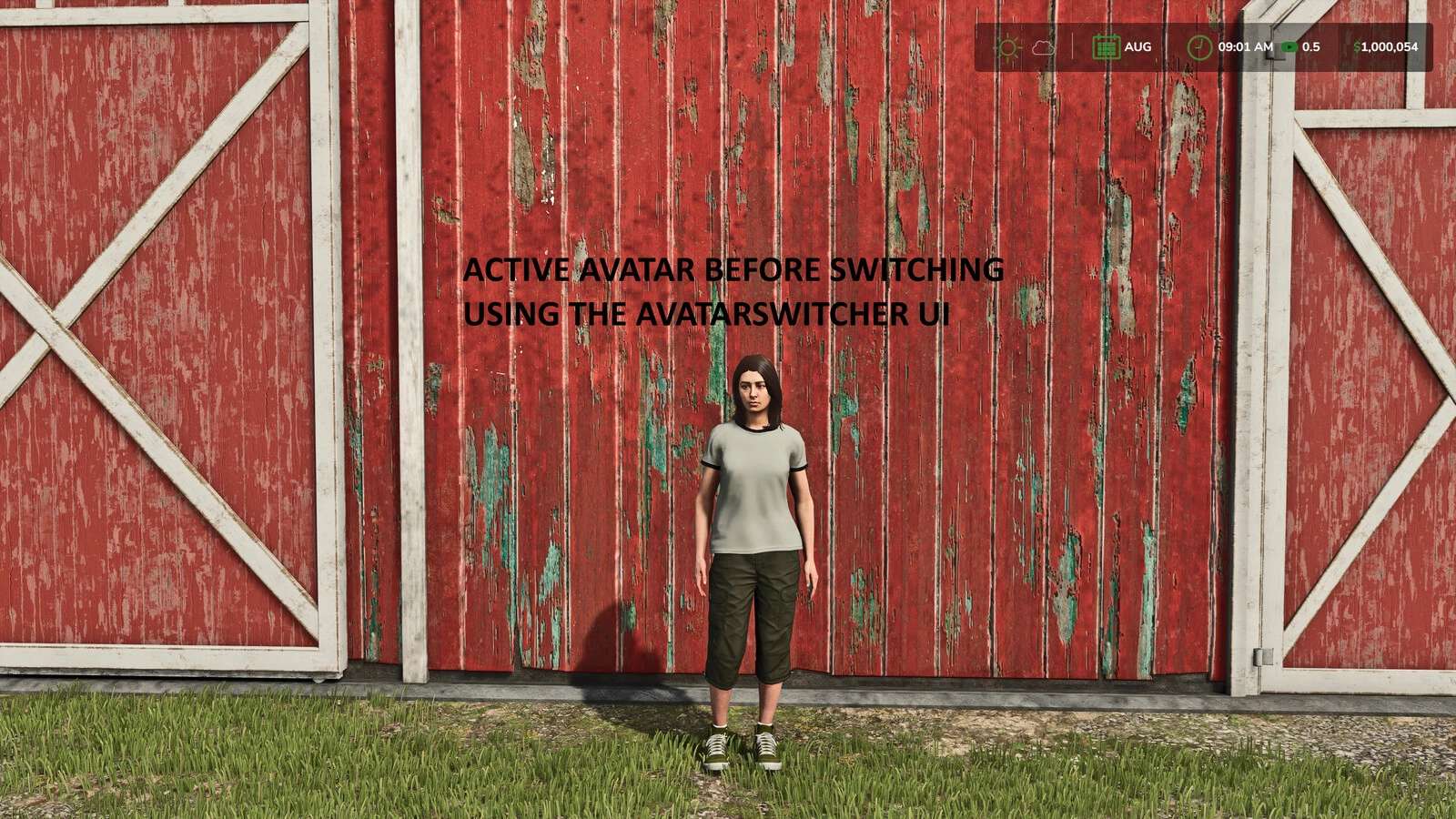
Avatar Switcher v1.0.0.0 FS25
Save the current player appearance as a reusable preset and switch between saved avatars from an in-game menu.
Features:
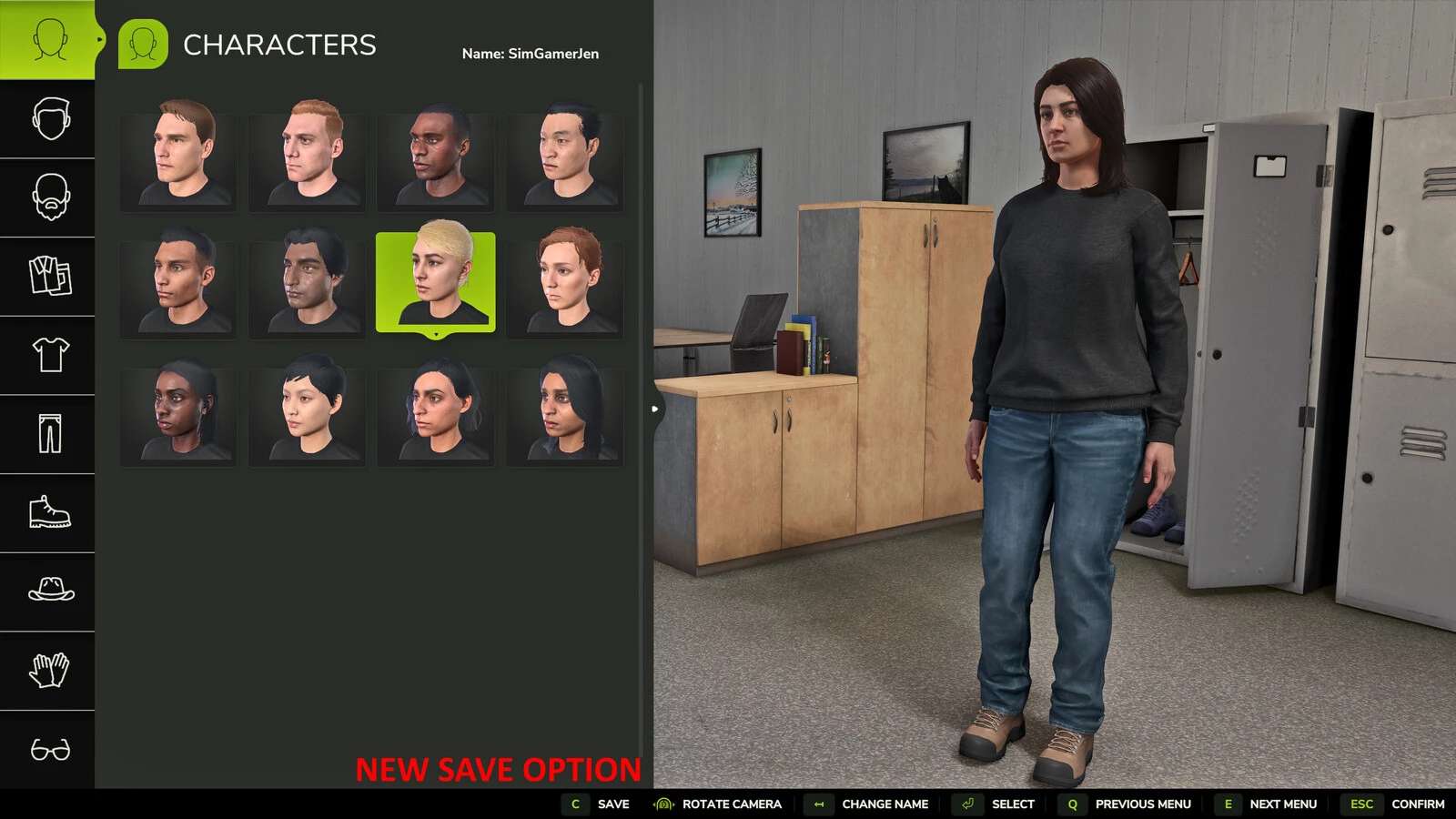
Save the current wardrobe appearance as a preset
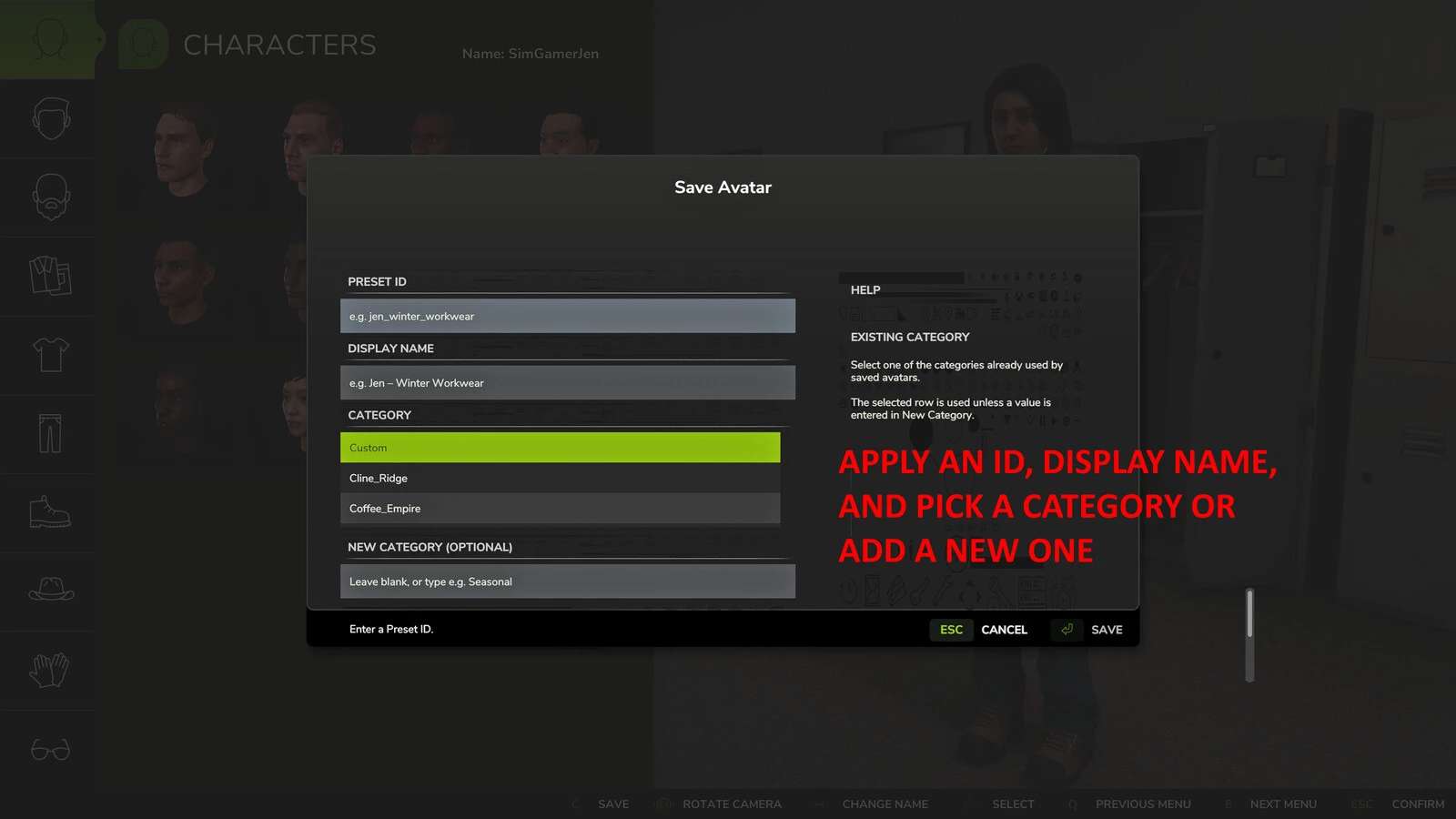
Give each preset a unique ID, display name and category
Select an existing category or create a new category when saving
Contextual help explains the Preset ID, Display Name and Category fields
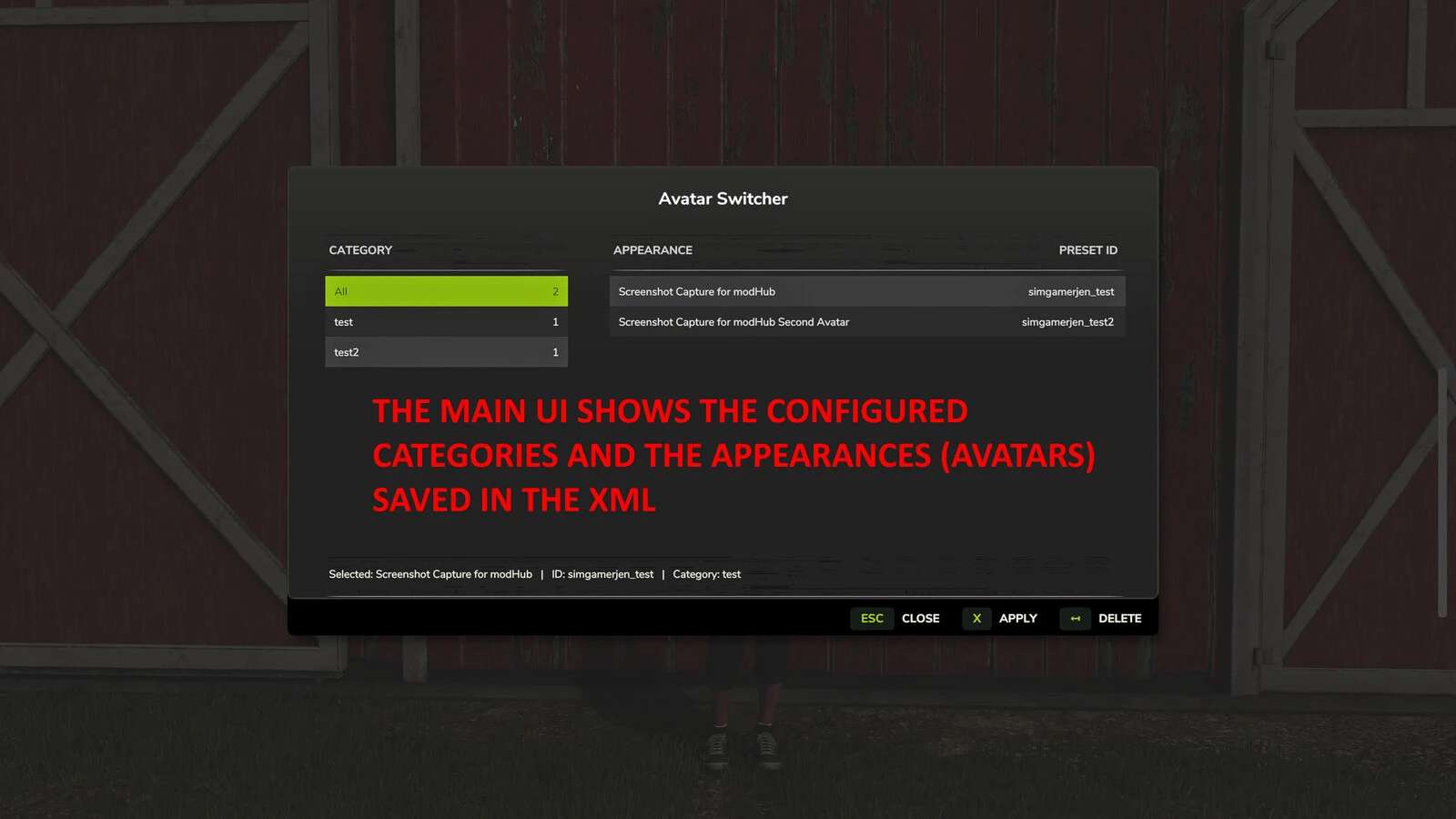
Filter, apply and delete saved appearances from the Avatar Switcher menu
Open the selector while on foot or inside a vehicle
Store presets in the Avatar Switcher mod settings folder
Default control:
Alt+Shift+A opens Avatar Switcher. The key binding can be changed in the in-game controls menu.
How to use:
1. Open the wardrobe and configure the player appearance.
2. Select “Save to AvatarSwitcher”.
3. Enter a unique Preset ID and an optional Display Name.
4. Select an existing category or enter a new category, then select Save.
5. Press Alt+Shift+A to open Avatar Switcher.
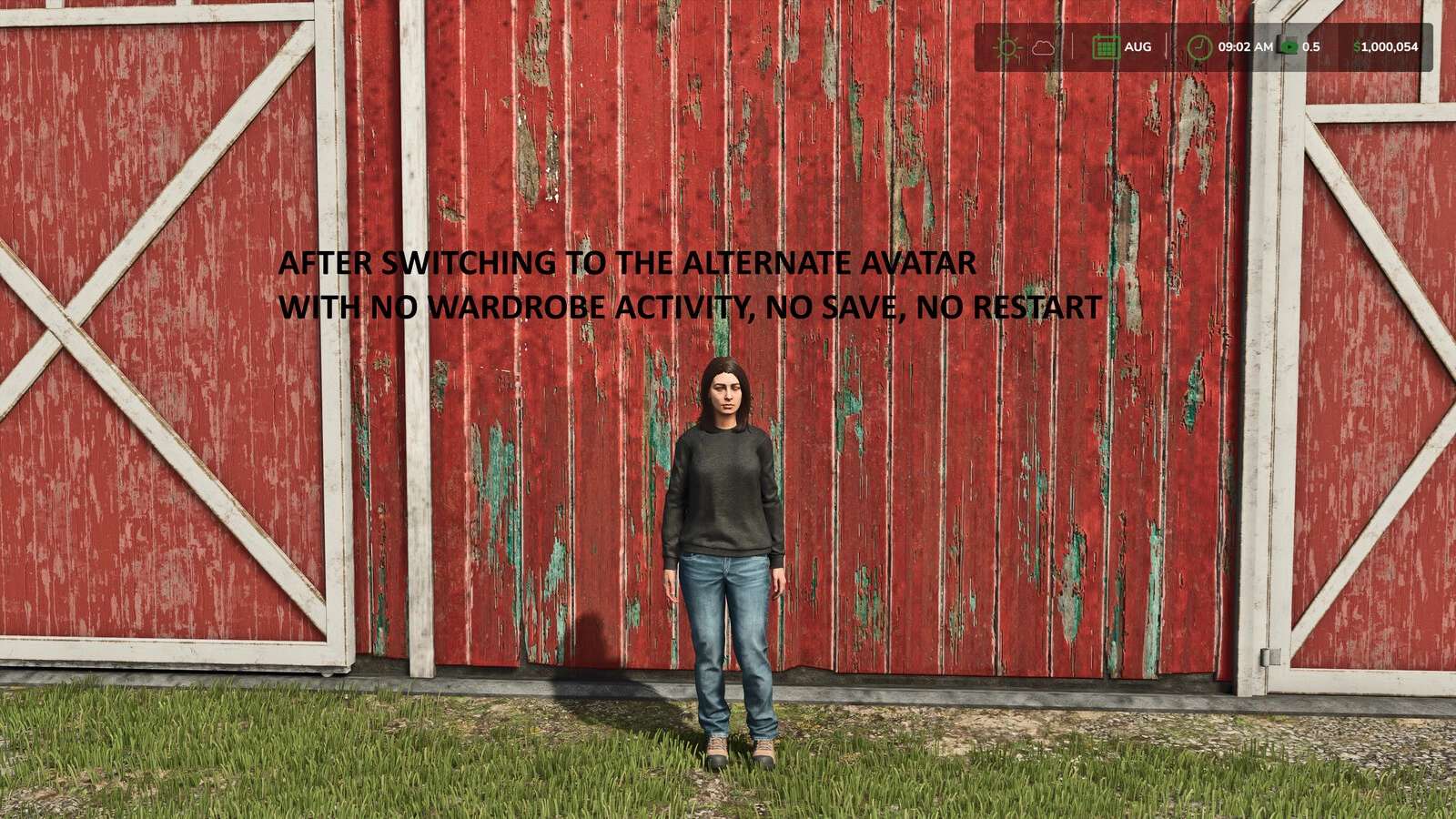
6. Select a category and appearance, then select Apply.
Deleting a preset does not change the appearance currently being used.
This mod is designed for single-player use and does not support multiplayer.
SimGamerJen