Dynamic PTO speed V1.1.2.0 FS25



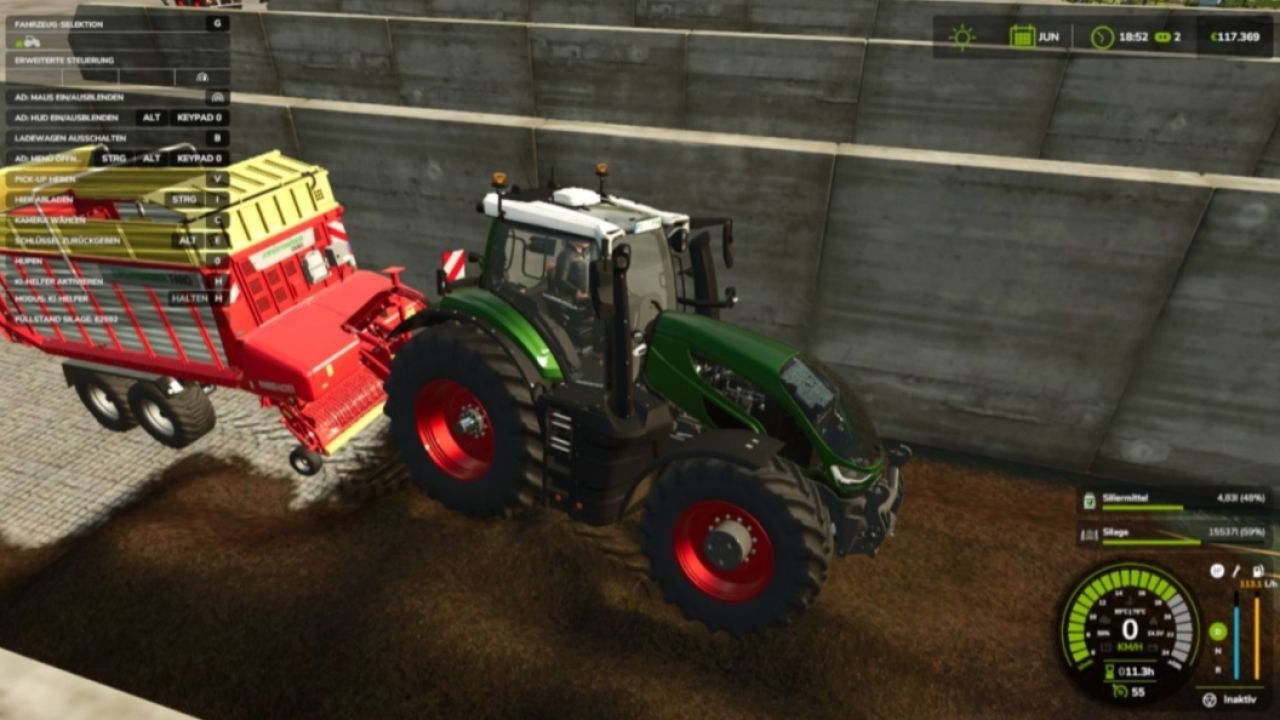
Dynamic PTO speed V1.1.2.0 FS25
This mod finally brings realistic dynamics to the PTO. Instead of a fixed PTO speed, the working speed of all attached implements adapts directly to the tractor’s current engine speed. The higher the engine revs, the faster mowers, choppers, balers or conveyor belts operate.
Main features
The PTO speed is no longer fixed, but is calculated live from the engine speed.
Implements react noticeably differently to low, medium or high engine speeds.
A multiplier for each implement allows individual settings for every implement.
Realistic working speeds:
Low engine speed → slower operation
Medium engine speed → normal operation
High engine speed → faster operation
Technical implementation
The mod is fully LS25-compatible and uses custom scripts to link engine speed, PTO speed and implement behavior.
Animations, effects and working speed are adjusted dynamically.
Both vehicles and implements are extended via hooks in their update functions.
Implement behavior
Mowers spin faster and respond more directly to the throttle.
Choppers operate more powerfully at high engine speeds.
Balers work faster and process material more quickly.
Conveyor belts transport material depending on the engine speed.
Each implement can be fine-tuned using its own factor.
Mod contents
Complete mod structure with modDesc and Lua scripts
Example implement XML with dynamic PTO configuration
Optional overlay displaying the current PTO RPM
Goal of the mod
“Dynamic PTO Speed” provides a significantly more realistic gameplay experience. PTO performance finally depends on engine speed – rev higher and you work faster. This makes all implements operate more naturally, variably and closer to real-world farming.
V1.1.2.0
Newly Added
Hand Throttle Added a new hand throttle system for PTO control. The engine no longer automatically revs up to maximum speed when the PTO is engaged. Selecting 540 / 540E / 1000 / 1000E now sets the corresponding target PTO speed. PTO speed can be fine-tuned using Ctrl + Up / Ctrl + Down. The selected PTO speed is saved when exiting the vehicle. The hand throttle can be enabled or disabled via: ESC > Settings > Hand Throttle
Fixed PTO implement detection:
Fixed an issue where the Case IH LB436 HD was incorrectly detected as a 540 RPM implement. The LB436 HD is now correctly recognized as a 1000 RPM implement. 1000 / 1000E modes remain available when using a tractor that supports them. Mouse & HUD: Fixed an issue where mouse control was incorrectly hijacked from other mods, including: AutoDrive, Courseplay, QuickVehicleSelect, and Realistic Harvesting. The mouse cursor now only appears when the Dynamic PTO panel is open. The mod only hides the mouse cursor if it was the one that originally displayed it.
Engine speed: Fixed an issue where the engine would automatically rev to maximum speed upon PTO engagement. Selecting 540 / 540E / 1000 / 1000E now correctly affects both engine and PTO speeds. Fixed a PTO HUD issue where pressing Ctrl + Up / Ctrl + Down changed the PTO speed without updating the value displayed in the HUD. The HUD now updates correctly when the PTO speed is adjusted.
Credits:FF Modding, LM Modding Store