Roll crops to stage 2 V1.0.0.0 FS25

Roll crops to stage 2 V1.0.0.0 FS25
INSTALL
Copy FS25_RollThroughStage2.zip, still zipped, into:
Documents/My Games/FarmingSimulator2025/mods
Restart FS25 and select “Roll Through Stage 2” when loading your save.
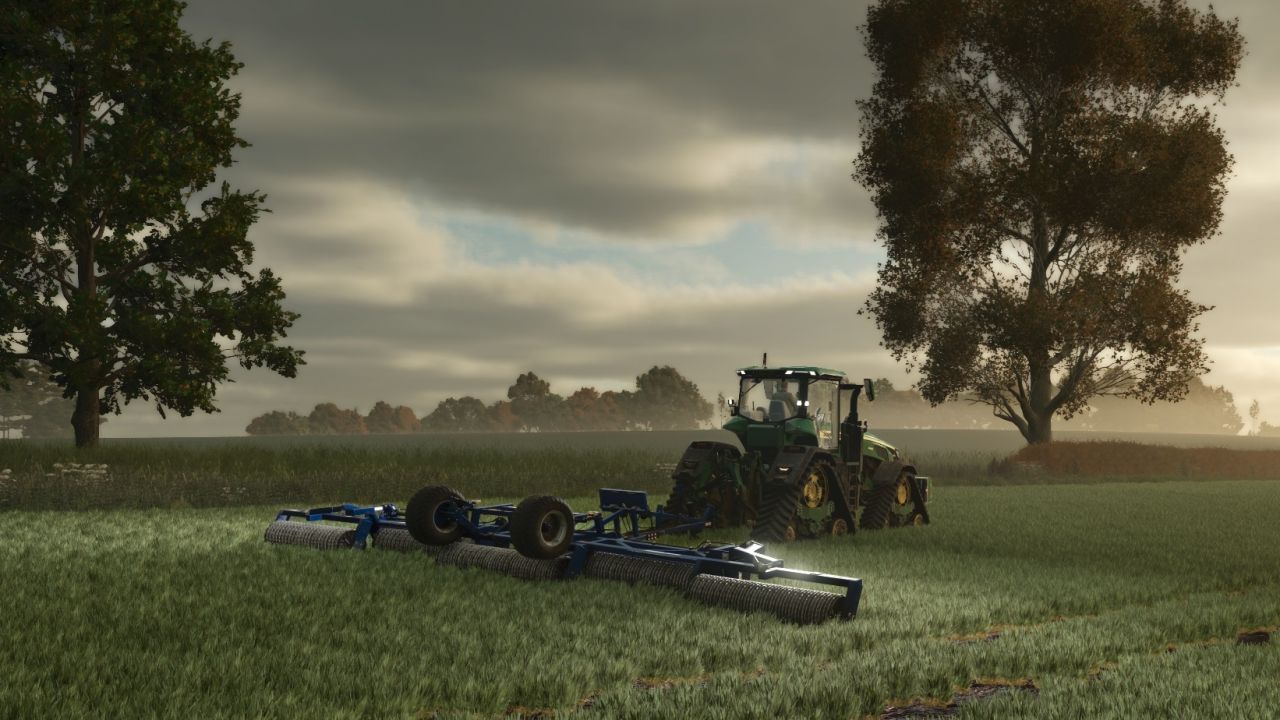
Use an existing roller normally. No new shop item is added.
Like the real world crops can be rolled in the spring.
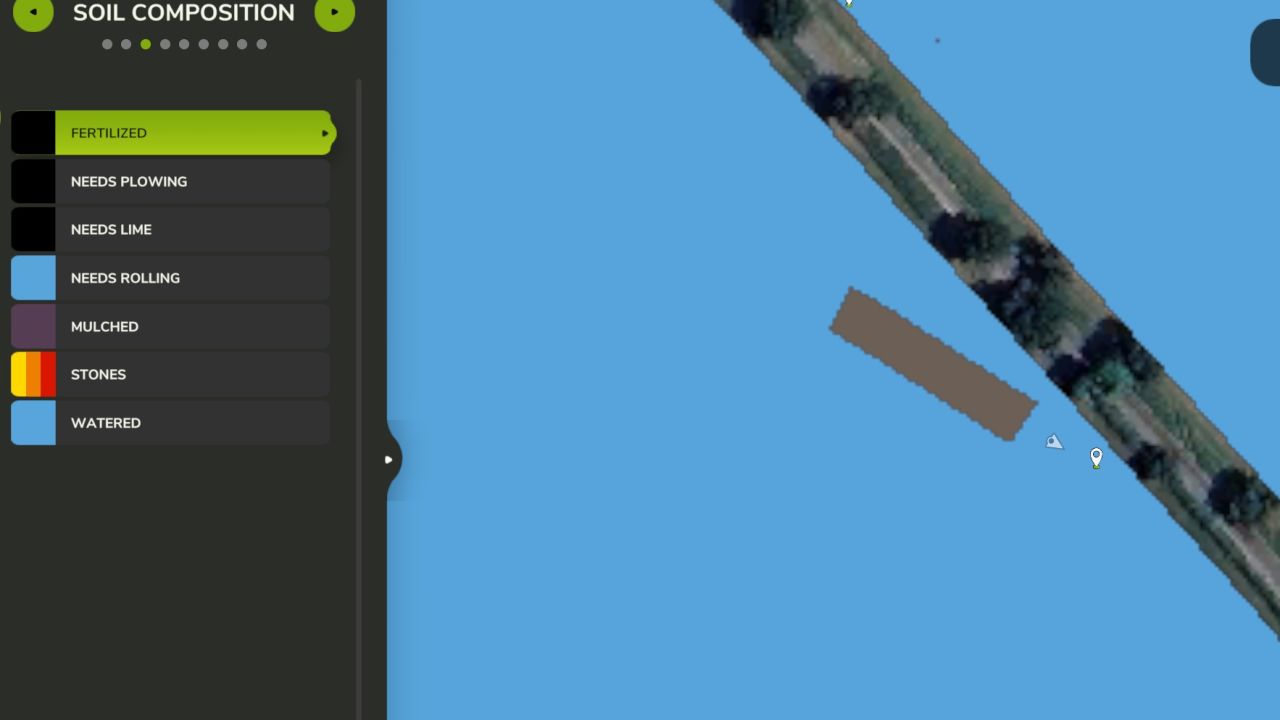
Rolling clears Needs rolling on newly sown crops and the first two visible
growth stages (standard FS25 density states 1, 2 and 3). Later stages do not
receive the extra rolling benefit. It writes only the rolling-status layer;
it does not advance, cut, reseed or reset the crop.
All vehicles using the game’s standard Roller specialization are covered,
including modded rollers. Grass rollers operate as soil/crop rollers while
this mod is enabled: their normal grass-regrowth/fertilizing action is replaced
to avoid cutting back plants. Disable this mod to restore that original action.
Independent custom roller scripts may require a separate compatibility patch.
AI roller growth restrictions are extended to match. Combined sowing machines
keep their own AI requirements. Normal folding/lowering and land access apply.
Normal tractor and implement tyre crop destruction remains active. Use narrow
tyres or turn Crop destruction off if your crop or map allows tyre damage at
these early stages. This mod preserves crops under the roller’s working area;
it does not make the entire tractor/implement combination immune to damage.
Custom crops must use the standard early-state numbering and rolling layer.
Harvestable, forage-ready, cut and withered states are excluded when their
metadata places them earlier than the normal cutoff.
COMPATIBILITY AND VALIDATION
Built against the installed FS25 1.23.1.0 SDK and modDesc version 113.
Lua checks passed for mixed growth stages, crop preservation, repeated passes,
field boundaries, custom crops, AI limits, seeder AI and map-cache cleanup.
These checks use simulated density maps. In-game driving, AI course generation,
multiplayer, Precision Farming and your full mod collection are not verified.
QUICK IN-GAME CHECK
On a test save, roll a strip of young crop that shows Needs rolling.
Confirm the status clears and the crop stays at the same growth stage.
Compare against a strip beyond the second visible stage: it should still need
rolling. Try an AI pass and check log.txt for [RollThroughStage2] or Lua errors.
REMOVE
Disable the mod when loading the save, or remove its ZIP with the game closed.
Normal roller behaviour returns. Rolling already completed remains recorded
in the save’s ordinary field data.
Original Lua source is included in scripts/RollThroughStage2.lua.
No proprietary game source is included in this mod.
Melrose