JS GPS v1.0.0.0 FS25

JS GPS v1.0.0.0 FS25
JS GPS – Farming Simulator 25 (version 0.9.9.3)
INSTALLATION
1. Copy the FS25_JSGPS.zip file (without extracting it) to:
Documents/My Games/FarmingSimulator2025/mods
2. If you have the FS25_Courseplay.zip mod in the mods folder, remove it. The two mods do not work together.
3. Open the game and activate JS GPS when loading the save.
KEYS (can be changed in Options > Controls)
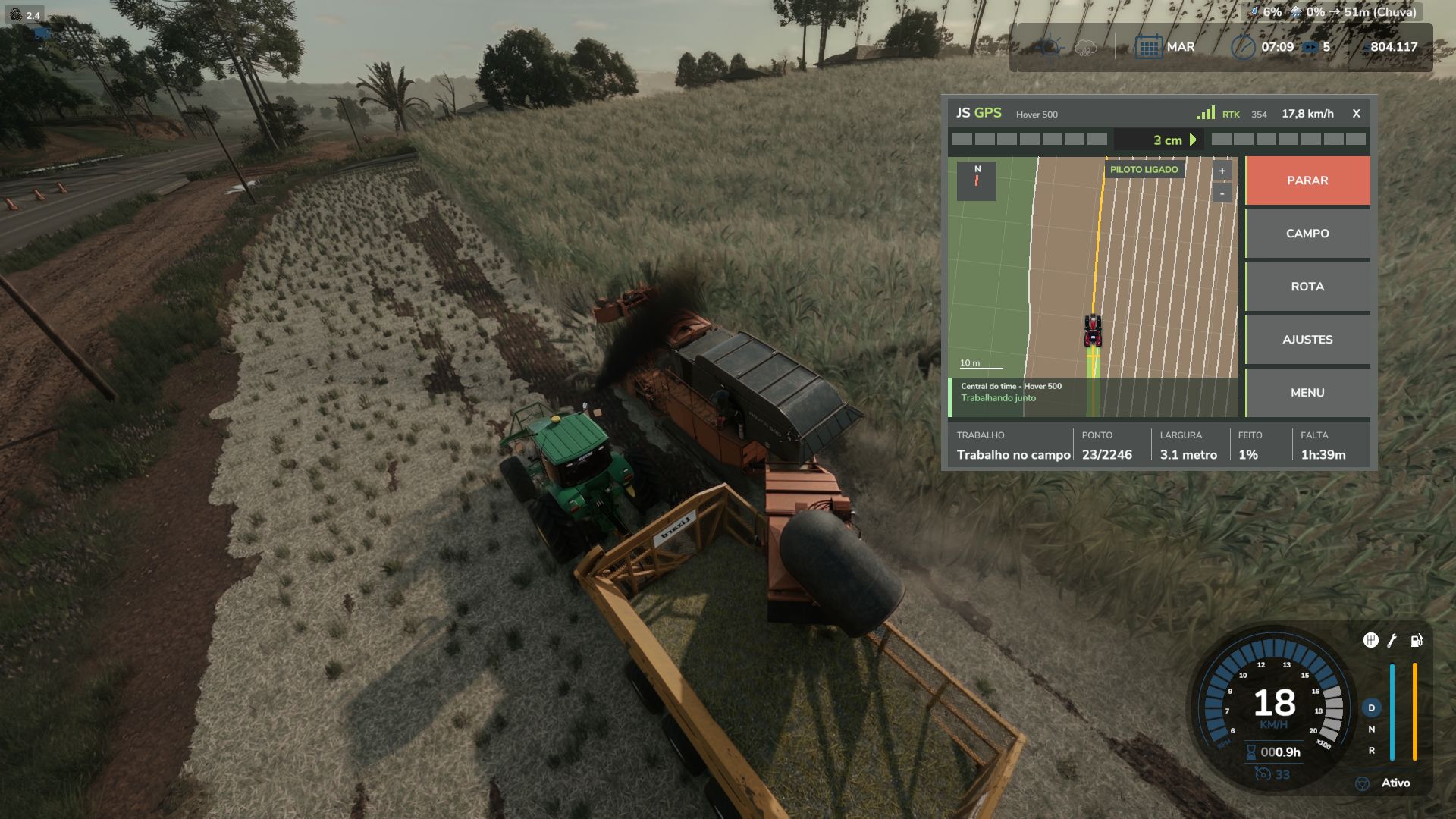
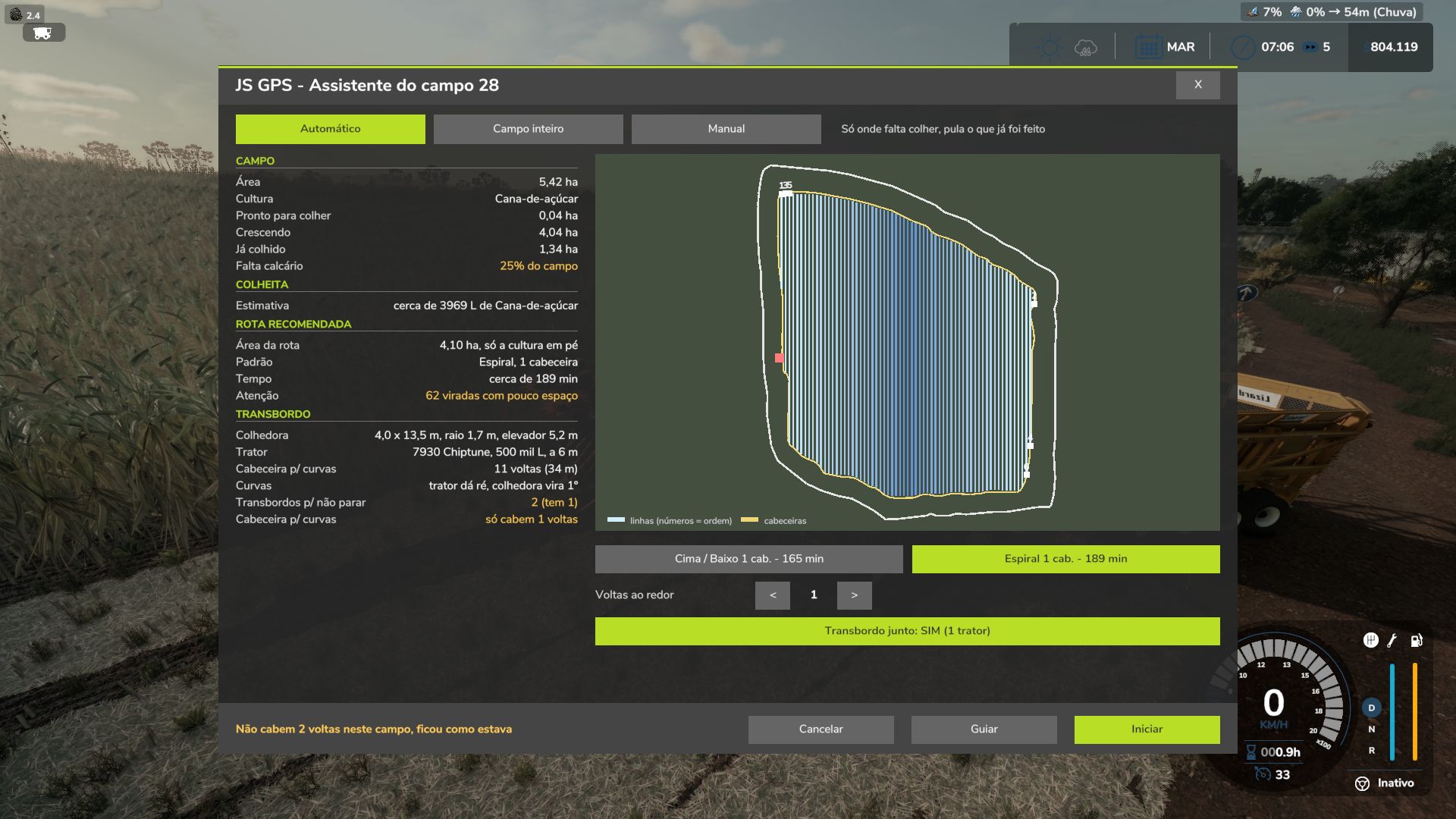
Ctrl+J ……… Field assistant: scans the field, compares the routes and starts the work
Ctrl+G ……… Generate route
Ctrl+H ……… Turn the assistant on / off
Ctrl+U ……… GUIDE mode (GPS only steers, you control the speed)
Ctrl+L ……… Skip row
D / A ………. One turn inward / outward (with the assistant turned on)
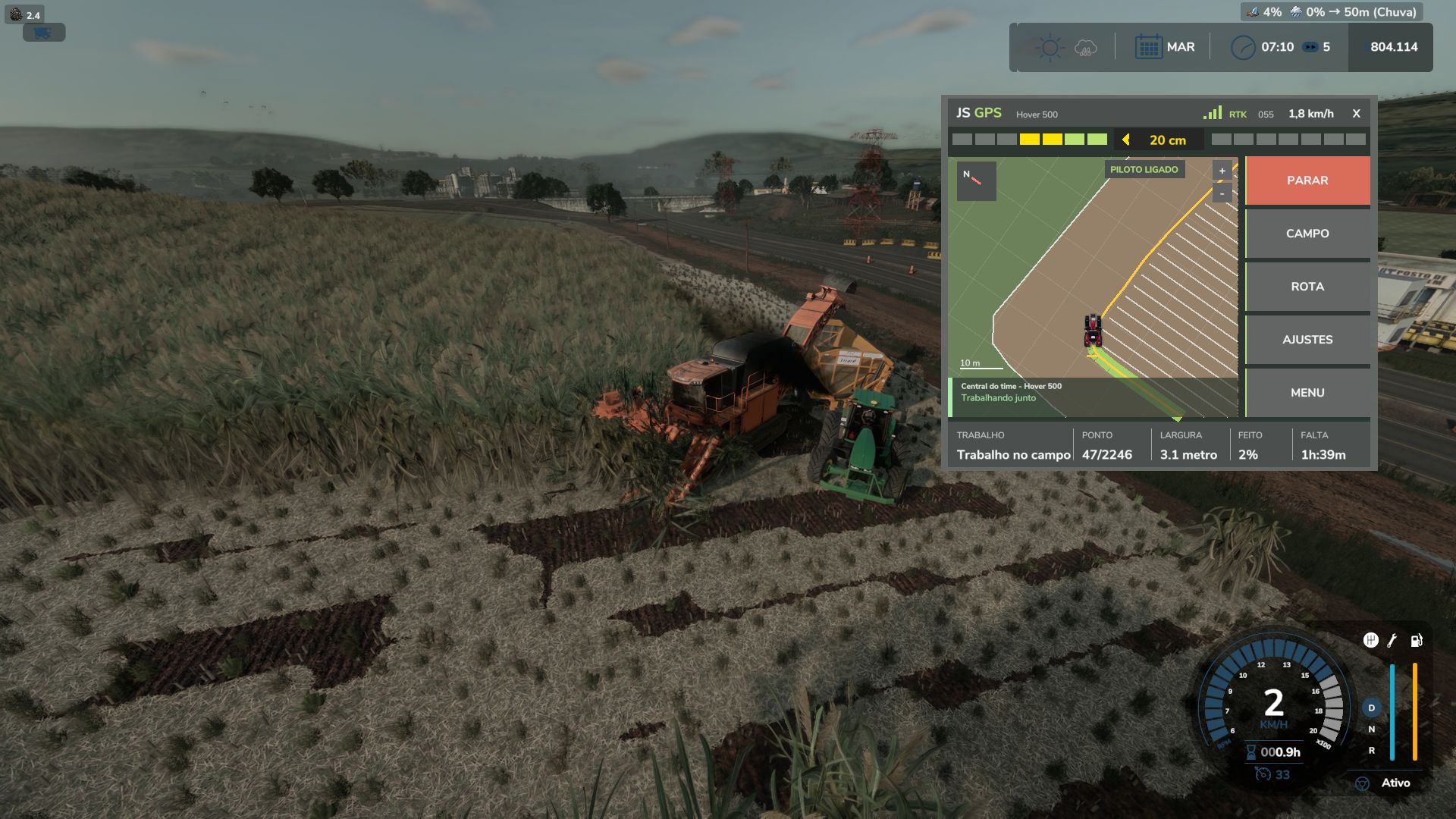
Delete ……… Open / close the GPS screen
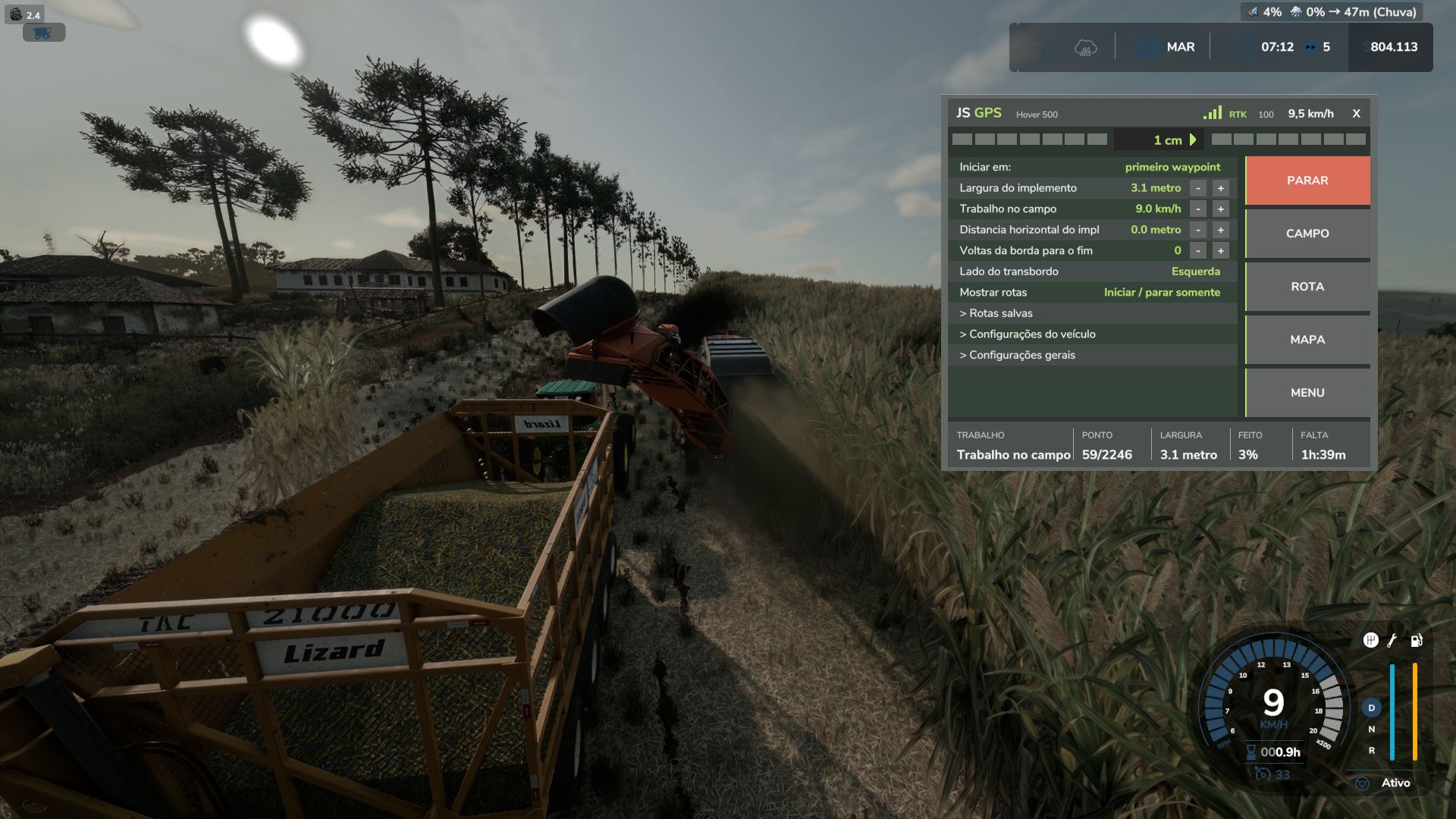
Alt+G ………. JS GPS menu (settings and route generator)
Right mouse button .. Show the mouse to click on the GPS screen
QUICK USE
1. Enter the field with the machine and the attached implement.
2. Press Ctrl+J. Within a few seconds, the field status and route list will appear.
3. Choose the route (the first one is recommended) and confirm “Start the work now?”.
4. Done: the assistant works by itself. During harvesting, it continues until the field reaches 100%.
If it stops (full tank, no product, fuel, rain), a message explains the reason;
press Ctrl+J again to continue only where work is still missing.
TIPS
The width, turning radius and implement size are detected automatically; no configuration is needed.
If something goes wrong, send the log.txt file (Documents/My Games/FarmingSimulator2025).
Cesar Junior