Lush Map Editor V1.1.3.9 FS25

Lush Map Editor V1.1.3.9 FS25
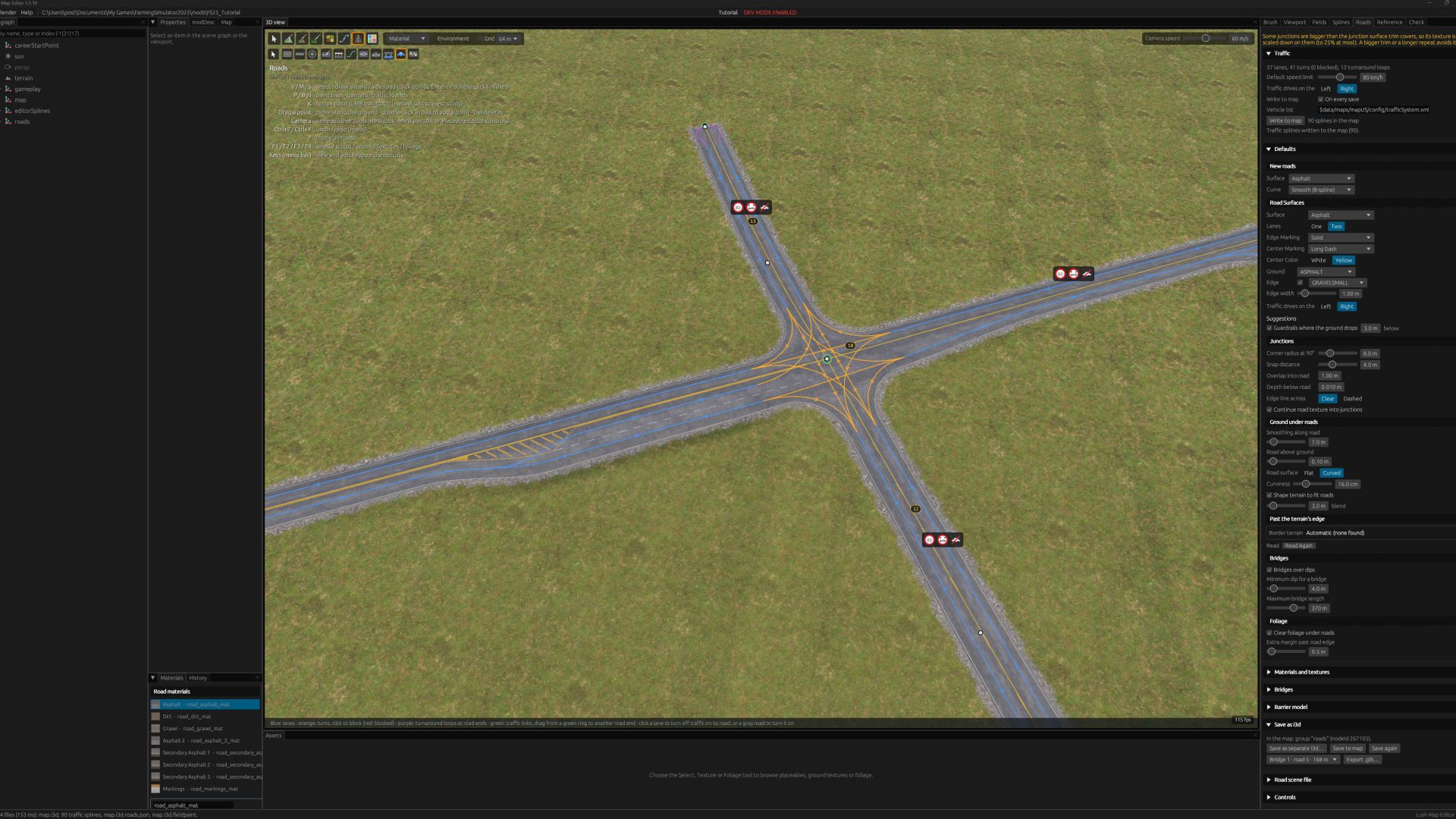
This is my dream map editor! All my ideas and wishes for map editing put into action in my own editor, and shared with you. 🙂
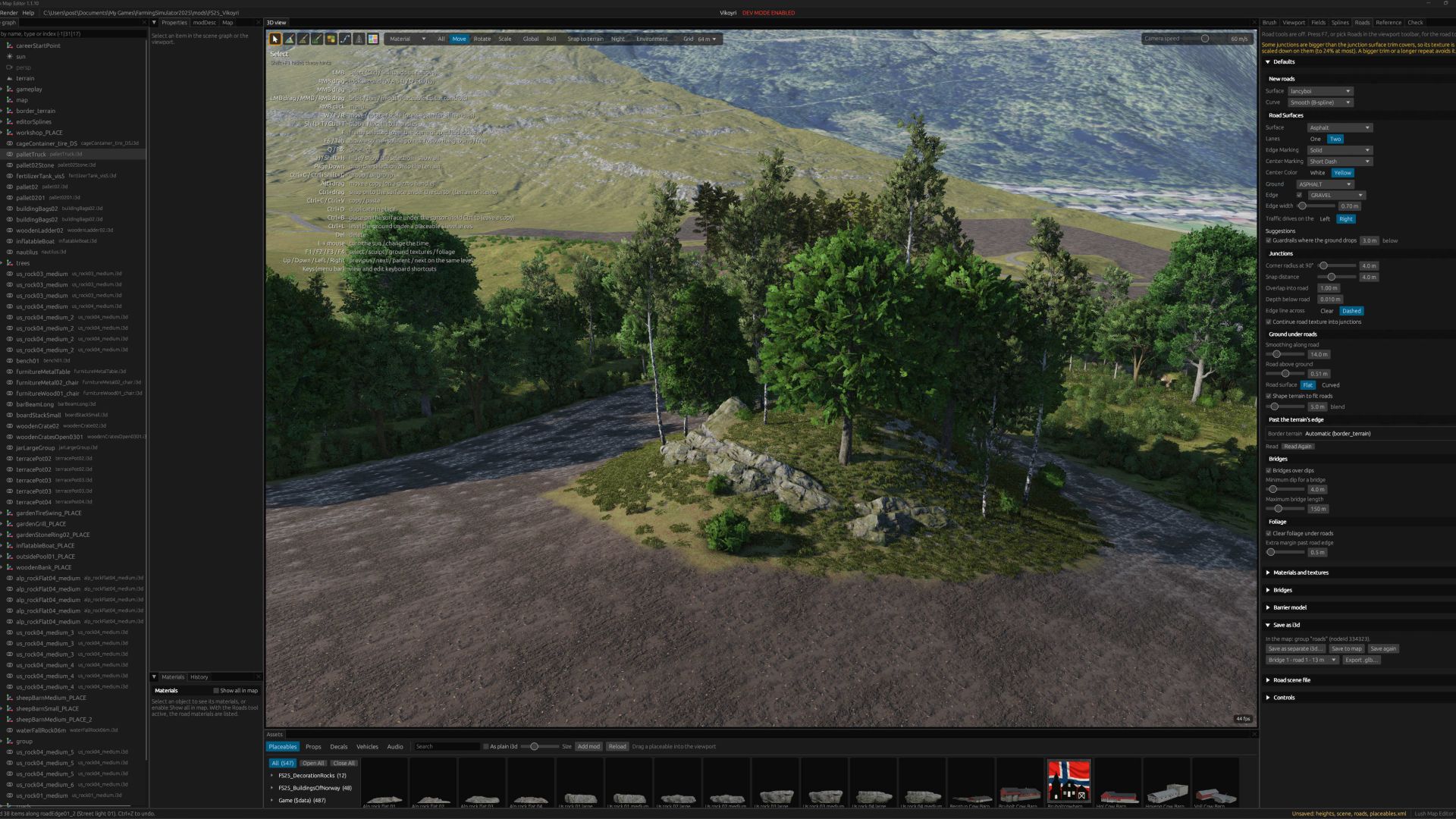
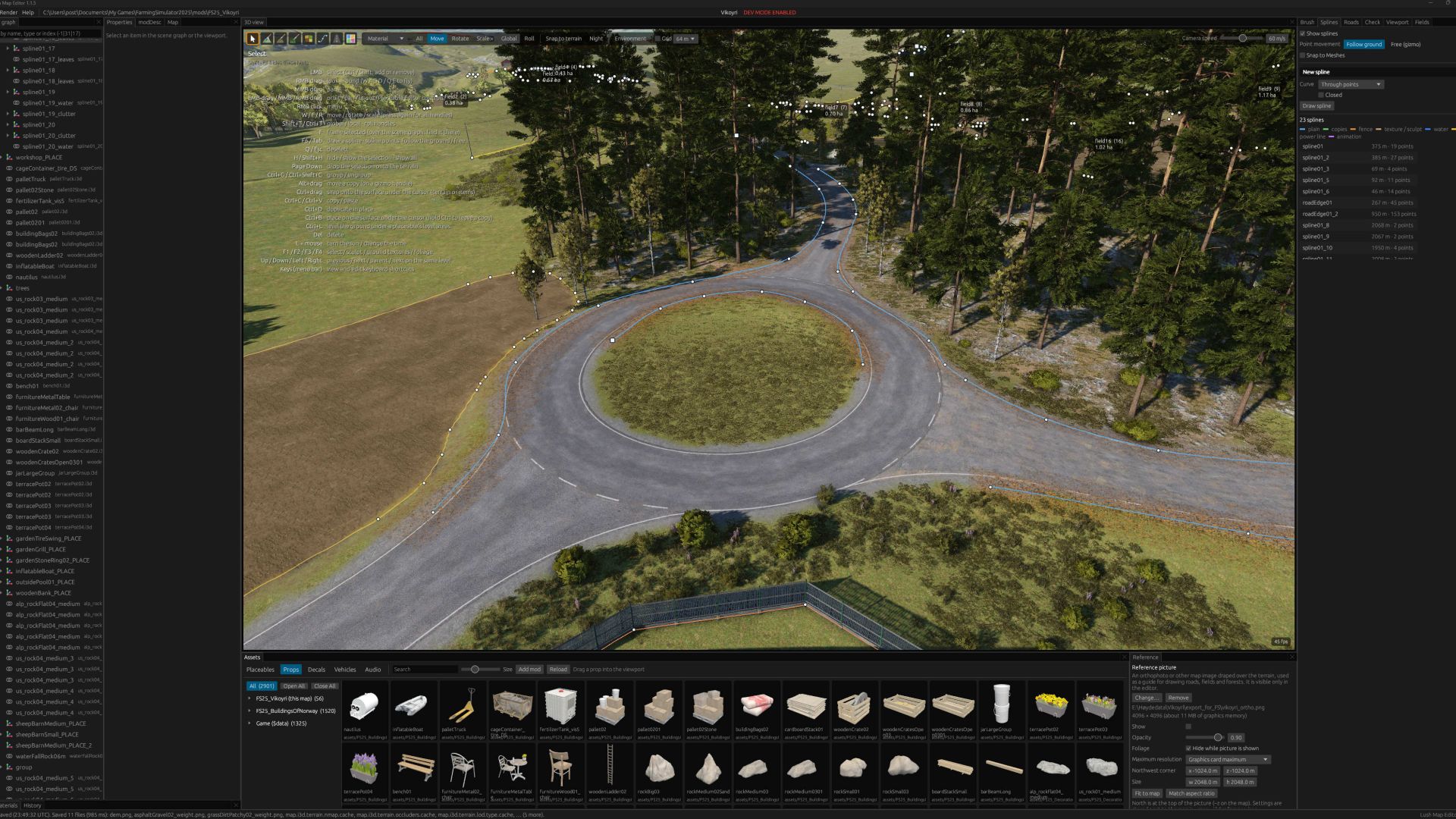
Roads with junctions and roundabouts, fields and farmlands management, creating creeks and painting ground textures and foliage simultaneously.
Traffic splines? Not a problem! Automatically created when you create the road!
It’s never been easier to create maps.
V1.1.3.9
Big changes for splines
– Scatter objects inside closed splines
– Foliage on and inside splines
– Texture and foliage can be controlled by slope
– Texture and foliage interact: Select which texture allow foliage to spawn
– Autumn leaves added as a spline tool
– Save presets on a per spline basis instead of per tool within a spline
– Somewhat related to splines, but on placeable animal pens: You can now create custom fence shapes directly in the viewport!
Roads
– Adjustable road surface curvature (flat and curved, and a user selected curvature. Default value, and per road spline override)
– Option for dashed or clear edge lines across junctions
– Junctions adapt to widened road sections and traffic islands
– Traffic splines follow widened road sections and traffic islands
Trees
– Added trees tab in asset browser. Enable the user to drag-and-drop trees directly into the browser or spline tools.
– Each time you start the foliage brush is considered a session. When you paint trees, the trees are put into their own transform group. Makes it easier to handle loads of trees in case you need to delete or hide an area.
Workflow
– Pie menu: appears where ever you have the cursor, quick acces to jump to the various tools.
– Teleport to what you are pointing at: When you have nothing selected, press F to zoom to the location
– Language support: Bundled with this version is a language string translation tool and a template file. You can use this to translate the UI to your language.
Fixes
– On some rare occasions maps that were made outside of Lush did not properly update data in the densityMap_ground.gdm even after creating fields in Lush. If you encounter this problem, you can run click the Clear Ground Outside Fields button in the Fields tab.
– On some rare occasions maps made in Giants Editor did not show foliage. The reason was the map.i3d was referencing densitymaps as png files, while gdm files exist.This has been fixed, and Lush prefer gdm files even if png is used as the file extension in the i3d file.
OlaHaldor