Texture Pipette v2.2.0.1 FS25

Texture Pipette v2.2.0.1 FS25
The Texture Pipette adds a pipette (eyedropper) function to the construction menu.
Changelog 2.2.0.1:
Shift + mouse wheel in the construction menu: Adjust brush size, tree growth stage, and bush size. The selection stops at the minimum and maximum settings.
Texture Pipette
The Texture Pipette adds a pipette function to the construction menu for ground textures, foliage, placeable trees, and supported placeable objects.
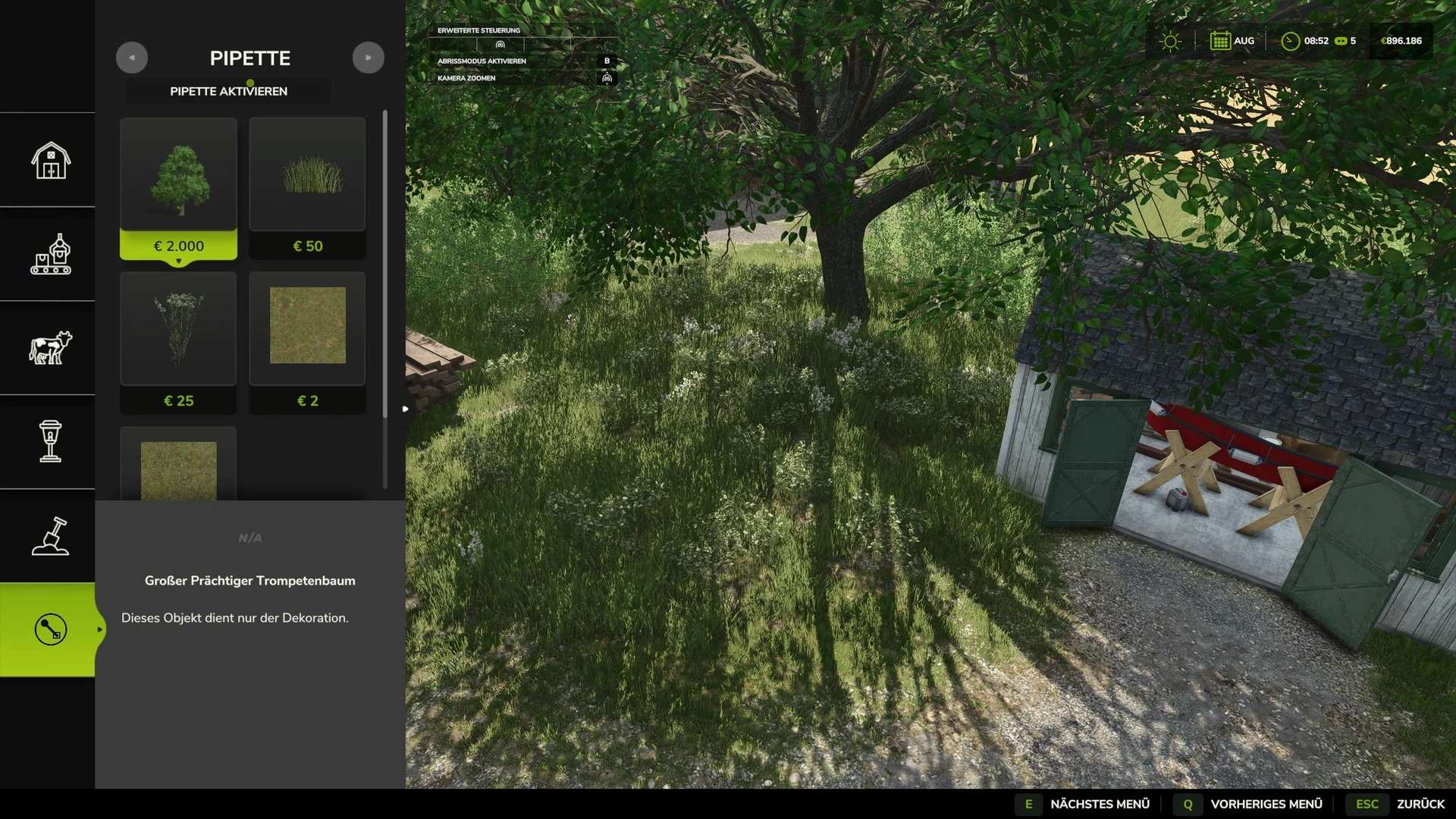
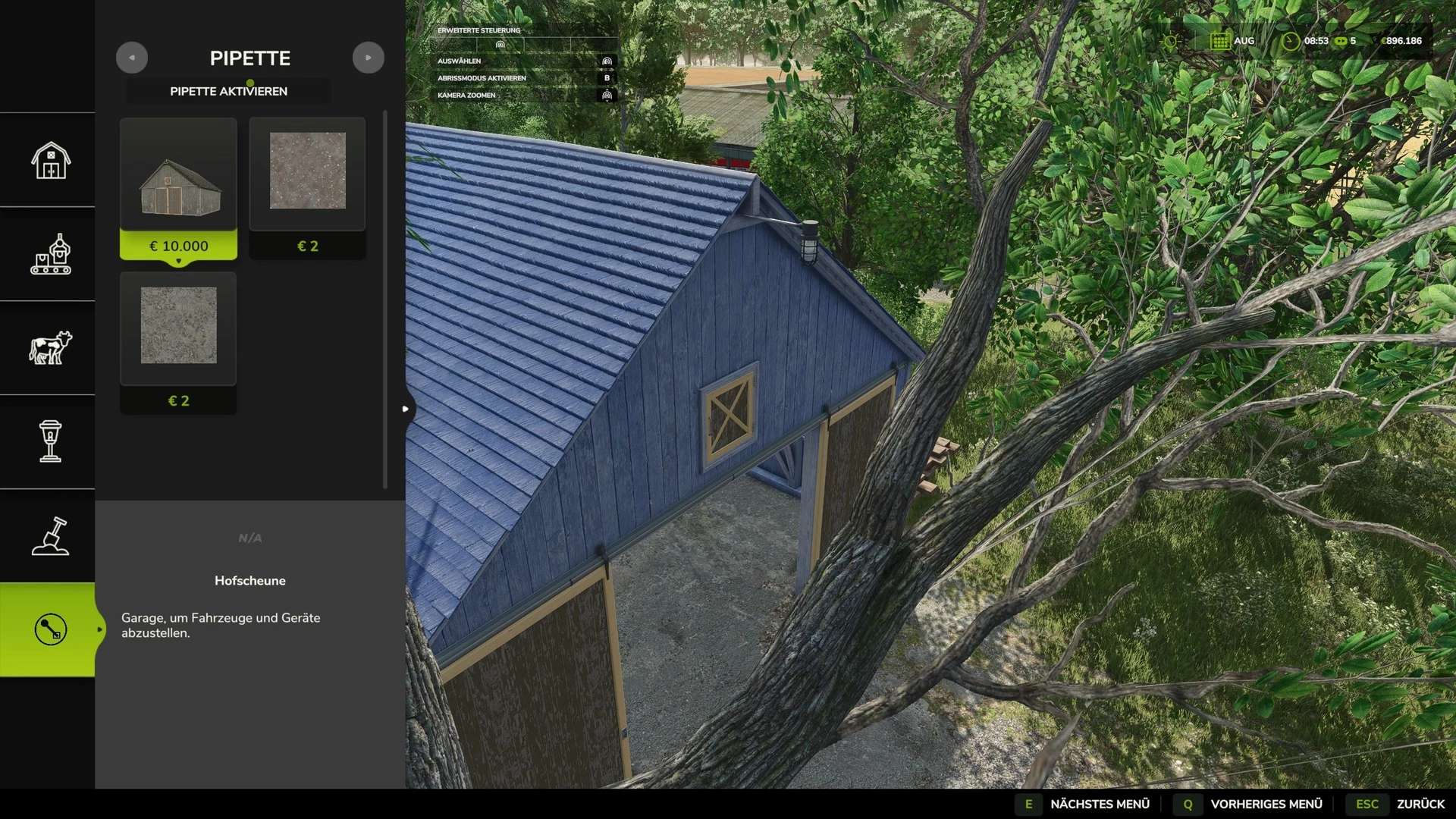
It allows you to sample ground textures already in use, visible foliage (such as grasses, flowers, and bushes), placeable trees, and supported objects directly from the map, making them easy to locate within the construction menu.
In areas where multiple elements overlap, the tool may display several matching results.
Usage:
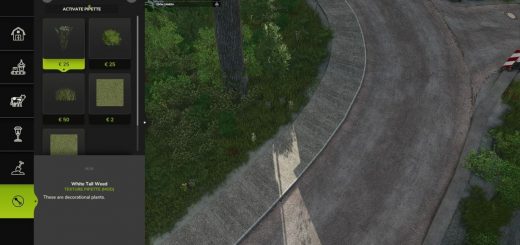
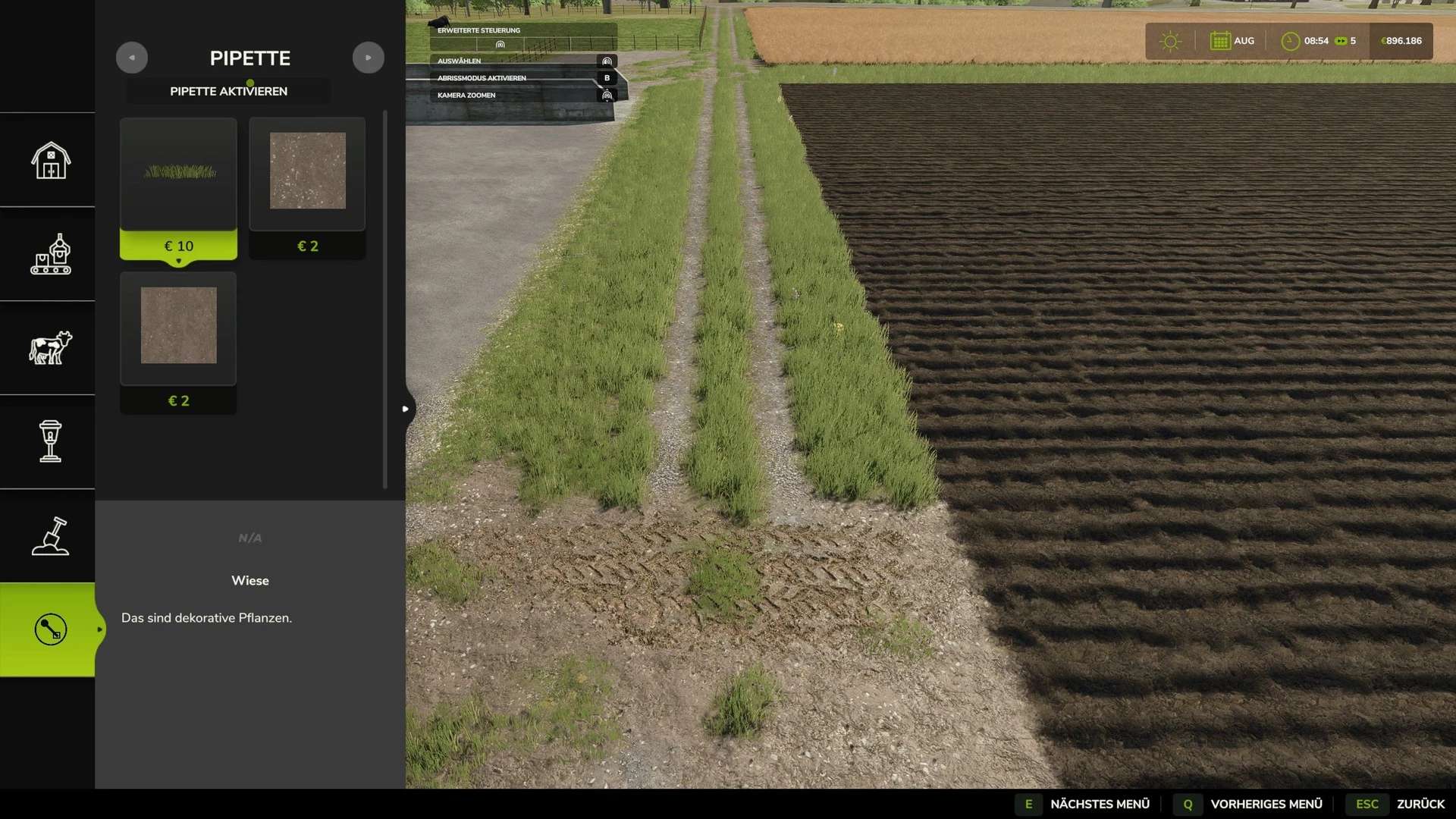
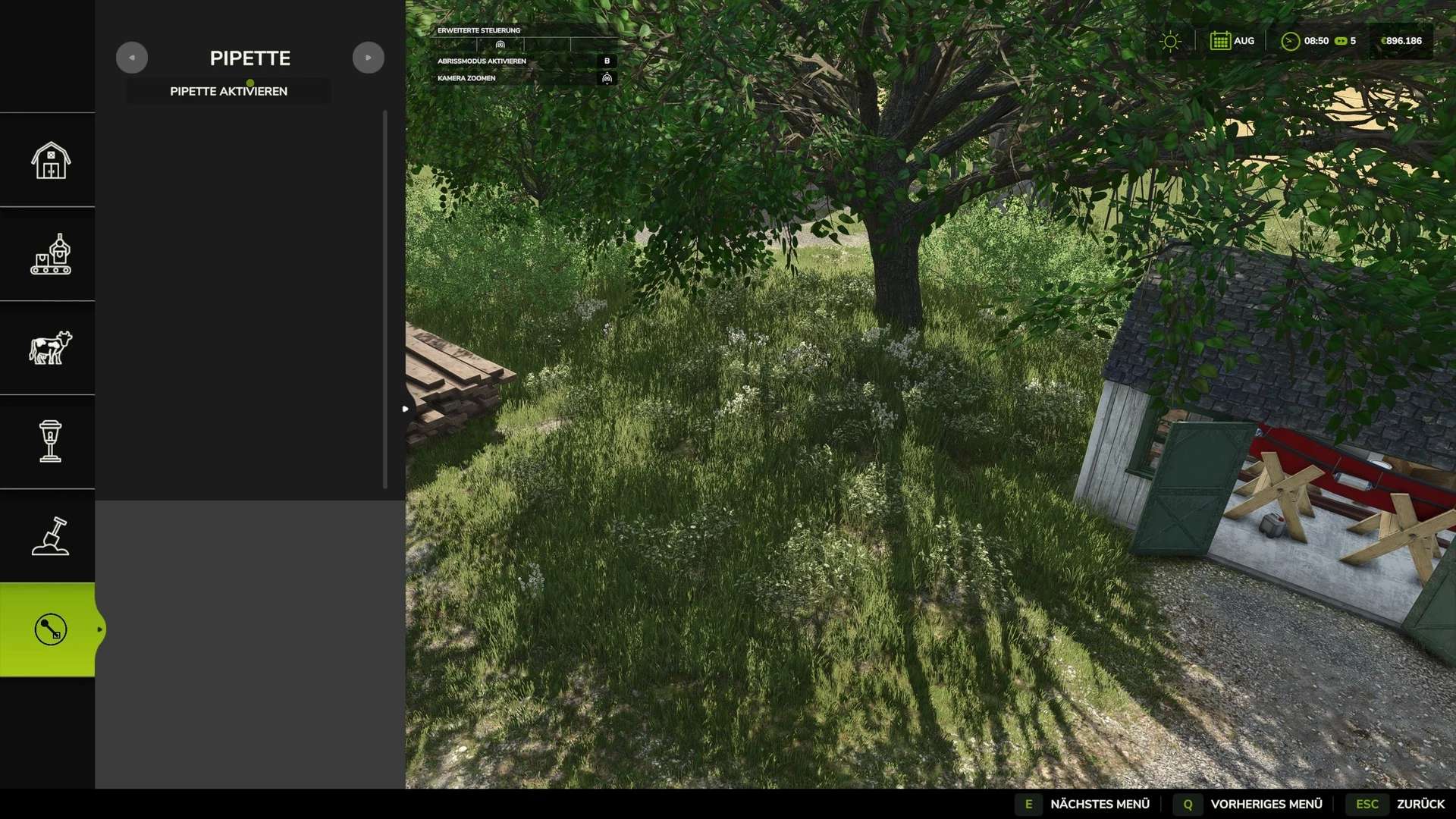
1. Open the “Pipette” tab in the construction menu.
2. Click the “Activate Pipette” button.
3. Click on a ground texture, piece of foliage, tree, or supported object.
4. Select the desired item from the results in the construction menu.
5. Paint or build as usual.
After painting, press the ESC key to exit the tool and prevent any accidental further painting.
The pipette can be reactivated at any time if needed.
The mod also takes into account the ground textures and foliage available on the specific map you are playing.
Where possible, map-specific foliage is made available as a paintable entry in the construction menu.
The debug mode is optional and disabled by default.
It is intended solely for troubleshooting purposes.
Nalathan