License Plate Randomizer V1.0.3.0 FS25

License Plate Randomizer V1.0.3.0 FS25
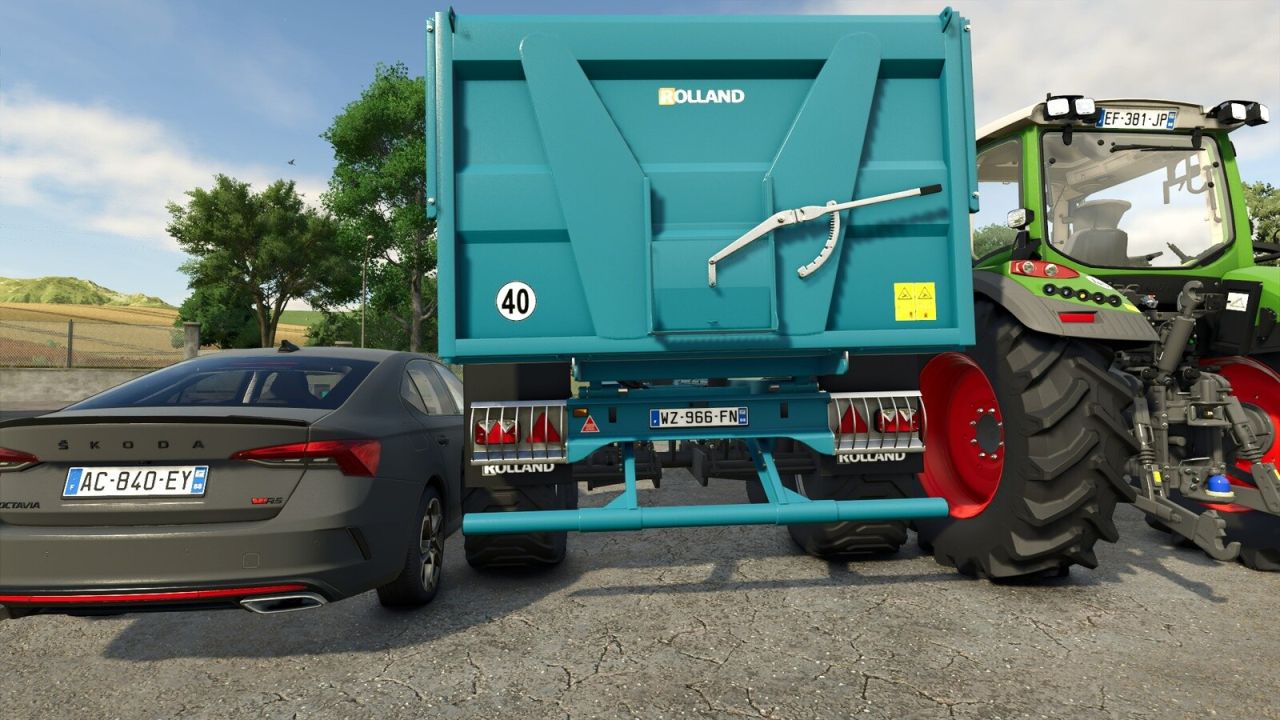
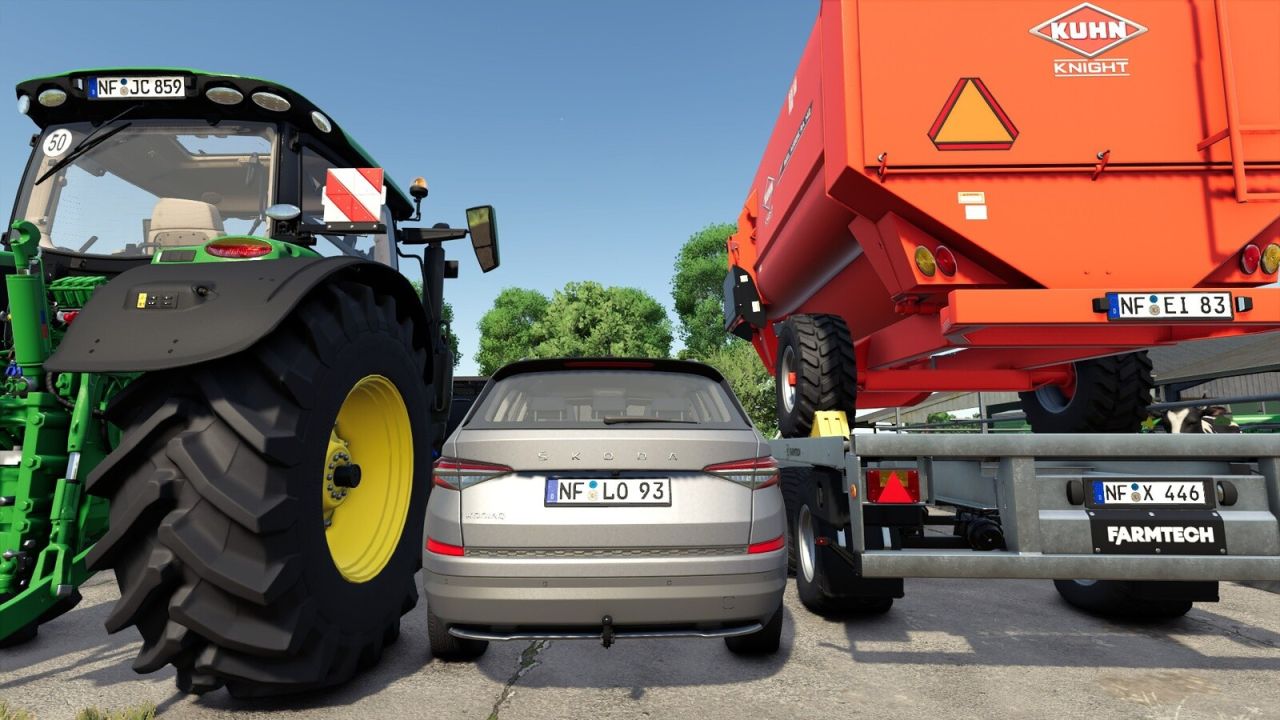
License Plate Randomizer gives every vehicle you buy a random license plate in the format of the map’s country.
FEATURES:
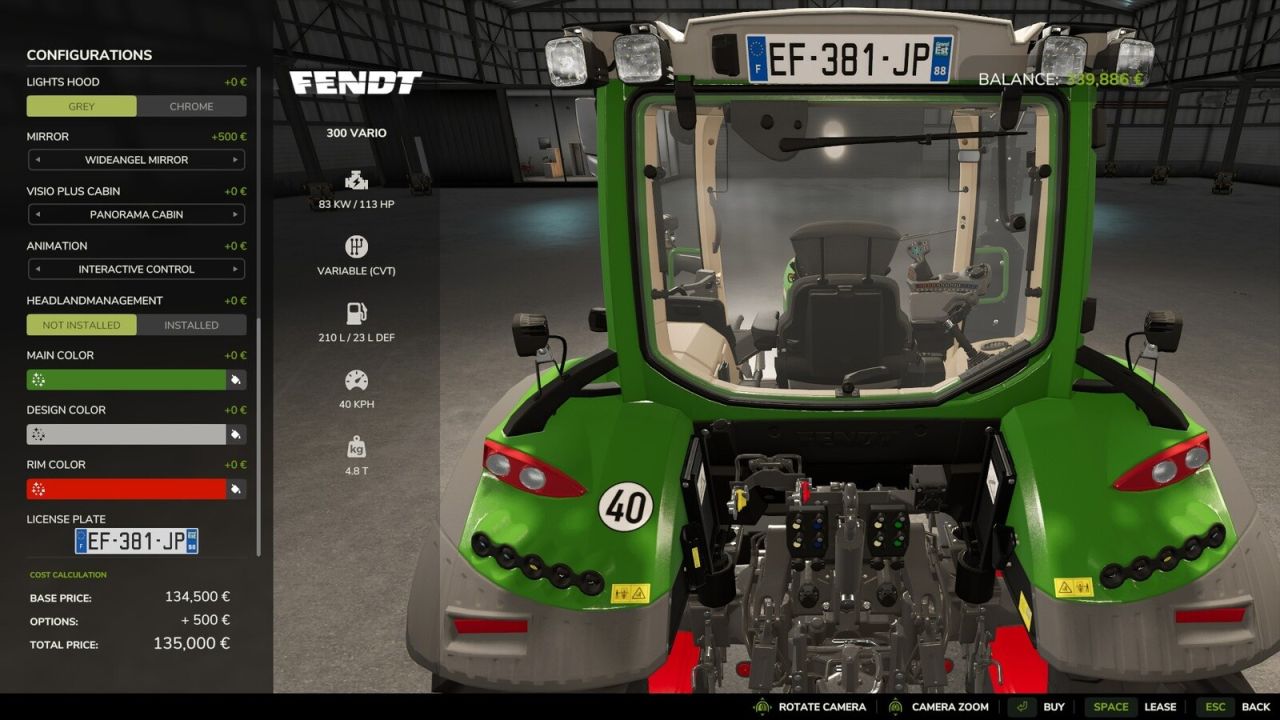
A vehicle opened in the shop gets a generated plate, in the 3D preview and in the plate field, and keeps it when you buy it.
A plate you edit in the shop before buying is kept.
The map’s country is detected automatically.
On German maps, farm machines and trailers get green agricultural plates, and cars and trucks get black ones.
On British and Northern Irish maps, cars and trucks get a plate at the front and the back; farm machines get a rear plate only.
The map’s regional prefix is used where the country has one (Northern Irish plates keep their own area codes).
Letter and number combinations real authorities refuse are rolled again before you see the plate.
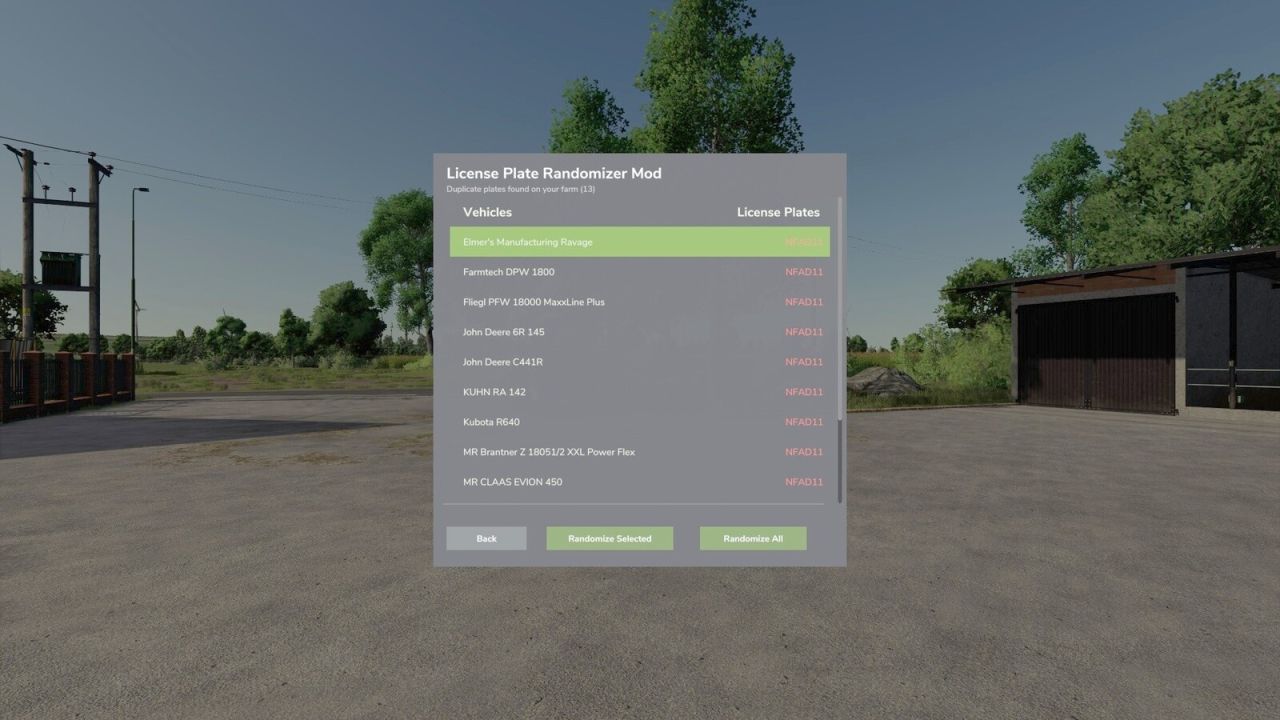
The duplicate plate finder (default Right Ctrl + Period) lists vehicles that share a plate and gives them new plates, one at a time or all at once. When a savegame loads, a message reports any duplicates.
Plates changed in the duplicate plate finder are shown to every player in multiplayer.
Settings for message size, color, background and position, and the warning style.
Right Ctrl + F12 (default) opens the Kijbev help panel with the keys of every active Kijbev mod.
SUPPORTED COUNTRIES (21):
Germany, France, Italy, Poland, Austria, the Netherlands, United Kingdom, Northern Ireland, Luxembourg, Czech Republic, Romania, Hungary, Slovakia, Spain, Sweden, Denmark, Switzerland, Belgium, Finland, Norway, Ireland.
On maps from other countries, the mod stays inactive and says so when the map loads.
PLEASE NOTE:
The mod sets the text on the plate. The plate’s look (background, font, euroband) comes from the map’s plate template, so a map that reuses another country’s template shows the right text on that country’s plate. German maps whose template has no green color show agricultural plates in black.
V1.0.3.0
On maps whose plate template sets the area code, new plates use it (except on Northern Irish maps), and the duplicate plate finder compares plates as displayed.
The duplicate plate finder key can be changed in Controls, and messages display your own key.
In multiplayer, the duplicate plate finder changes plates only for players allowed to purchase vehicles for that farm.
Messages follow the game’s HUD scale, with settings for size, color, background, position, and warning style.
Right Ctrl + F12 (default) opens the Kijbev help panel.
On an unsupported map, a note displayed when loading indicates that the mod remains inactive.
On British and Northern Irish maps, farm machines display a plate only at the rear.
Messages from several Kijbev mods are stacked instead of covering each other.
Long messages are split into lines.
Kijbev