To Pasture And Back V1.0.1.0 FS25

To Pasture And Back V1.0.1.0 FS25
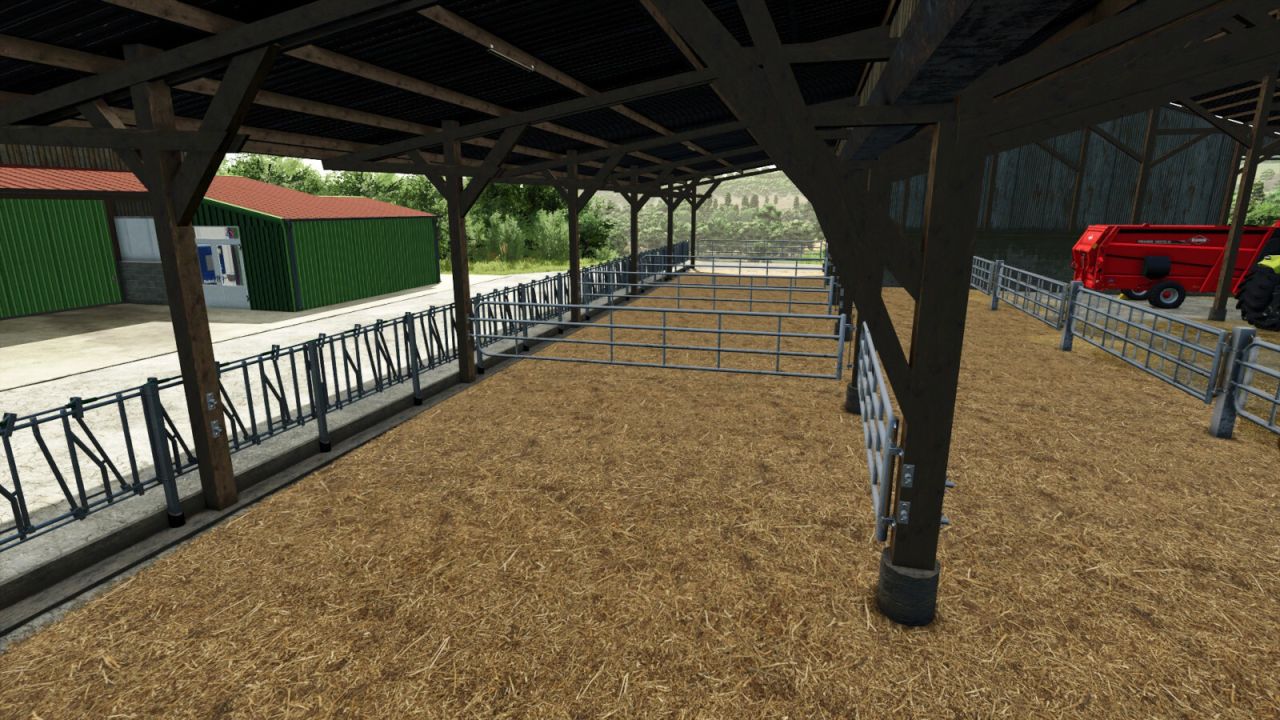
To Pasture And Back takes a herd from a barn out to a field or pasture and brings it home again. Feeding, breeding and production stay in the barn as in the base game.
FEATURES:
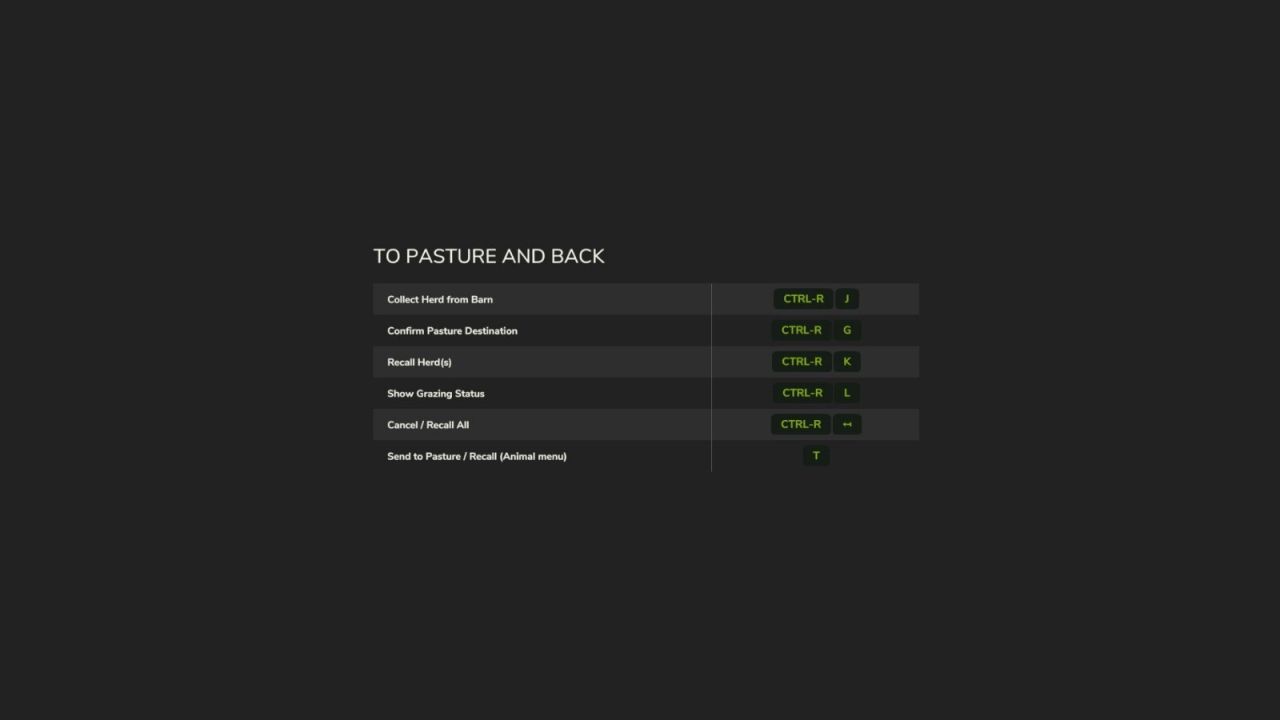
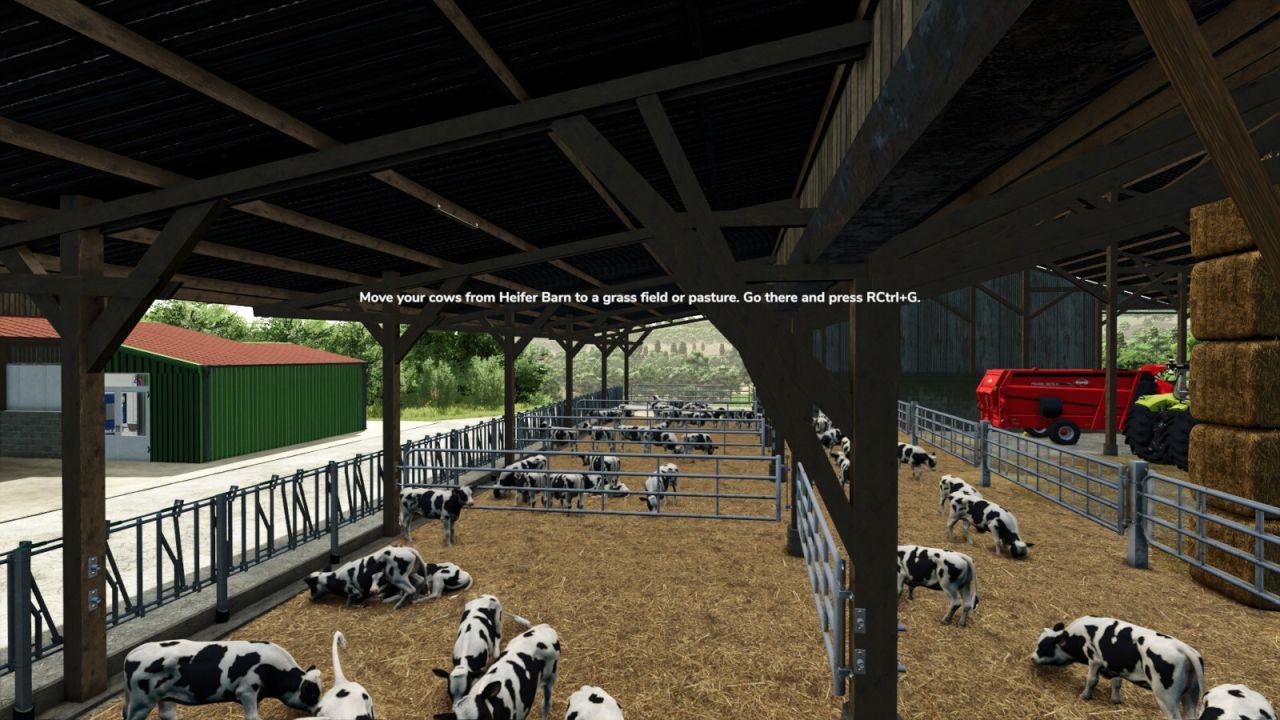
Right Ctrl + J picks up the herd at a barn, or a herd out on a field on the farmland you are standing on, to move it to another field.
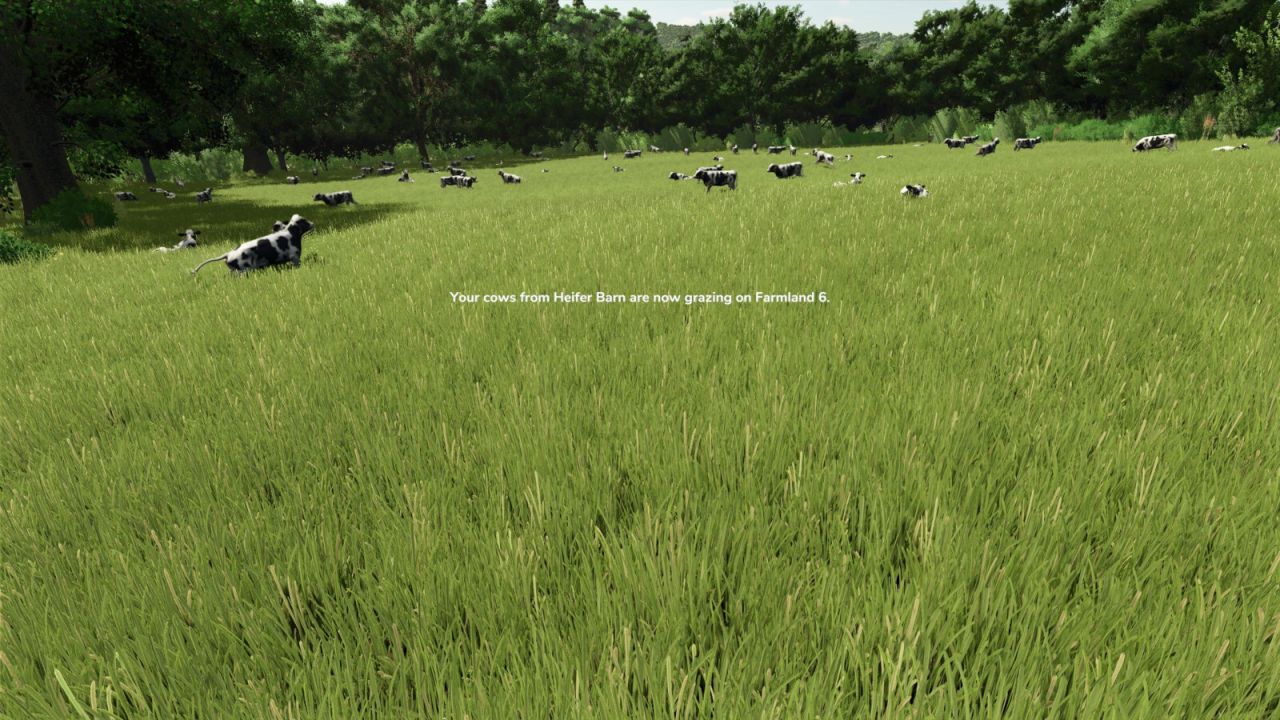
Right Ctrl + G drops the herd on the field you are standing on.
In a barn’s animal menu, T picks up the herd to drop it off with Right Ctrl + G, or brings it home when it is out.
Several herds can be picked up and dropped one per key press, on one field or on several fields. Pigs are never picked up together with other species.
Each species goes only on ground that suits it: cows, horses and alpacas on standing grass, sheep and goats on grass of any height, pigs on mowed fields, stubble, fallow, plowed or cultivated ground. Growing crops are off limits for all of them.
Animals too young to leave stay visible in their stalls while the rest of the herd is out.
Horses out on a field cannot be ridden or brushed until they are home.
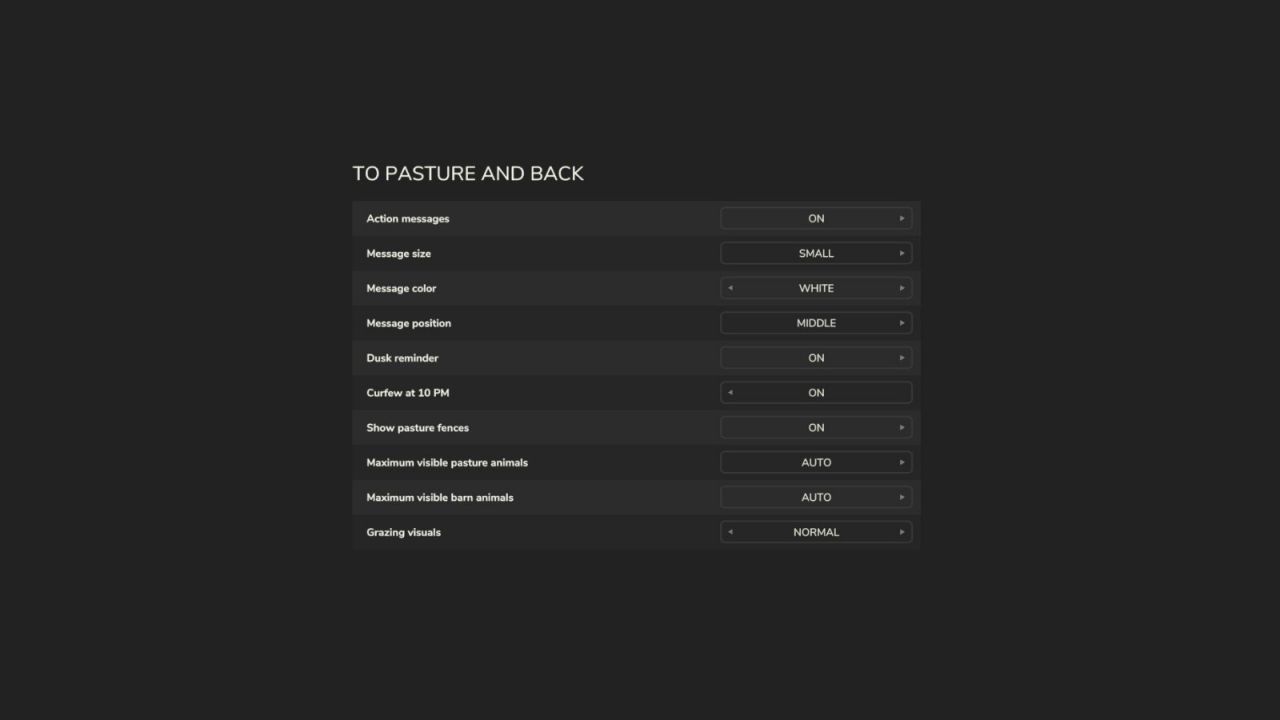
A field without a fence gets a decorative temporary fence with no collision, which can be switched off.
Right Ctrl + K brings home the herd on the farmland you are standing on, or every herd of your farm when you are elsewhere. By default a second press confirms it.
Right Ctrl + N cancels the pickup, and every herd you are transporting goes back to where it came from.
Right Ctrl + L shows which herds are out and where.
An optional curfew brings every herd home at 10 PM. An optional reminder at 6 PM says when herds are still out.
Where a herd stands, the grass wears down and regrows with the base game’s growth. The pace can be set or switched off.
Each player sets how many animals are shown on the pasture and at the barn: Auto, or 25 to 500.
Settings for message size, color, background and position, and the warning style.
Right Ctrl + F12 opens the Kijbev help panel with the keys of every active Kijbev mod.
Herd messages show to the players of the barn’s farm.
Supported: cows, water buffalo, sheep, goats, pigs, horses and alpacas. Chickens are not included. This mod switches itself off when Realistic Livestock RM is loaded.
V1.0.1.0
New setting: confirm before recalling, enabled by default. The first press of the recall key indicates which herd, or how many herds, would return home, then starts a countdown.
In a field, Right Ctrl + J recalls the herd currently out on the farmland you are standing on.
The visible-animal settings take effect immediately for herds already outside and for young animals left in the barn.
Horses at home in their barn retain the game’s own display, so they can be ridden and brushed.
Herd messages are shown only to players belonging to the barn’s farm.
Right Ctrl + L lists only the herds belonging to your farm.
When another player from your farm is transporting herds, Right Ctrl + L and Right Ctrl + K indicate who is transporting them and how many.
New settings: message background and warning style, a third message position, and more message colors.
Messages follow the game’s HUD scale and remain visible long enough to read.
Messages from several Kijbev mods are stacked instead of covering one another.
Right Ctrl + F12 opens the Kijbev help panel.
Kijbev