
DTM Screenshot Studio v1.0.0.0 FS25

DTM Screenshot Studio v1.0.0.0 FS25
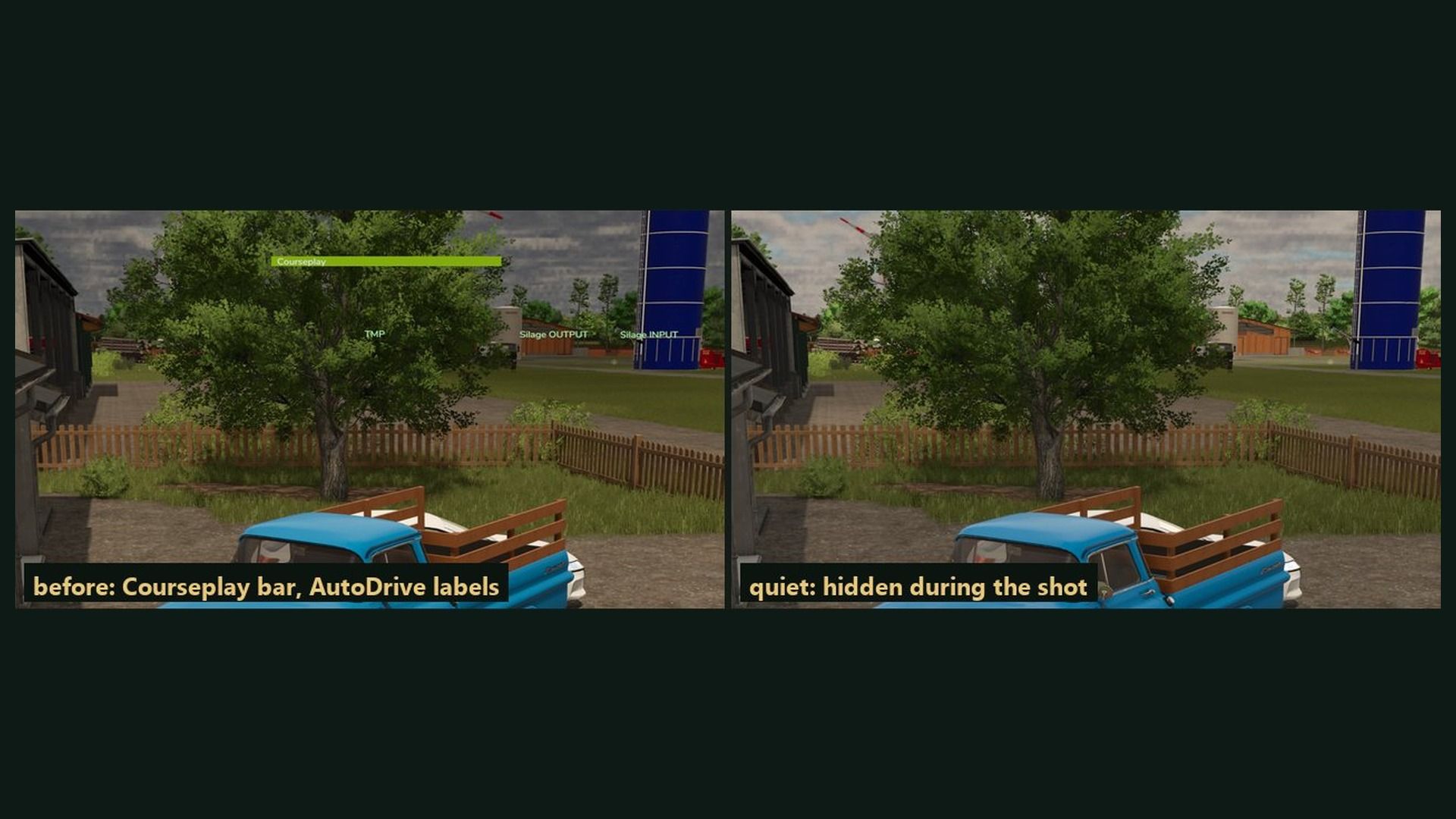
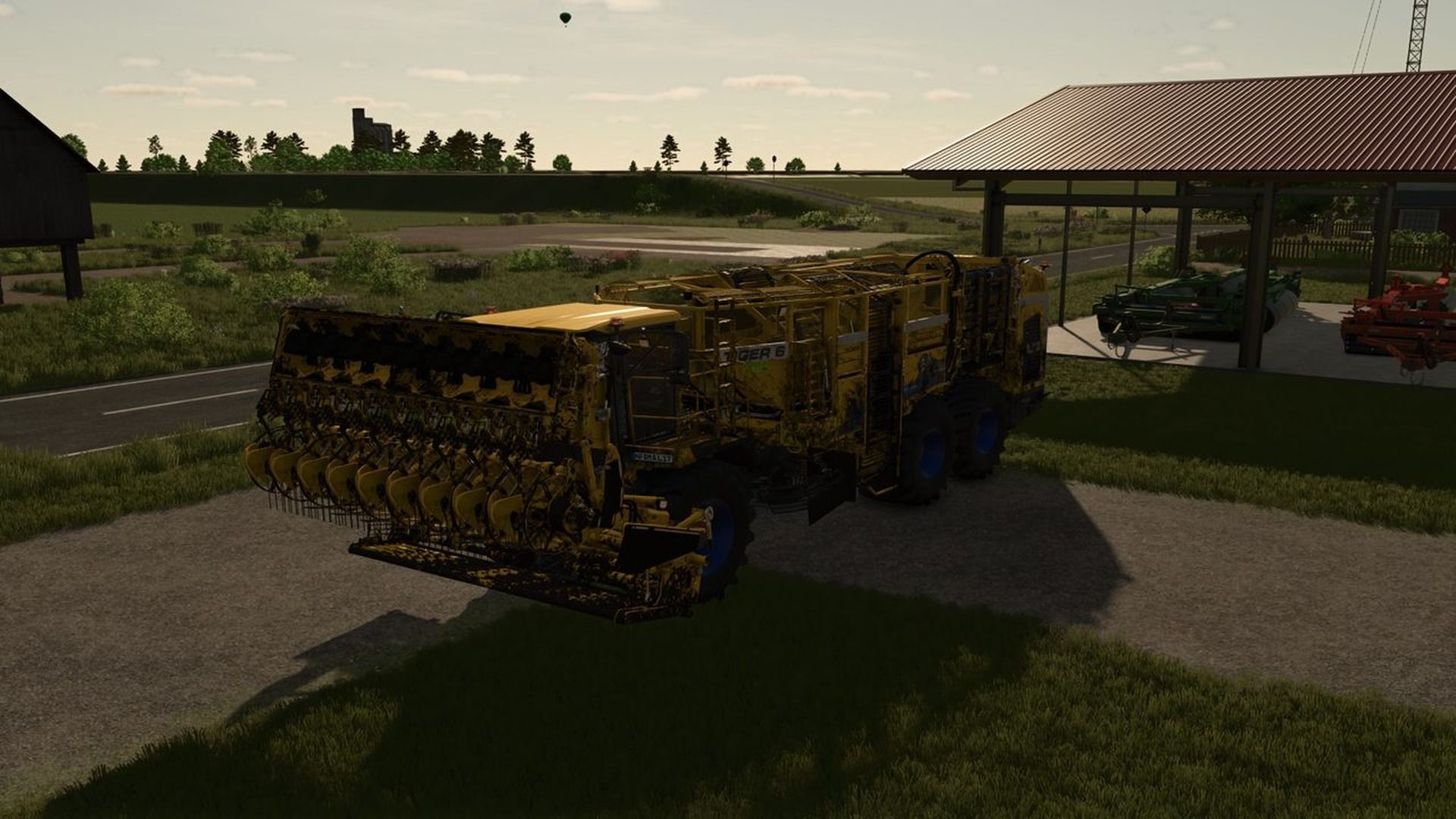
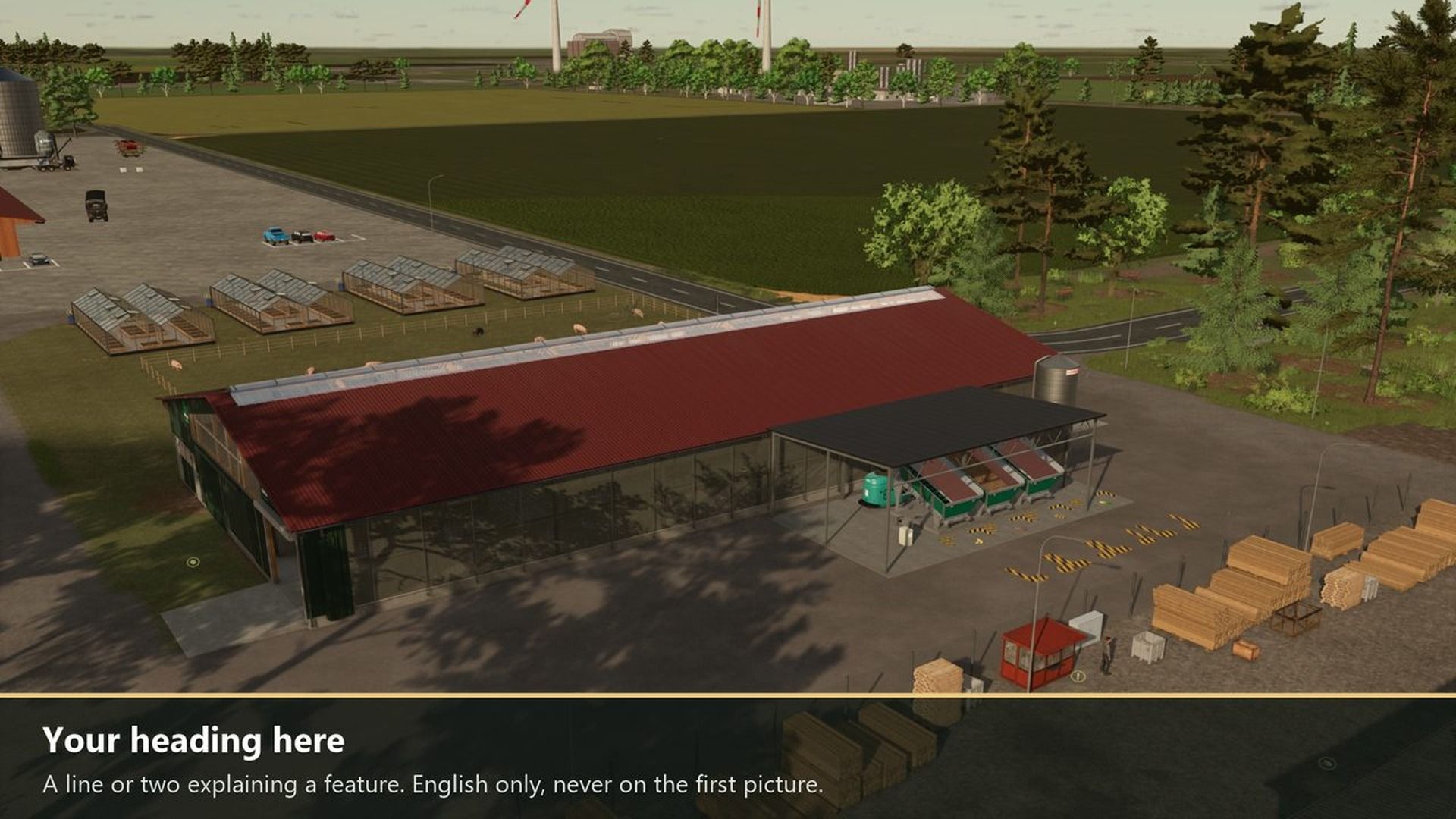
A tool for modders: the game takes the screenshots of your mod for the ModHub and your website. Park your machine or building somewhere nice, press a key and get framed pictures without the HUD, at 1920×1080 where the game allows it. Single player only.
Right Ctrl + 1: clean shot of the current view, without HUD.
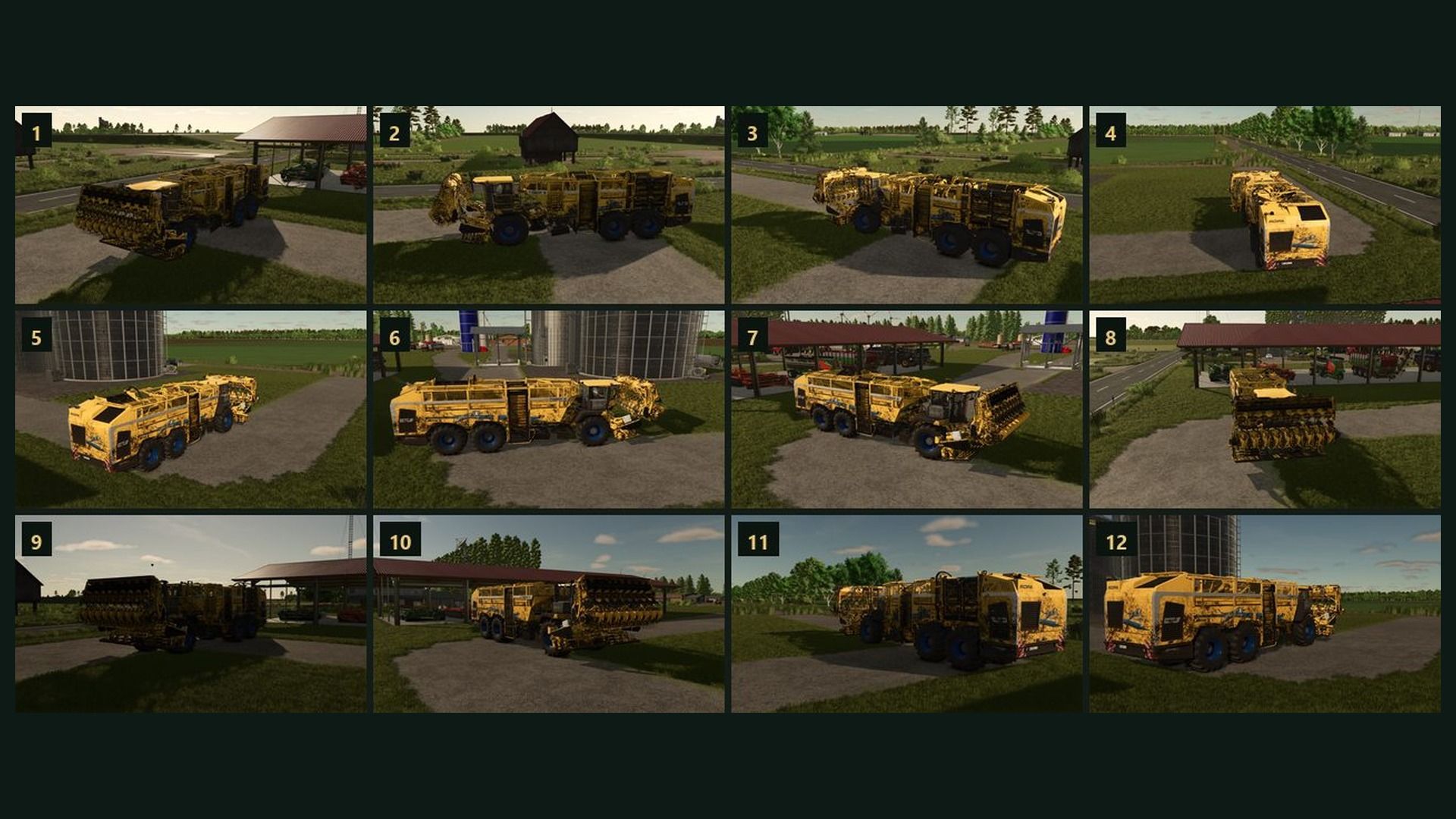
Right Ctrl + 2: orbit. 12 framed shots from all around the vehicle you sit in (with everything attached) or the nearest building.
Right Ctrl + 3: UI shot. Waits 5 seconds so you can open a menu, then saves the screen with the menu.
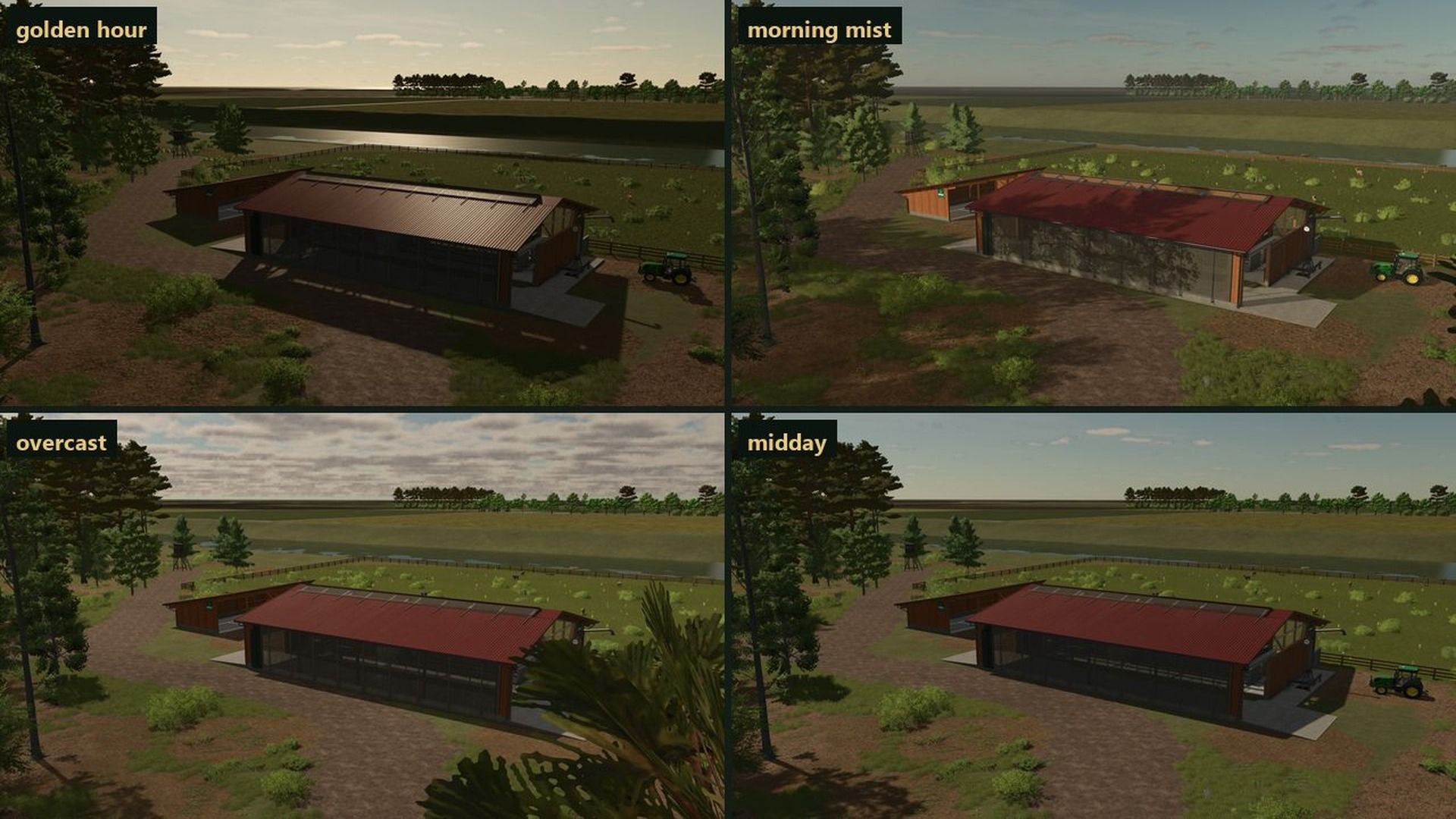
Right Ctrl + 4: light. Golden hour, morning mist, midday sun and overcast; one more press brings the old time back.
Right Ctrl + 5: burst. A clean shot every 3 seconds for a minute while you work.
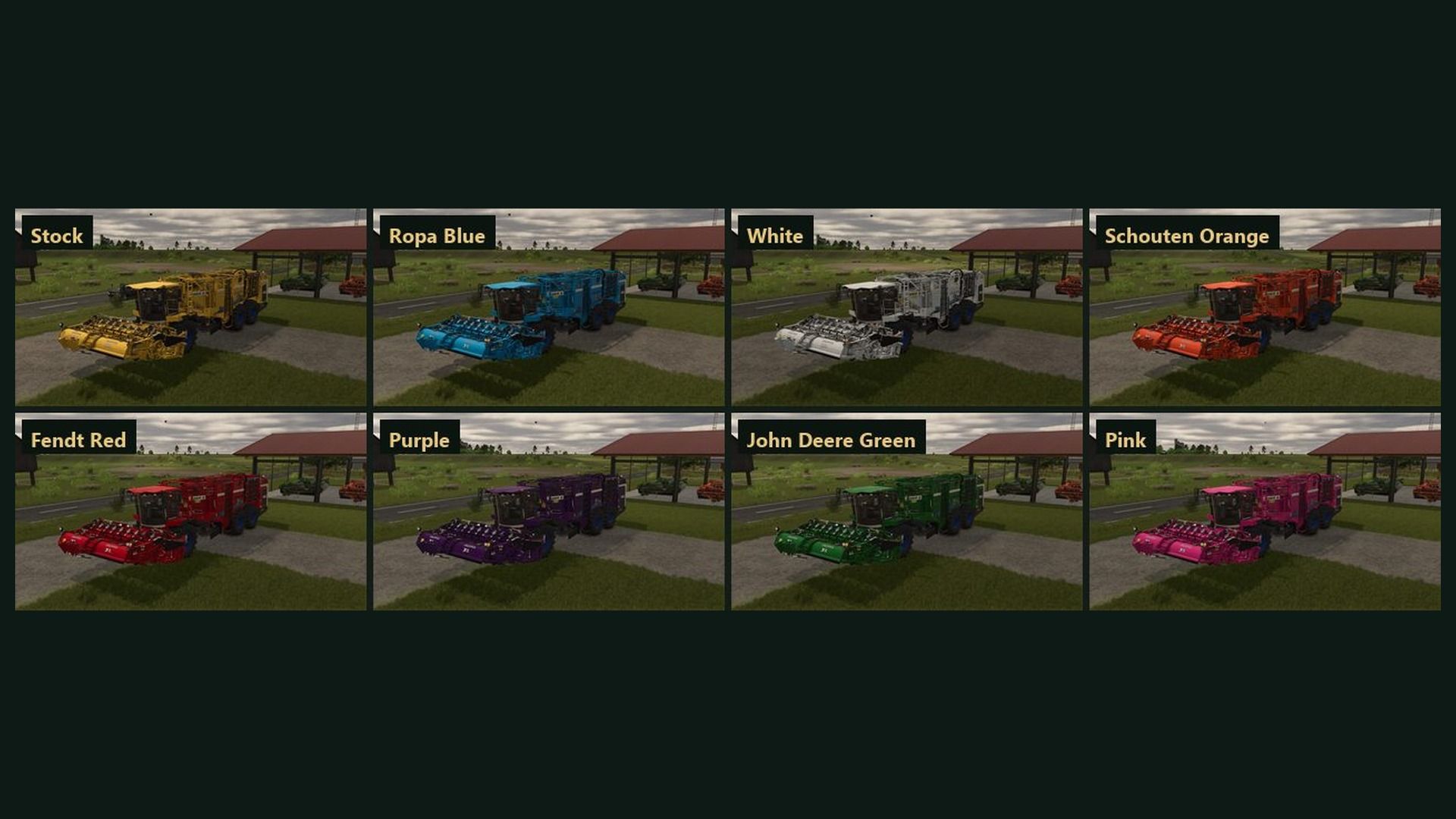
Right Ctrl + 6: every color. The same view once in each shop color; your vehicle itself doesn’t change.
Walls, poles and tree crowns in the way are avoided; other mods’ screen drawing is hidden during shots.
How to use: pictures go to modSettings/FS25_ScreenshotStudio/<mod name>/. The keys can be changed in Options > Controls.
Changelog 0.2.2.3:
The author now shows as DTM Mods, Fennell in the mod list.
New console commands ssClick, ssTab and ssType: press buttons, switch tabs and type into menus (0.2.2.2).
ssView can take the framed shots from further away (0.2.2.2).
Pictures are numbered 1.jpg, 2.jpg and so on (0.2.2.2).
DTMMods, Fennell


