Logistics Hub V1.6.0.0 FS25

Logistics Hub V1.6.0.0 FS25
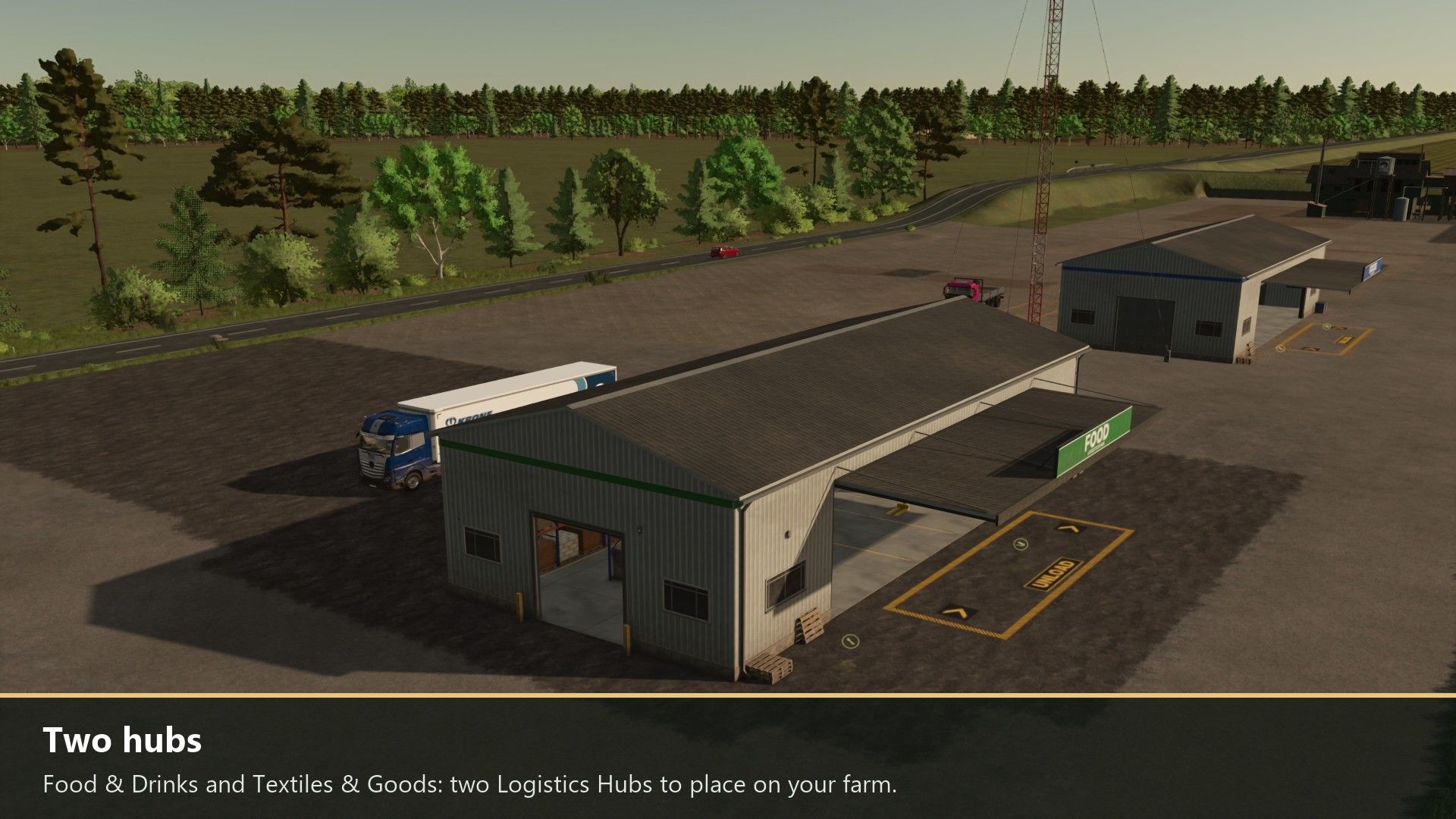
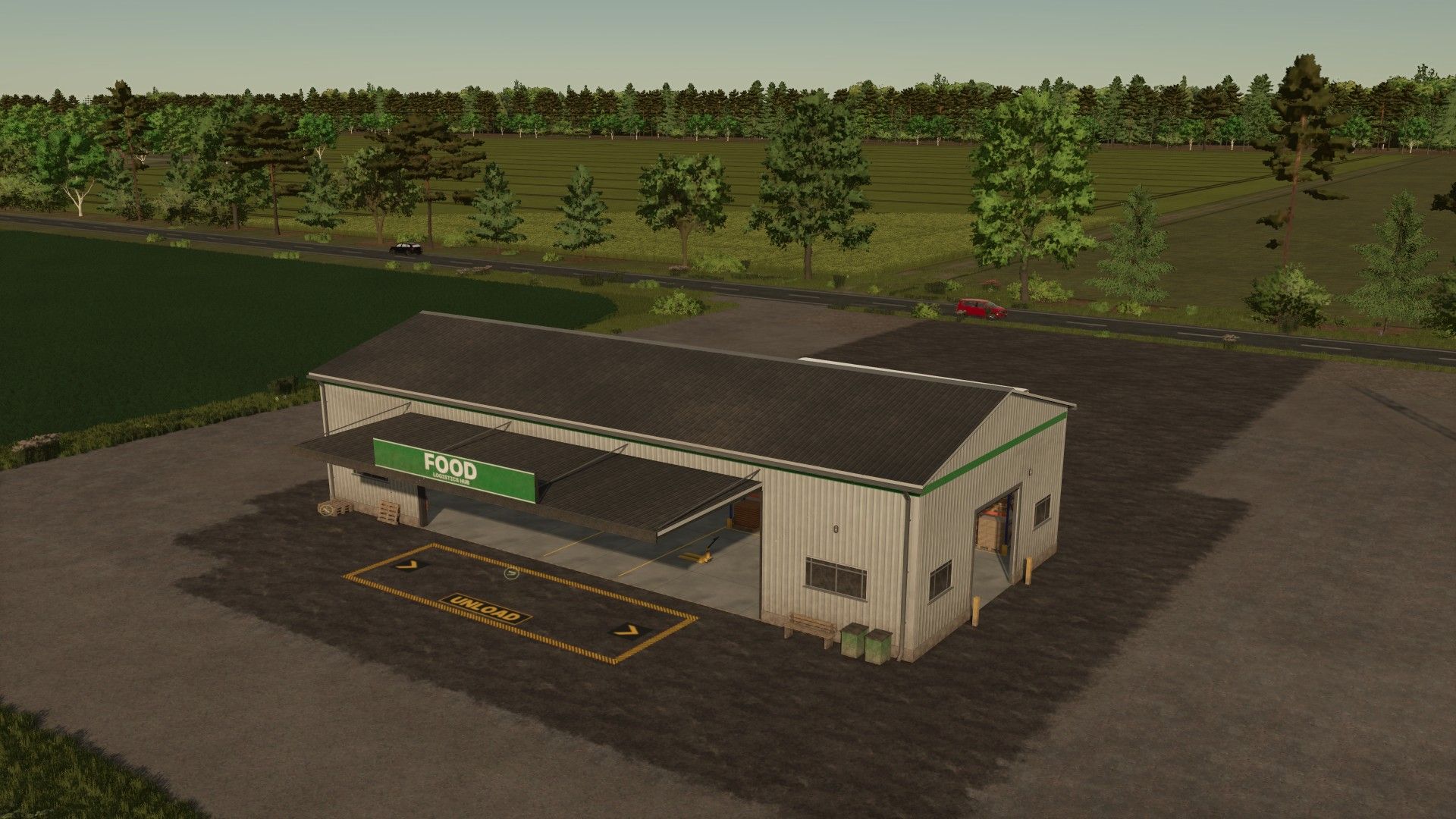
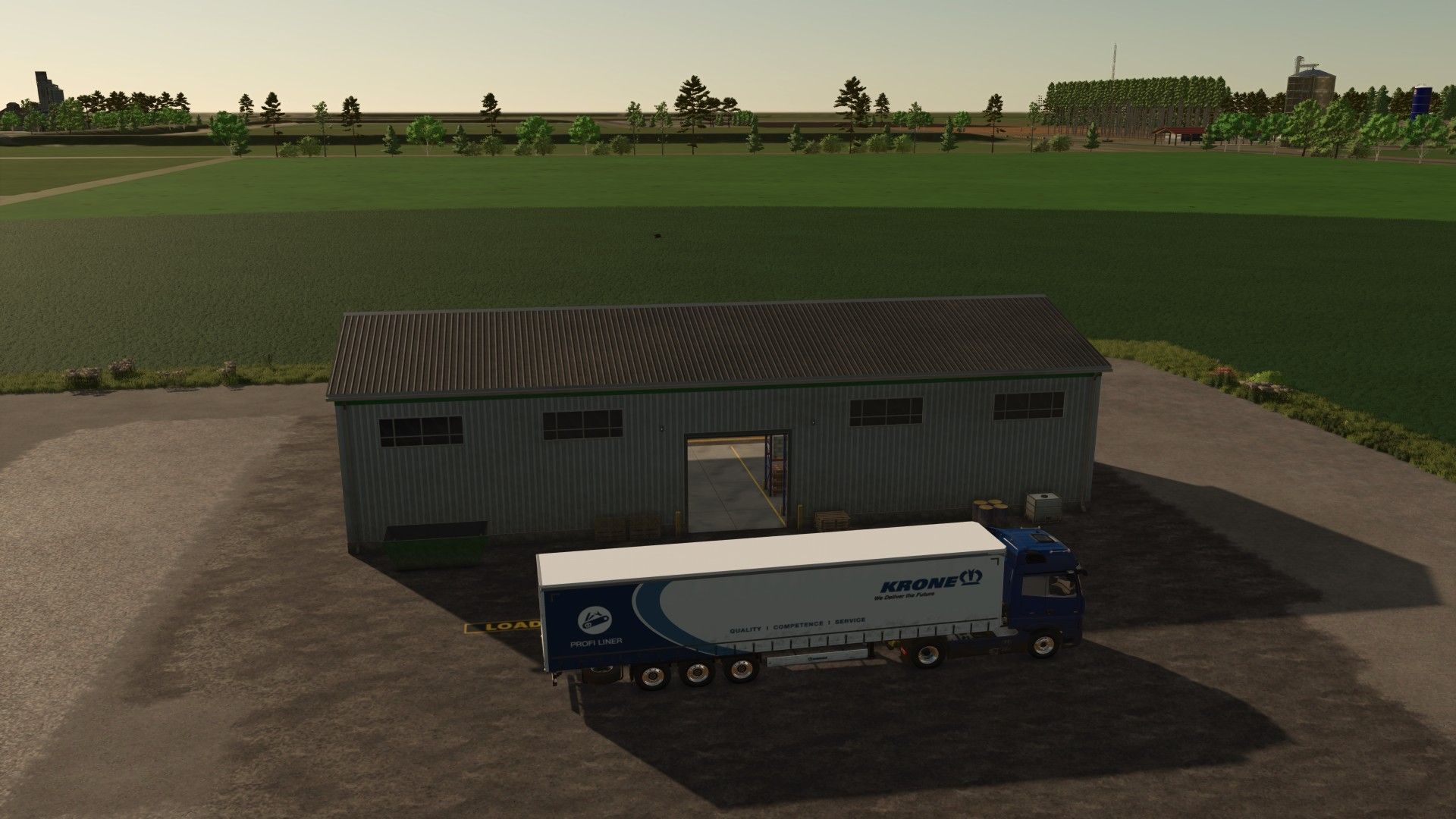
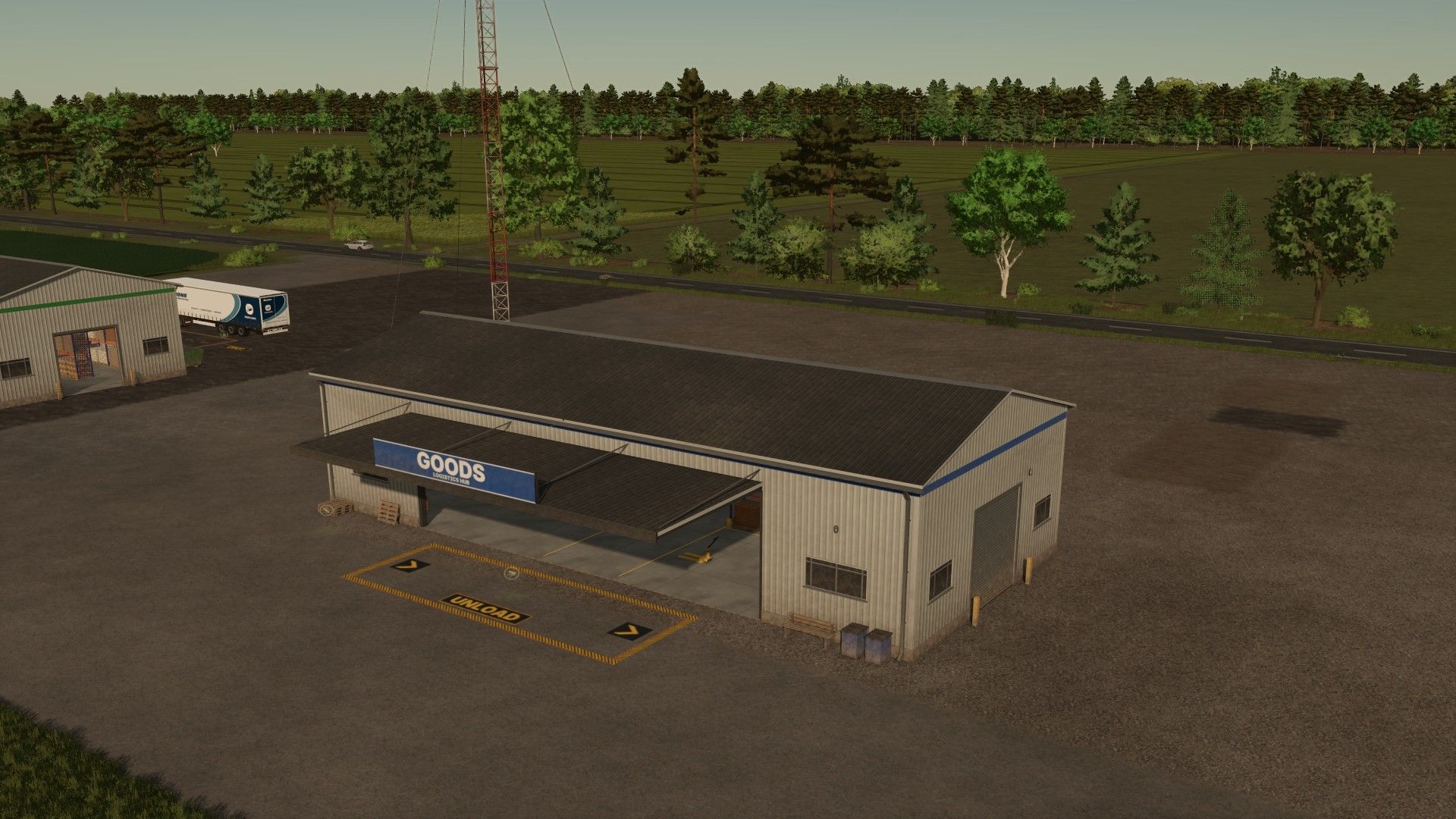
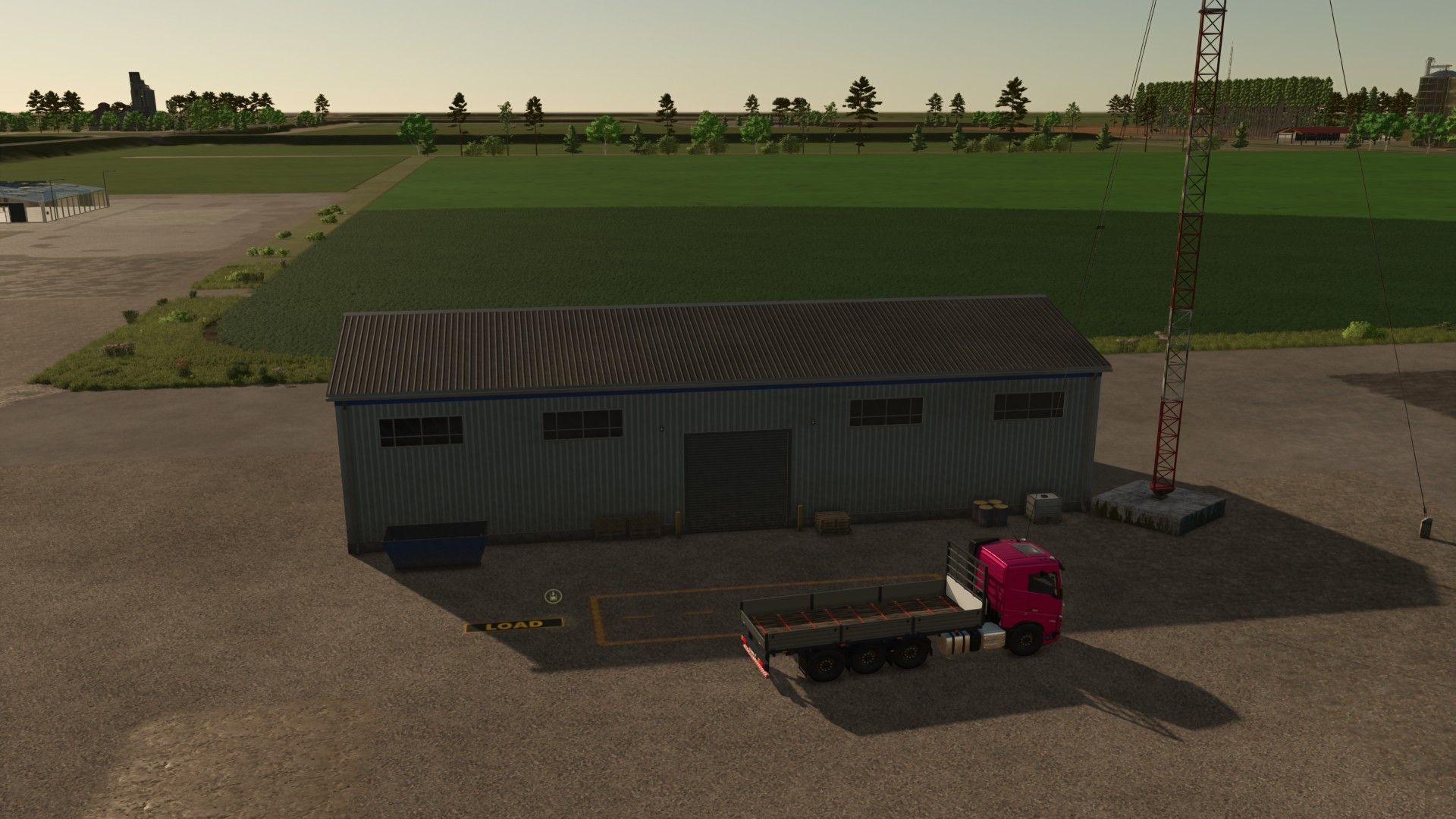
Logistics Hub is a pallet hall that stores your products and sends them on. Drop pallets on the unload pad at the front, then choose per product whether it stays in storage, comes out as pallets at the pickup lanes at the back, is delivered to your other productions or is sold every full hour.
Two hubs: Food & Drinks (green sign) and Textiles & Goods (blue sign)
Up to 1,000,000 L of storage per product, racks with 84 pallet places that fill up with the stock
Spawn goods: pick the product, the pallet (its own pallet, or 1,000 L / 5,000 L), the farm and how many
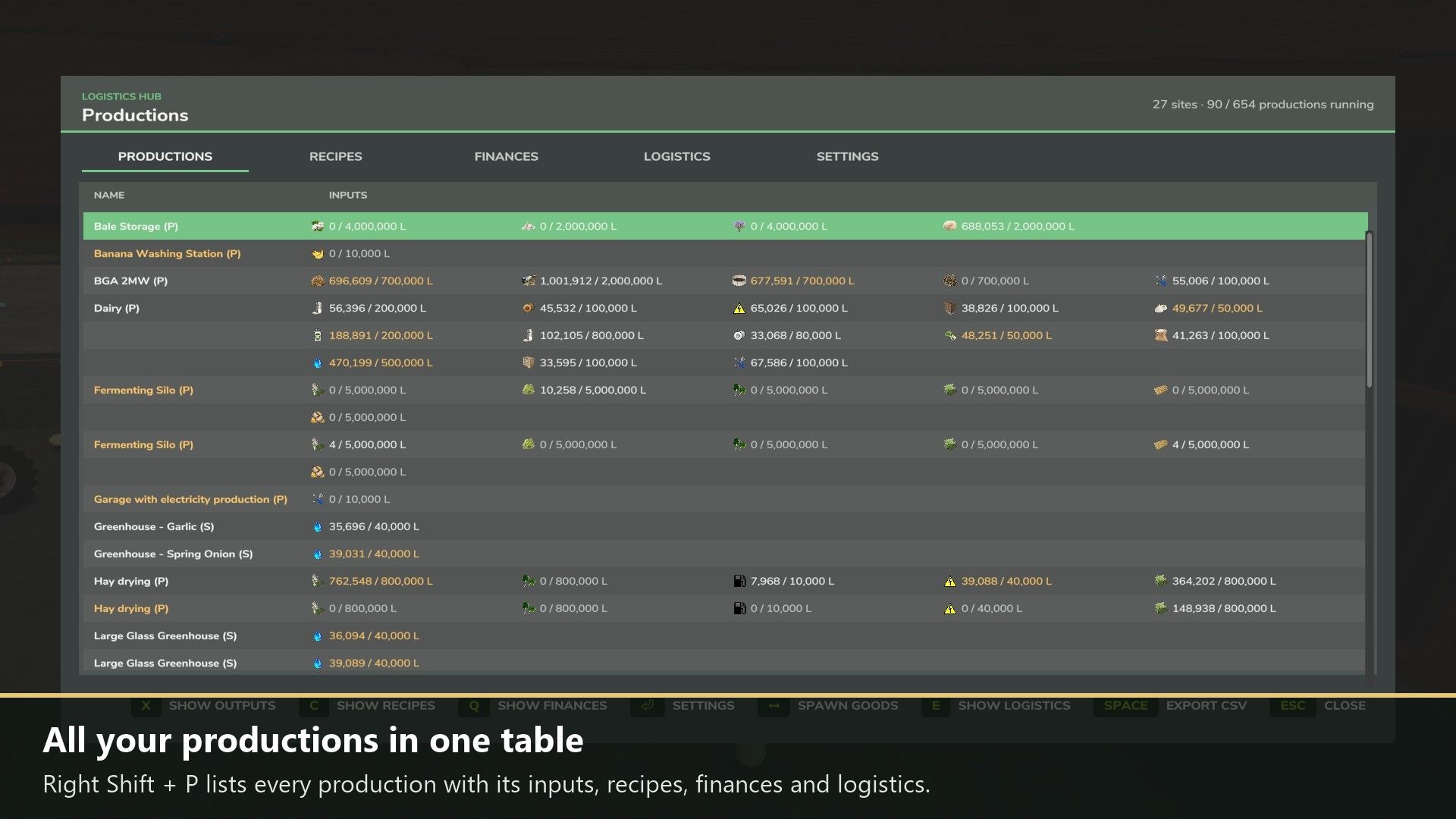
Productions window (Right Shift + P): all your productions in one table, with schedules, auto-management and alerts
Working roller doors, a daily report at 06:00 and an AutoDrive route when you place a hub
Also takes the products of the FedMods packs, Beans & Alpacas and Highlands Fishing when those are loaded; no other mod is needed
Pallets only: no bulk goods, field crops or bales
Price: 50,000 per hub, no daily upkeep
Changelog 1.3.0.5:
The 400 kg pallet weight cap now holds everywhere, also for pallets saved before the cap (e.g. the 775 kg buffalo butter pallet).
Spawn goods and the pallet size setting offer the 1,000 L and 5,000 L sizes only at the hubs.
V1.6.0.0
Logistics page: AUTO column with a tick box for every Logistics Hub product (clicked with the mouse), and the farm’s AUTO SPAWN on/off button in the page strip (ADAddOn’s ON/OFF button). Only on the Logistics page; only hubs (our 5,000 L pallet exists there only).
While AUTO SPAWN is on, the server spawns full 5,000 L pallets of ticked products with at least 5,000 L in stock in groups (as many full pallets as the stock has, up to 20 per round; the lanes take what fits; checked every second), through the Spawn goods code. Lanes full: it waits (8 s retries, no messages) until a truck has taken the pallets away. A hub works down its ticked products in Logistics-page order, one product after another: when less than a full pallet is left after spawning from it, its tick is taken off and the next ticked product starts. A ticked product that never had a full pallet is skipped and keeps its tick.
A tick does not change the product’s output mode (Storing / Distributing / Selling).
Ticks saved in palletDepotAutoSpawn.xml (savegame), the switch with the farm settings (palletDepotAutoManager.xml); both synced in multiplayer, changes need the right to manage productions.
With ModMux installed, the farm settings of the productions window (auto-management, the three alerts, low and high threshold) and the personal “Hide sites without active productions” are also instant switches on ModMux’s LIVE tab. Farm settings go to the server like from the Settings tab and need the right to manage productions; without it you get the usual message and nothing changes.
Also: brought up to date for the current game version and GIANTS’ ModHub checks.
DTMMods, Fennell, PropaineX