AgroBeetle V1.0.0.0 FS25

AgroBeetle V1.0.0.0 FS25
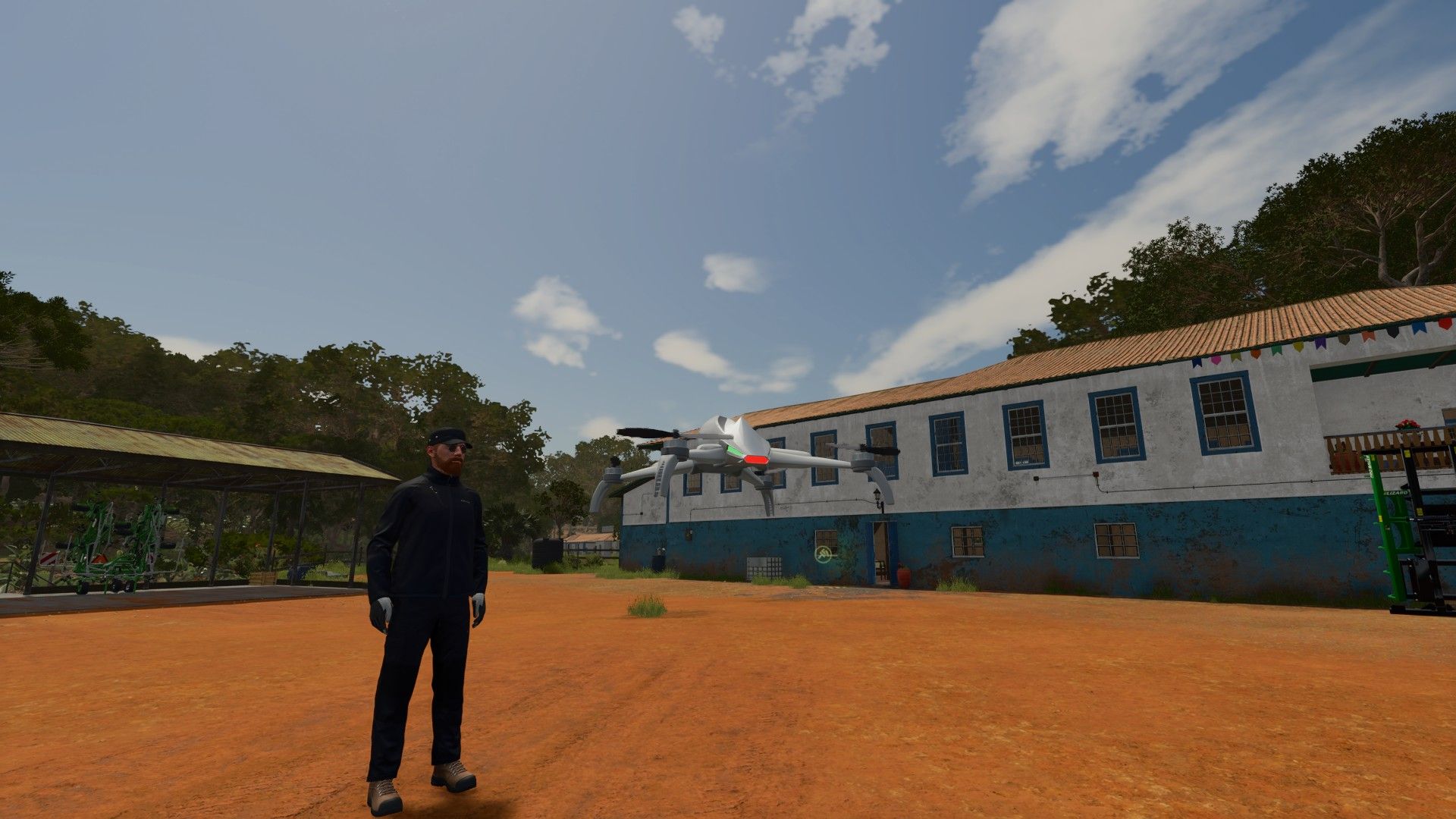
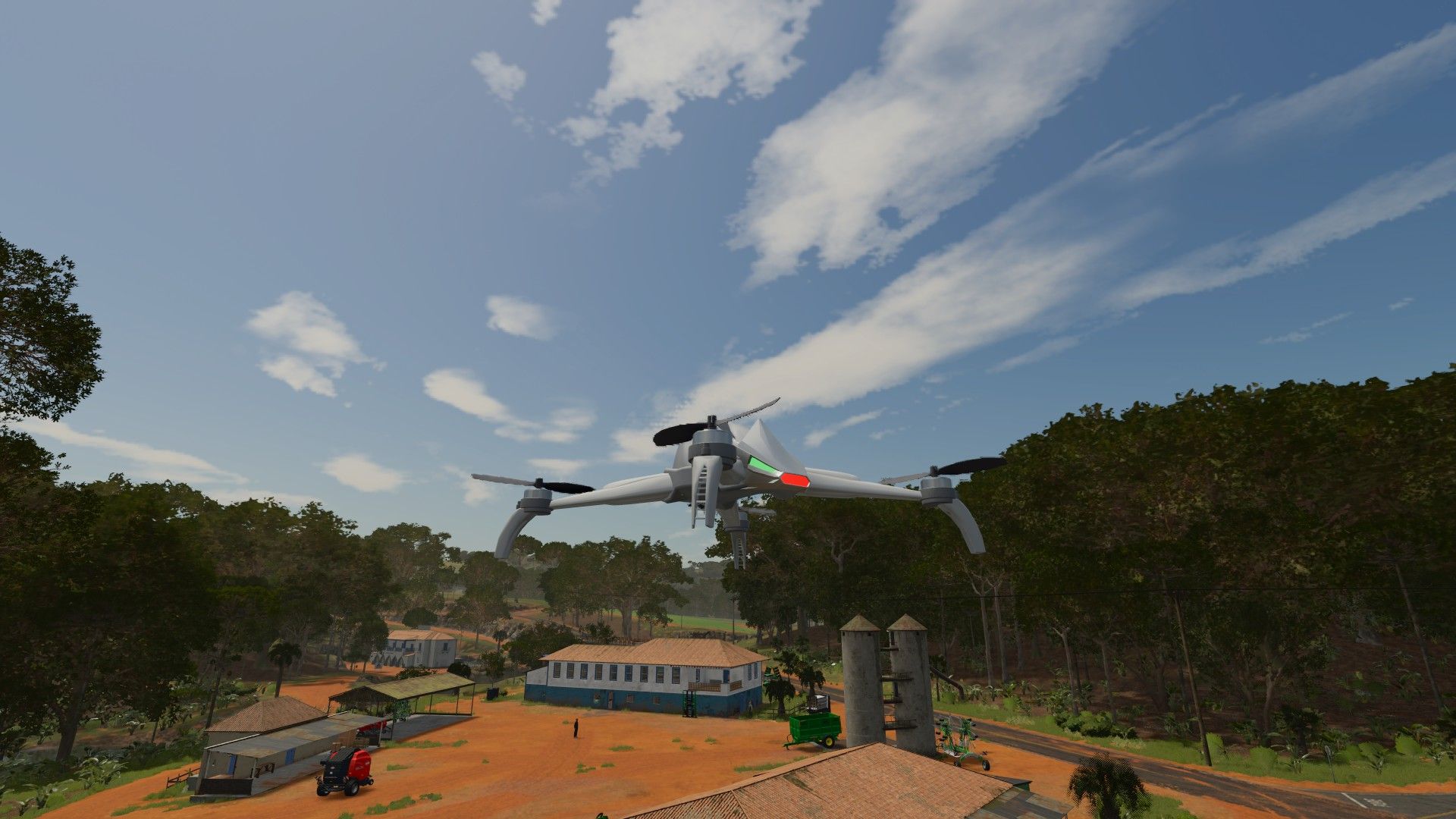
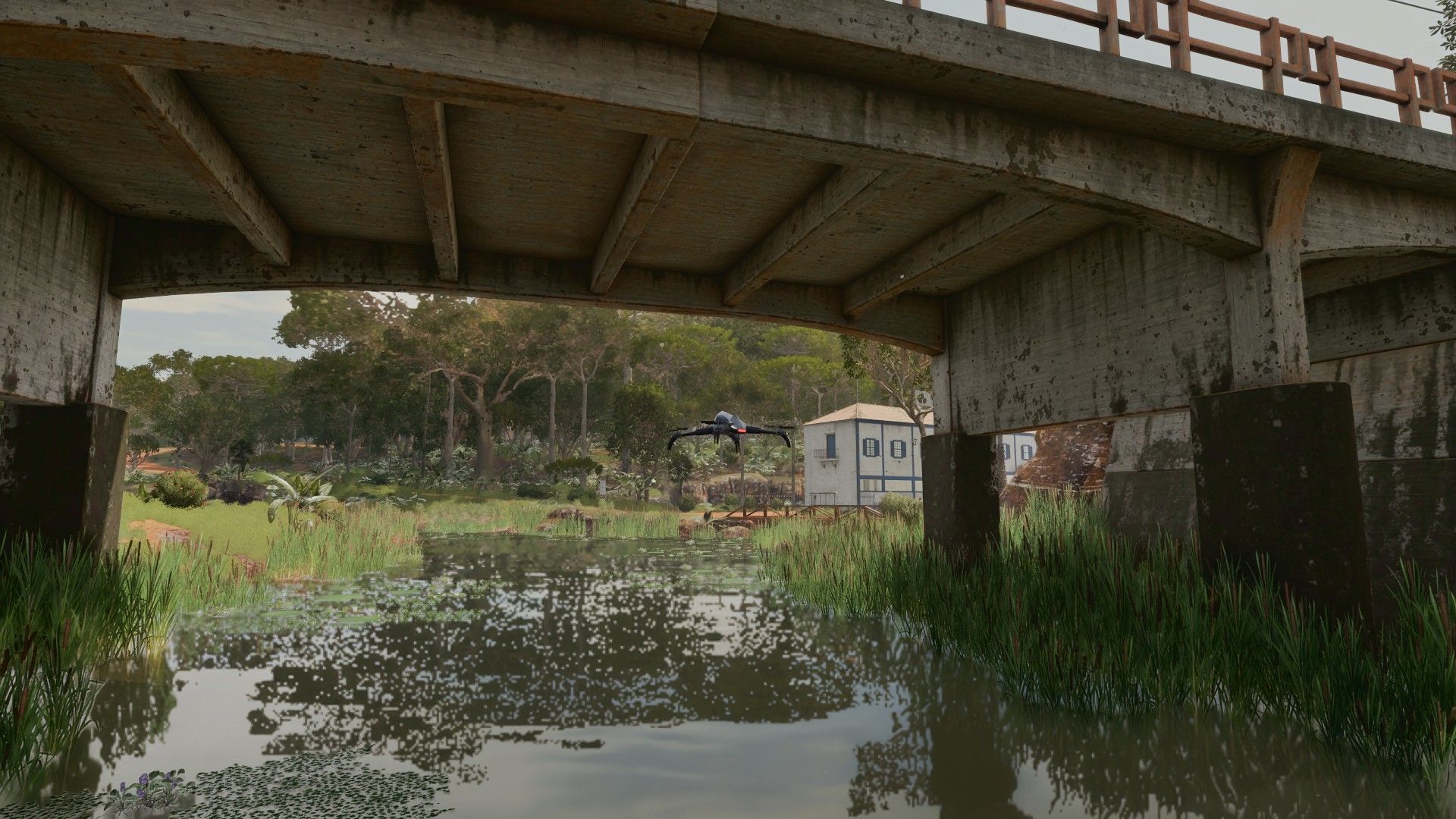
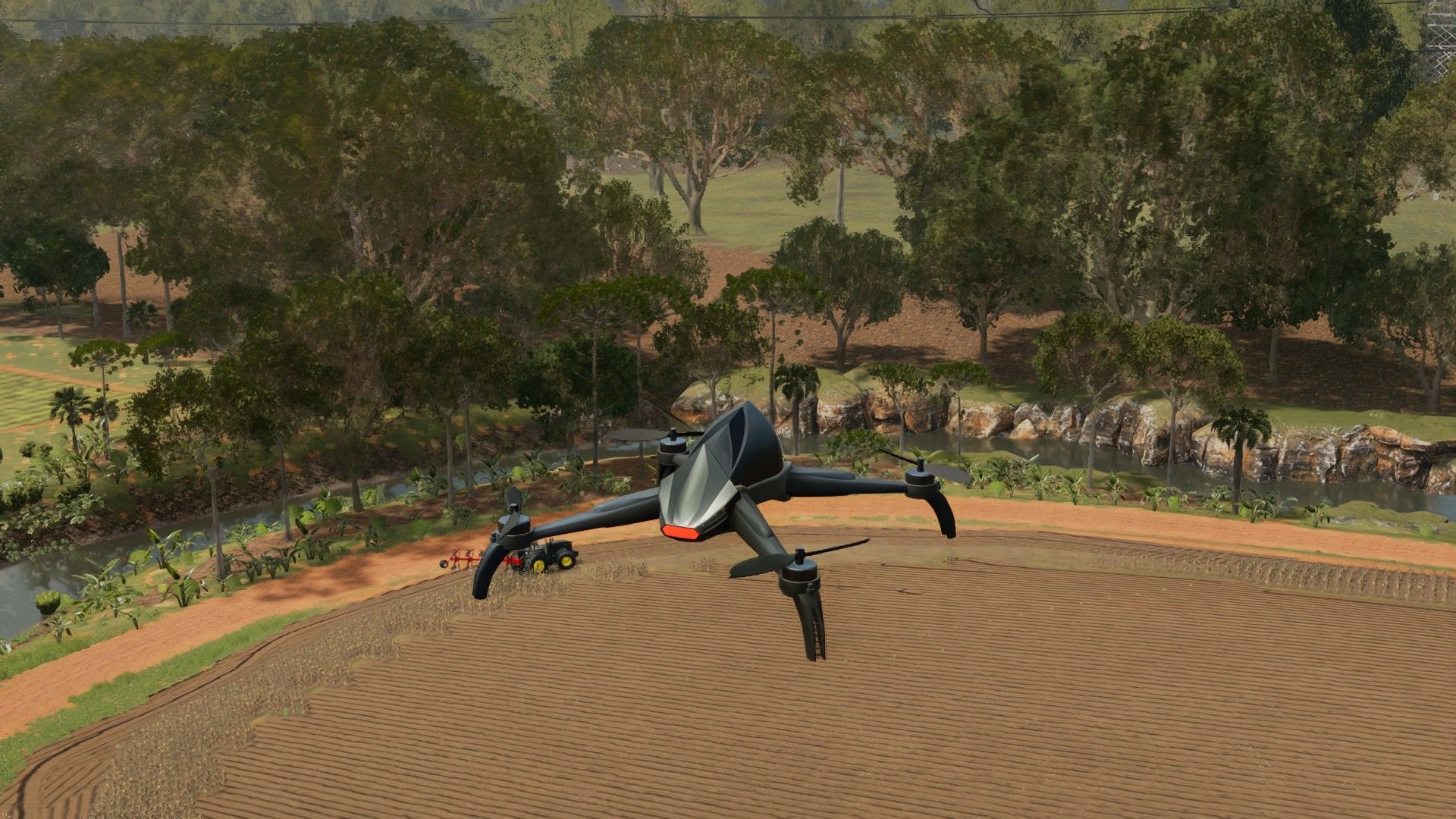
The AgroBeetle is a farmer’s helper drone, not a helicopter or a teleport: you stay where you are, only the drone flies. No need to drop your work and drive to the other end of the map. Send the AgroBeetle: see how your workers are doing through the drone’s eyes, scan your fields and get advice on what to do with them. Turn on the autoscan and the drone flies round all your fields while you do your job. And when there is nothing to do, switch on cinema mode and simply fly over the beauty of your farm.
What it does:
Follows a helper: a free view from above (turn the camera with the mouse and the angle stays) or cinema mode.
Free flight: fly it yourself, from the drone’s eyes or from behind it, look around with the mouse.
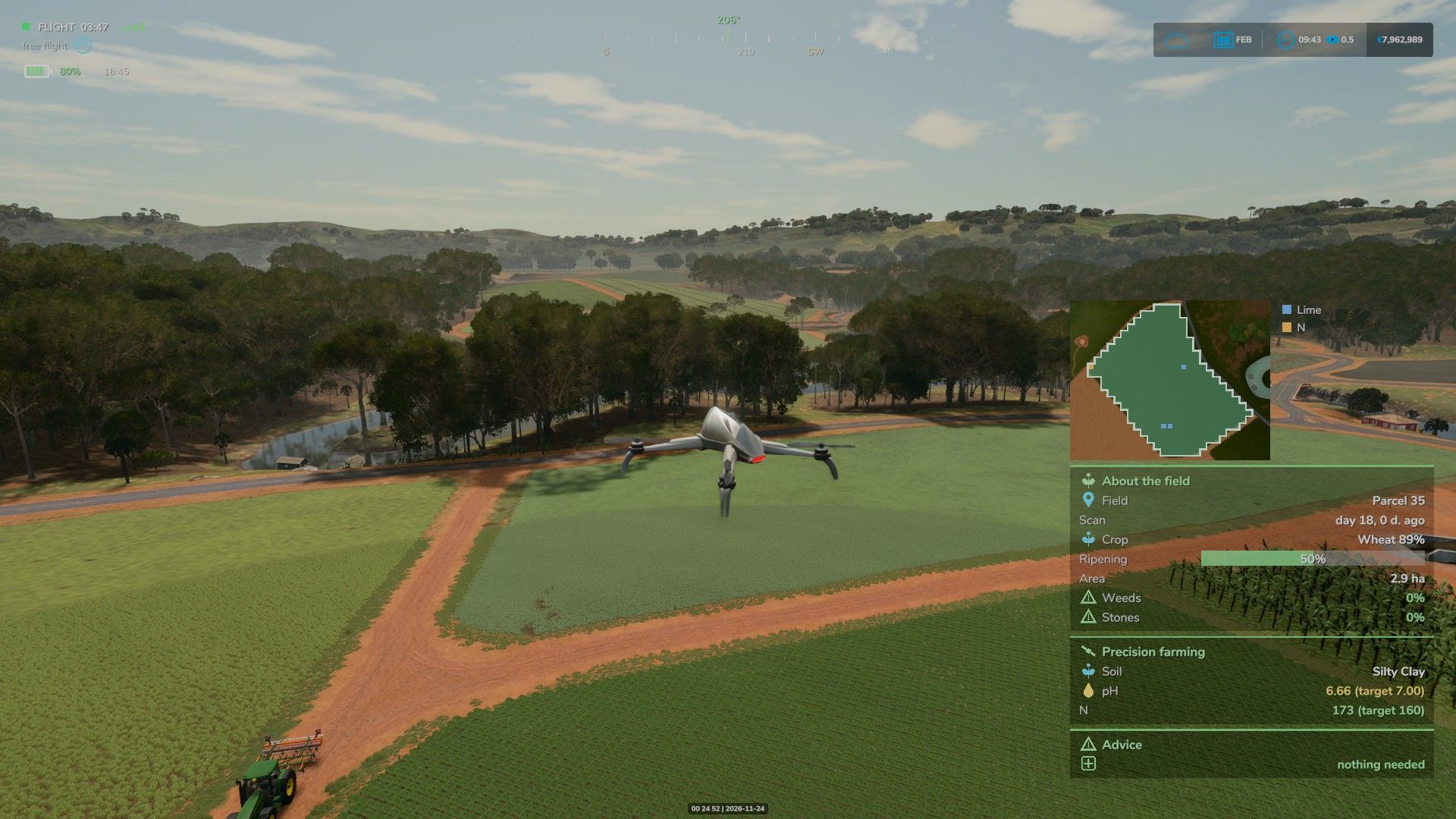
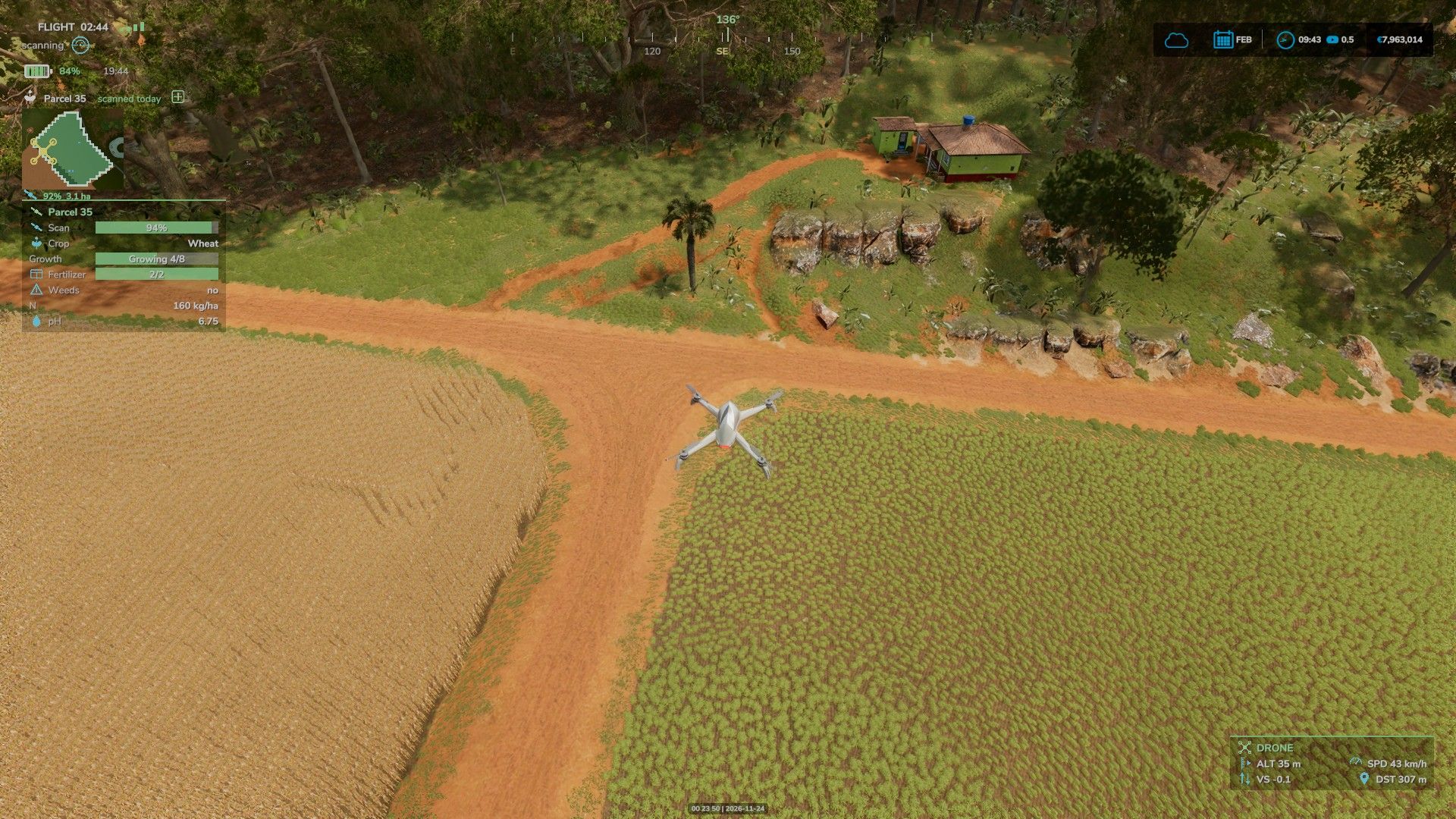
Field scan: crop, growth, lime, fertilizer, weeds (stage and the tool to use), stones, and with Precision Farming also pH and nitrogen. During the scan you see the game map and how the drone fills it in.
Field journal: what needs attention first, the date of every scan, old scans in a separate group, a map and care advice for every field (lime, fertiliser, weeds).
Autoscan: the drone flies round all your fields on its own and writes the results to the journal. Fresh fields are skipped, newly bought ones are scanned.
Battery: about 20 minutes. When it runs low the drone flies home; if you are in a vehicle, it follows you and asks you to stop.
Cinema mode and clean picture: hide the whole interface and enjoy the view.
Two AgroBeetles: 1.0 black and 2.0 light.
Works on any map, only your own fields are scanned.
Multiplayer has not been tested in the game yet, we are working on it.
Controls (all with Right Ctrl, can be changed in the game’s controls menu):
Right Ctrl + D – send the drone / bring it back
Right Ctrl + N / B – next / previous worker (in the journal: next / previous page and field report)
Right Ctrl + C – change view: free view / cinema; in free flight: drone view / view from behind; in the autoscan: your view / the drone’s view
Right Ctrl + F – free flight (W A S D, Space up, C down, Shift faster, mouse looks around)
Right Ctrl + G – scan the field under the drone
Right Ctrl + T – autoscan of your fields
Right Ctrl + L – field journal
Right Ctrl + H – hide / show all interface (clean picture)
Right Ctrl + M – change the AgroBeetle on the ground, e.g. while it charges (1.0 black / 2.0 light)
Right Ctrl + Page Up / Page Down or mouse wheel – zoom
partisan