Life Mod BETA 4 v0.5.0.0 FS25

Life Mod BETA 4 v0.5.0.0 FS25
Watch video trailer
Phase 1 & 2 complete! Thanks for the support-Zyzex
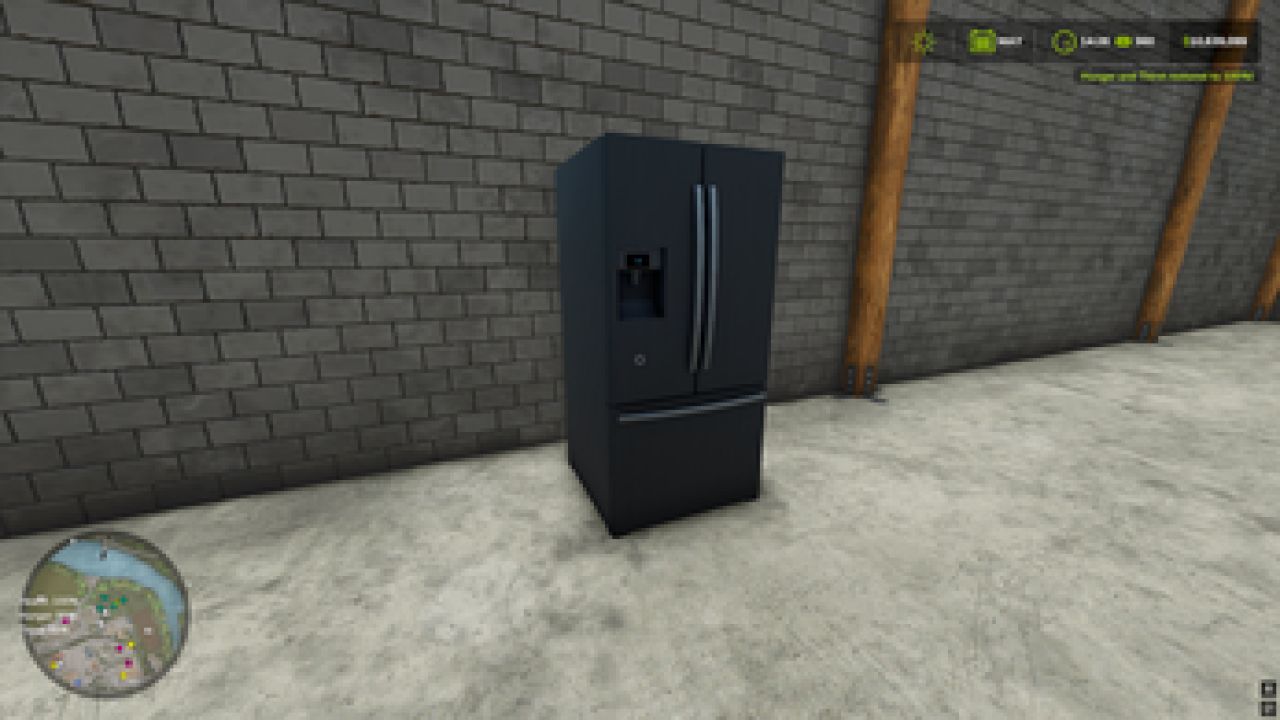
**also, you can buy a fridge in barns, place it, walk up to the door to refill stats**
Have a question? Please, don’t hesitate to ask!
Experience an issue? please give your best example so I can fix it!
Future Roadmap
Phase 1 – Foundation (Completed)
Core survival systems: hunger, thirst, and health -COMPLETED
Inventory system with consumable items -COMPLETED
Basic penalties, warnings, and recovery flow -COMPLETED
Placeholder icons and simplified visuals -COMPLETED
Phase 2 – World Interaction (Completed)
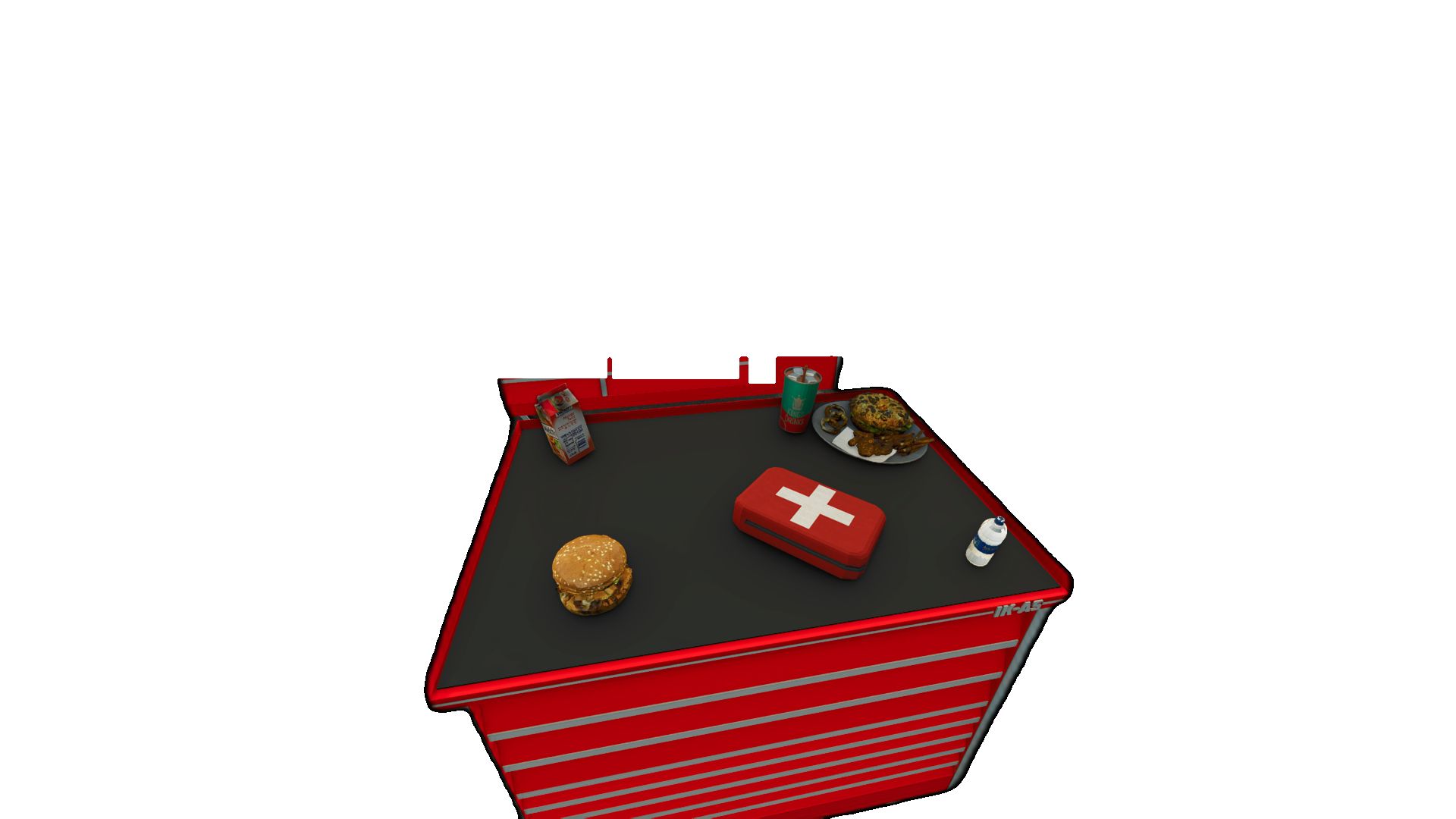
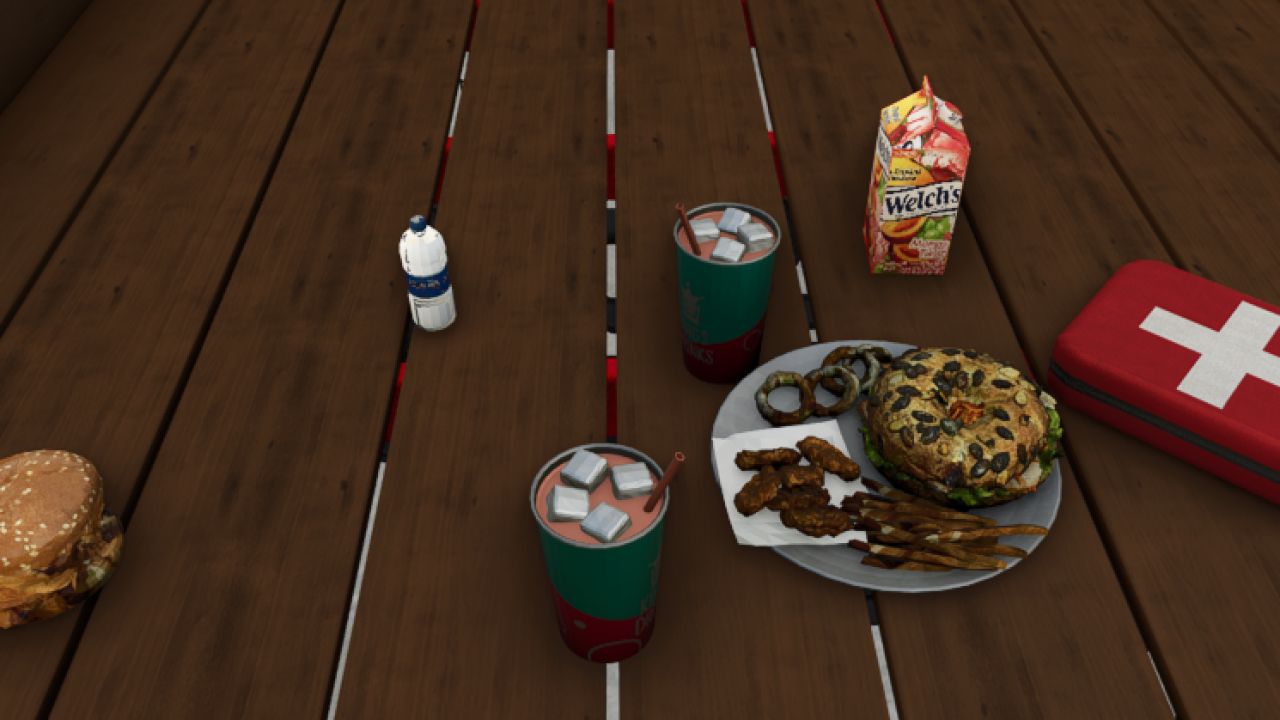
Replace placeholder inventory icons with physical 3D food and drink objects -COMPLETED
Allow items to be:
Picked up -COMPLETED
Dropped -COMPLETED
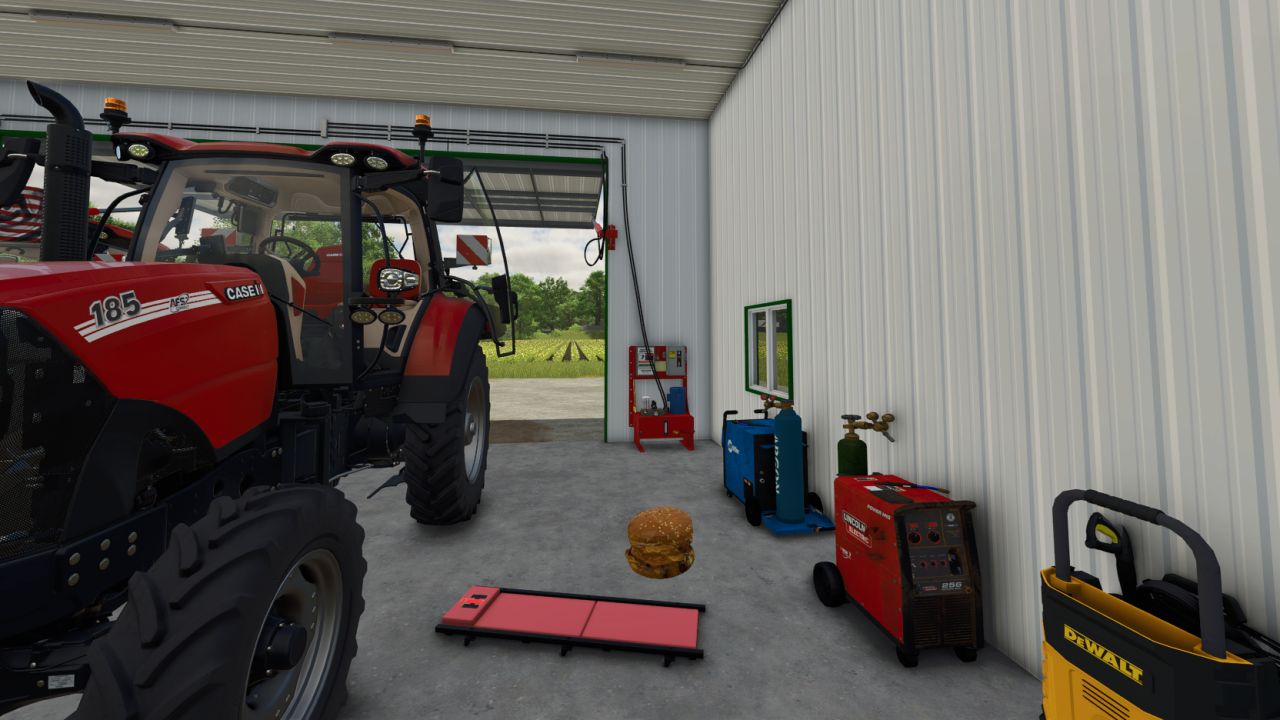
Placed anywhere in the world -COMPLETED
Consume items directly from the world (not just inventory) -COMPLETED
Phase 3 – Immersion & Realism
Animations for eating and drinking
Context-based interactions (use item in hand, from ground, or from storage) -COMPLETED
Sound effects for consumption and status changes – COMPLETED
Visual feedback for low needs (screen effects, player posture)
Phase 4 – Customization & Balance
Player/Admin settings menu:
Toggle survival systems – COMPLETED
Adjust depletion rates
Difficulty presets (Casual → Hardcore)
Mod compatibility and performance tuning
Phase 5 – Expansion
More consumable item types
Crafting or preparation systems
Fatigue, or player temperature systems
NPC or AI interaction with survival mechanics
Survival Inventory – Controls Tutorial
Opening/Closing Inventory:
Press I to toggle the inventory on/off
Basic Item Management:
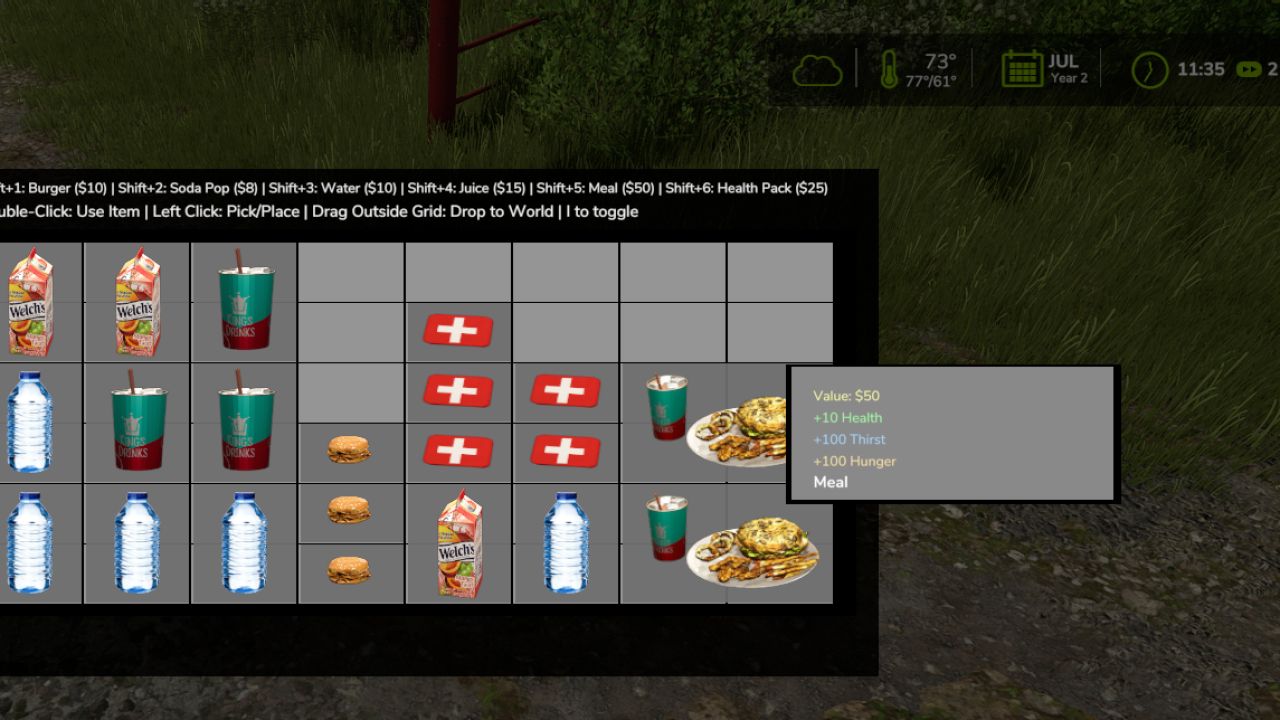
Left Click – Pick up or place items in the grid
Double-Click – Use/consume an item (eat food, drink beverages, use health packs)
Drag & Drop – Click item to drag items around the inventory grid
Drag Outside Grid – Drag an item outside the inventory grid to drop it into the game world
Quick Buy Items In store (misc category or inventory (Hold Shift + Number):
Shift + 1 – Buy Burger ($10)
Shift + 2 – Buy Soda Pop ($8)
Shift + 3 – Buy Water ($10)
Shift + 4 – Buy Juice ($15)
Shift + 5 – Buy Meal ($50)
Shift + 6 – Buy Health Pack ($25)
Tips:
Items have different grid sizes (1×1, 1×2, or 2×2)
Hover over items to see their stats and value
You can’t move while the inventory is open
i closes inventory
BETA 4
ADMIN SETTINGS!! Sound fix-keymapping fixes-admin menu bottom right while inventory open.
Accessing the Menu
Open your Inventory by pressing I.
Look at the bottom right corner of the inventory screen.
Click the Admin Settings button to open the configuration window.
New Key Mapping Options
You can now customize your controls directly in the menu. This is especially helpful for streamlining frequent tasks:
Food Delivery: Assign a specific key to handle deliveries without diving into sub-menus.
Inventory Access: Rebind the default “I” key if you prefer a different layout.
Survival & Difficulty Balancing
The update gives you granular control over how punishing the game feels:
Depletion Rates: Manually adjust how fast your character gets hungry or thirsty
Difficulty Presets: Choose from pre-made configurations if you don’t want to tweak individual sliders.
The Time Scale Safety Net
This is the “anti-frustration” feature. Previously, fast-forwarding time often meant your character would starve or dehydrate before you could react.
Time Scale Toggle: You can now turn this On or Off.
The Cap: When active, your depletion rates are capped at x15.
Why it matters: Even if you are running the game world at x360 speed, your character’s vitals won’t plummet instantly, giving you a safety buffer while skipping time.
Credits:Zyzex