Agricultural Cooperative V1.2.0.0 FS25

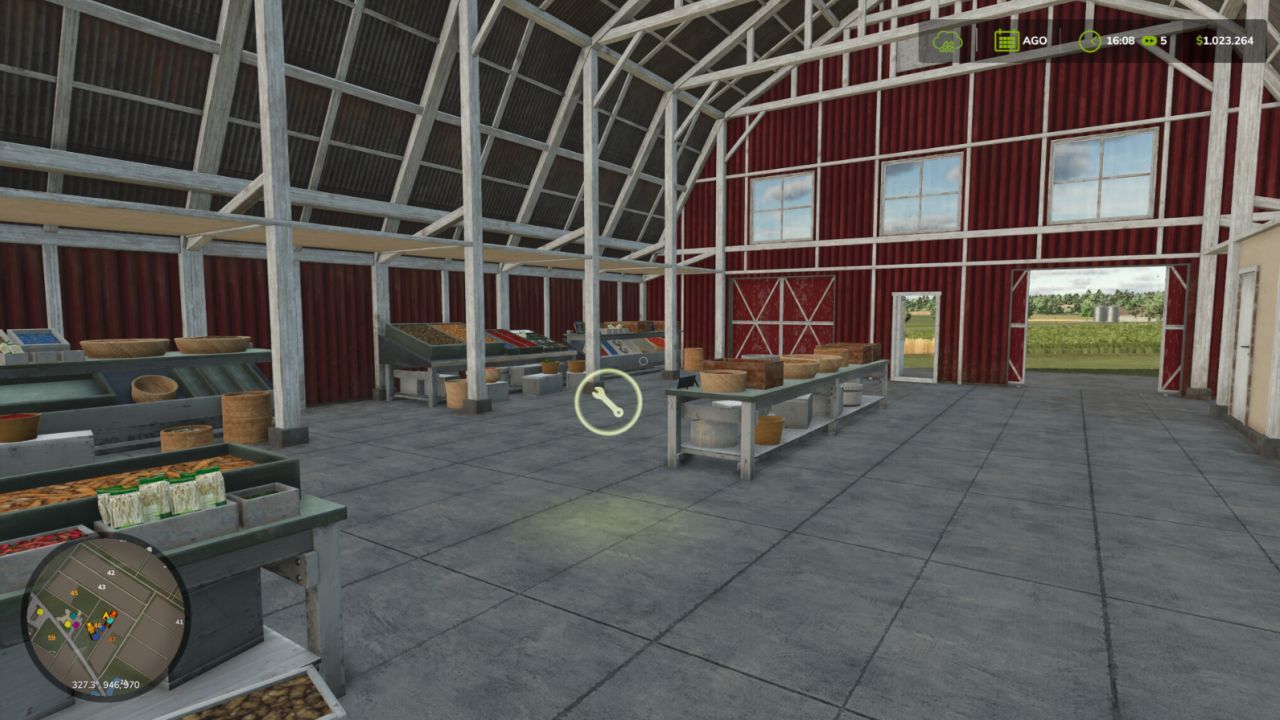
Agricultural Cooperative V1.2.0.0 FS25
Transform your farm into a true Multiplayer Agricultural Cooperative, where all producers can trade with each other through a centralized purchasing, selling and storage system. Ideal for multiplayer servers that seek more realism, dynamic economy and teamwork.
How the Cooperative works
The first farm to place the cooperative becomes responsible for its administration. From that moment on, all other players will be able to use the cooperative to sell their products.
Product Negotiation
Producers can sell their products to the cooperative for a configurable percentage of the market price.
Producers can also purchase products available in the cooperative’s stock for a configurable value.
The cooperative works as an agricultural distribution center, allowing you to store products, redistribute them among members and create your own economy within the server.
Compatible with virtually all types of game products, including grains, milk, wood, fruits, seeds, fertilizers and products added by compatible maps or mods.
Cooperative Resources
Administration Panel
Access the panel via Shift + M to configure:
Percentage of cooperative purchase
Percentage of cooperative sales
Storage capacity
General system settings
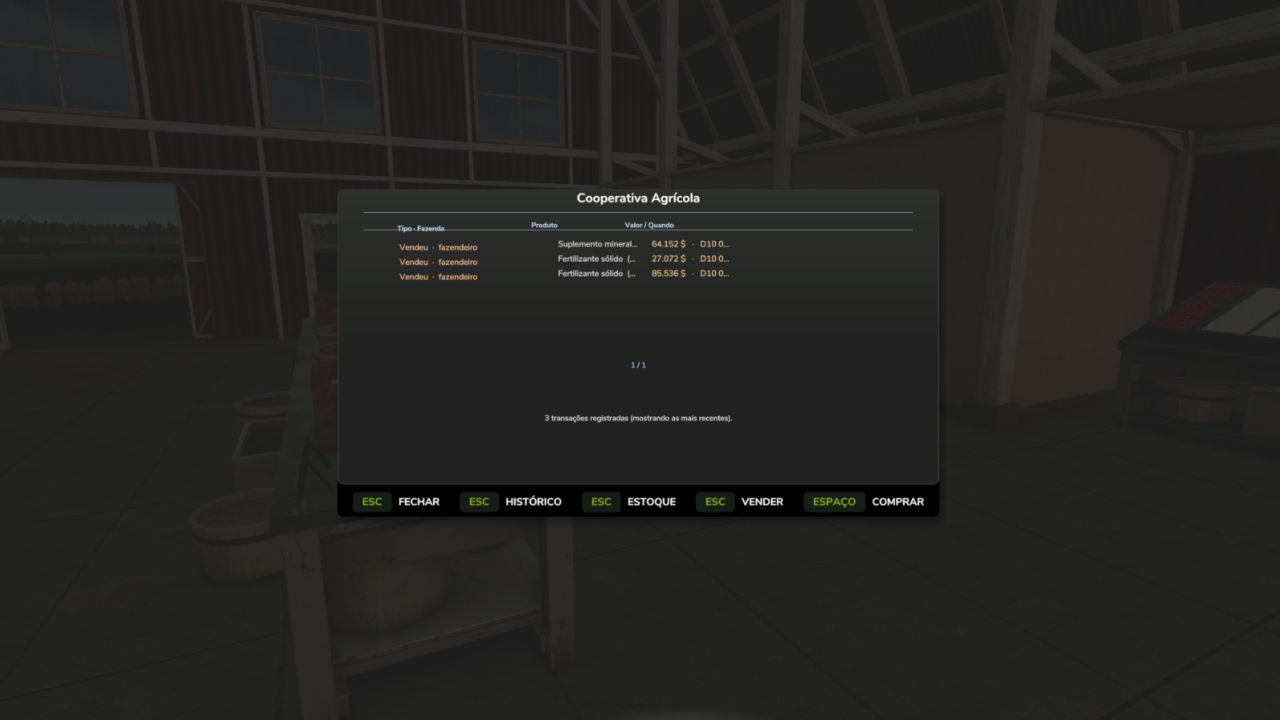
Stock Control
Follow in real time:
Stored products
Available quantity of each item
Input and output movement
Complete management of cooperative resources
Collection and Withdrawal System
With a trailer or tank positioned in the loading area, products are transferred directly.
Products that use pallets can be physically picked up next to the cooperative.
Purchase, sale and withdrawal take place in the same place, facilitating logistics for members.
Full Multiplayer
Fully synchronized for multiplayer.
All players see the co-op markers, menus and information.
Stock, configurations and movements are updated in real time.
Data automatically saved in the savegame.
Compatible with dedicated servers.
Default Settings
Sale to cooperative: 90% of the market price
Purchase at the cooperative: 120% of the market price
Initial capacity: 100,000 liters per product
All values can be changed by the cooperative administrator
How to Use
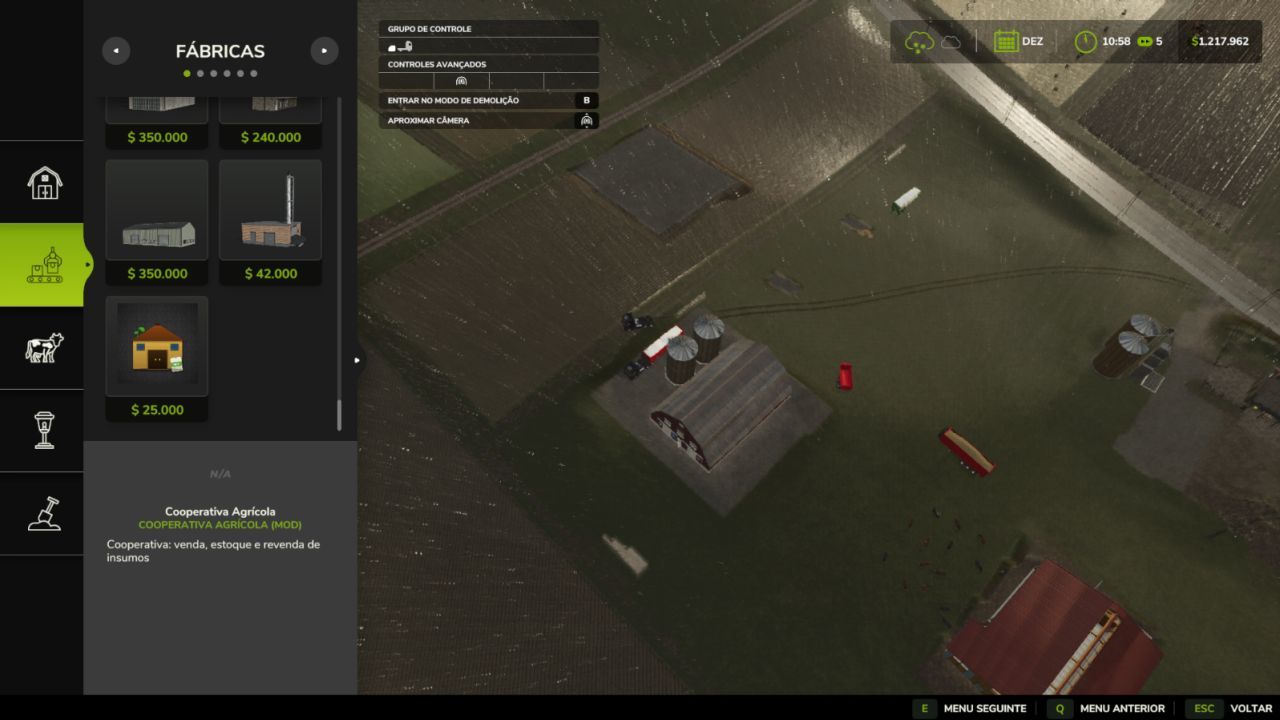
Open Construction mode.
Search for Agricultural Cooperative.
Position the cooperative on the map.
The first farm to build the cooperative becomes administrator.
Approach it and press E to open the menu.
To sell, park the loaded vehicle in the trading area.
To purchase, select a product available in stock.
To manage the cooperative, use Shift + M.
Manage stored products through the Stock tab.
Create a cooperative agricultural economy
Organize server production, share resources between farms, centralize stocks and strengthen the community economy through a fully functional agricultural cooperative integrated with multiplayer.
V1.2.0.0
This update focuses on financial security and user experience, fixing serious cash exploits and improving the sales flow to cooperative. All changes work in multiplayer.
Security fixes (anti-exploit)
1. Money from the sale goes to the owner of the vehicle
The previous problem: when another farmer operated his truck with product and sold it to the cooperative, the money went into his account, not yours even if the product is yours.
The fix: the system now identifies the real owner of the vehicle (getOwnerFarmId) and directs the money to it, ignoring who clicked on the sell button. If the product is in your truck, it’s your money no
It matters who pressed the button.
2. End of infinite money
The previous problem: by repeatedly clicking “sell all”, the player
generated infinite money payment occurred even without real product coming out of the trailer.
The fix: Payment is now based on what was actually drained from the vehicle. The system measures the tank level before and after, and only pays for the which actually left. If nothing came out (trailer already empty), the sale is aborted without payment. Every penny paid corresponds to a liter that actually came out.
Ownership rule adopted: money always follows the owner of the vehicle.
This prioritizes protection against theft. (The case of the “contractor with product own” is intentionally resolved by the truck rule whoever has the product uses his own truck.)
Experience improvements
3. Product already sold feedback
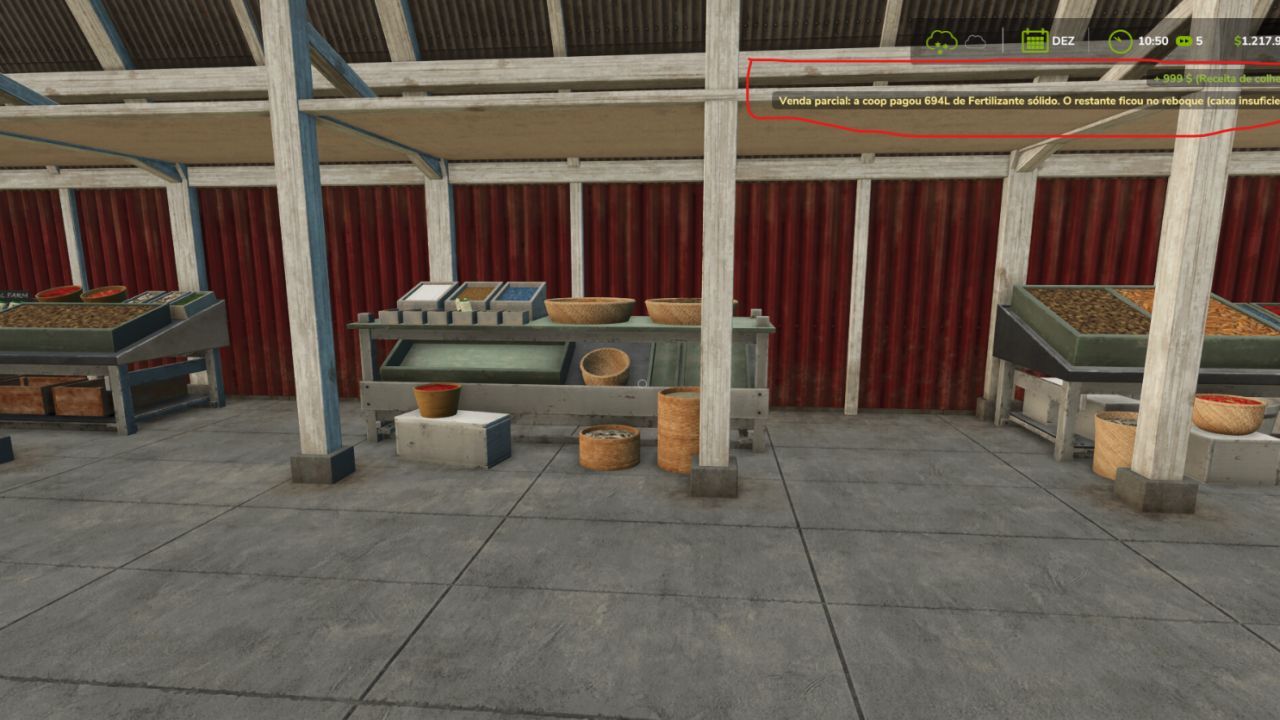
When clicking on sell a product that has already been sold, the message appears
“This product has already been sold.” instead of trying to sell in a vacuum.
4. Automatic screen update
After selling, the listing automatically re-scans the trailer. How only products with liters available appear, the item sold disappears from the list in the time without having to reopen the menu.
How to test
Let another farmer operate your truck with fertilizer
He sells to the cooperative the money goes to his account (truck owner)
He clicks “sell all” again This product has already been sold” appears and the product disappears from the list
Confirm that repeating the click does not generate infinite money
paulinhoocs