AI Farm Manager V3.0.0.0 FS25

AI Farm Manager V3.0.0.0 FS25
YOUR FARM FINALLY HAS A MANAGER — one that actually reads your save, watches the prices, and taps you on the shoulder when it matters.
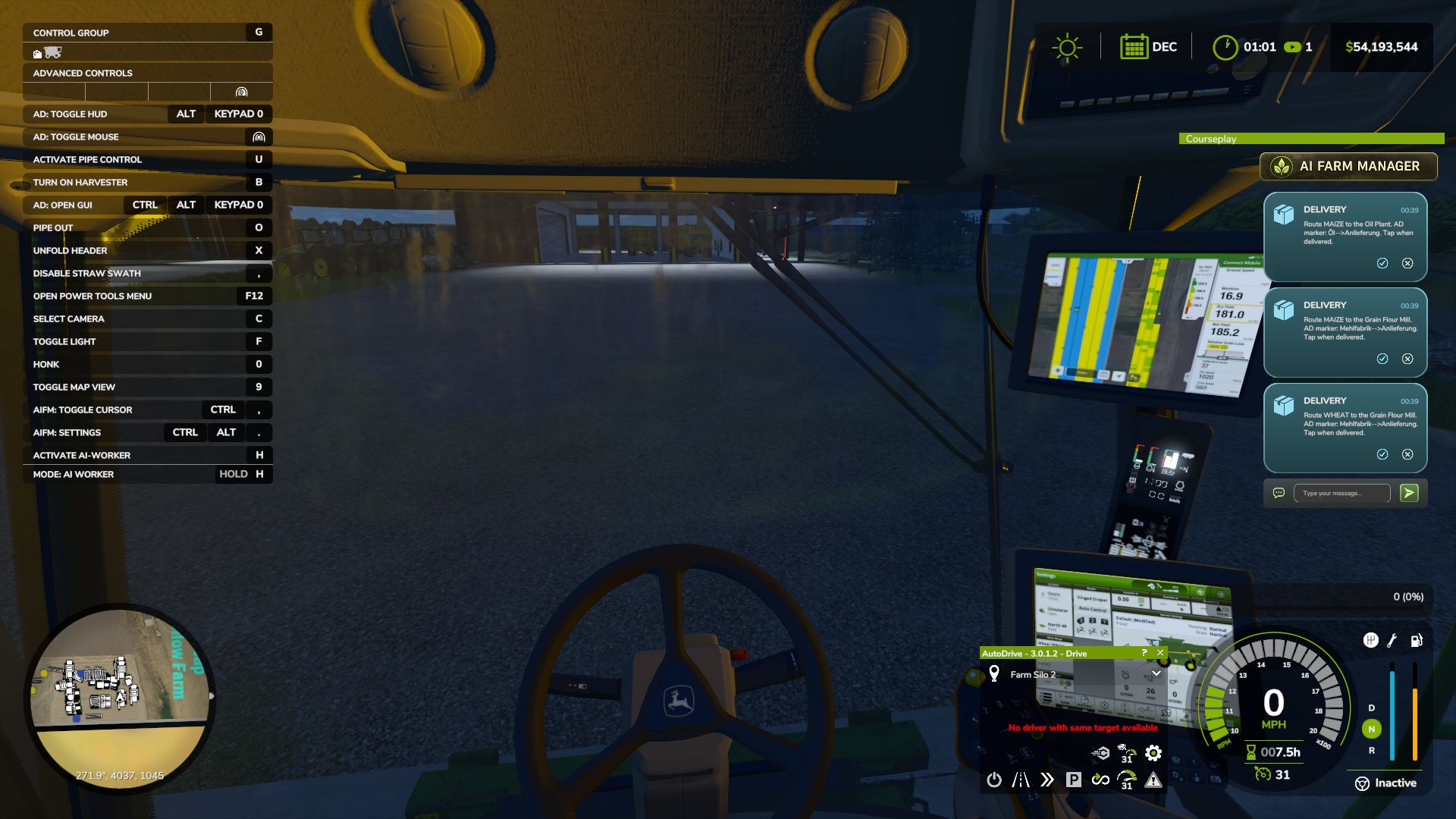
AI Farm Manager 25 gives your farm a real manager: an AI that reads your ACTUAL savegame — cash, fields, fleet, prices, weather, the clock — remembers your farm across sessions, and pops colour-coded cards onto your screen the moment something needs a decision. Answer right there in the game with a click or a typed reply, and it answers back.
FIRST, THE HONEST BIT (READ THIS)
This .zip is only HALF the mod — the part that lives in your game and puts messages on your screen. The other half is the brain: a free tool called Claude Code that runs on your PC and IS the manager. The two talk through tiny files on disk. Install only the .zip and nothing happens — you need the companion set up too (2-minute one-time setup, link below). The upside: you pick the AI. Point it at a cloud model, or run one 100% locally and free with Ollama — either way, your farm data never leaves your computer.
HOW IT WORKS
1. You play. FS25 saves your farm to disk as usual.
2. The manager reads it — cash, land, fleet, crops, contracts, silos, prices, weather — straight from your save files. It reads; it never guesses, and it never writes your save.
3. When something actually matters, it drops a card on your screen mid-game — a ripe crop about to spoil, fertilizer at its annual low, a silo filling up.
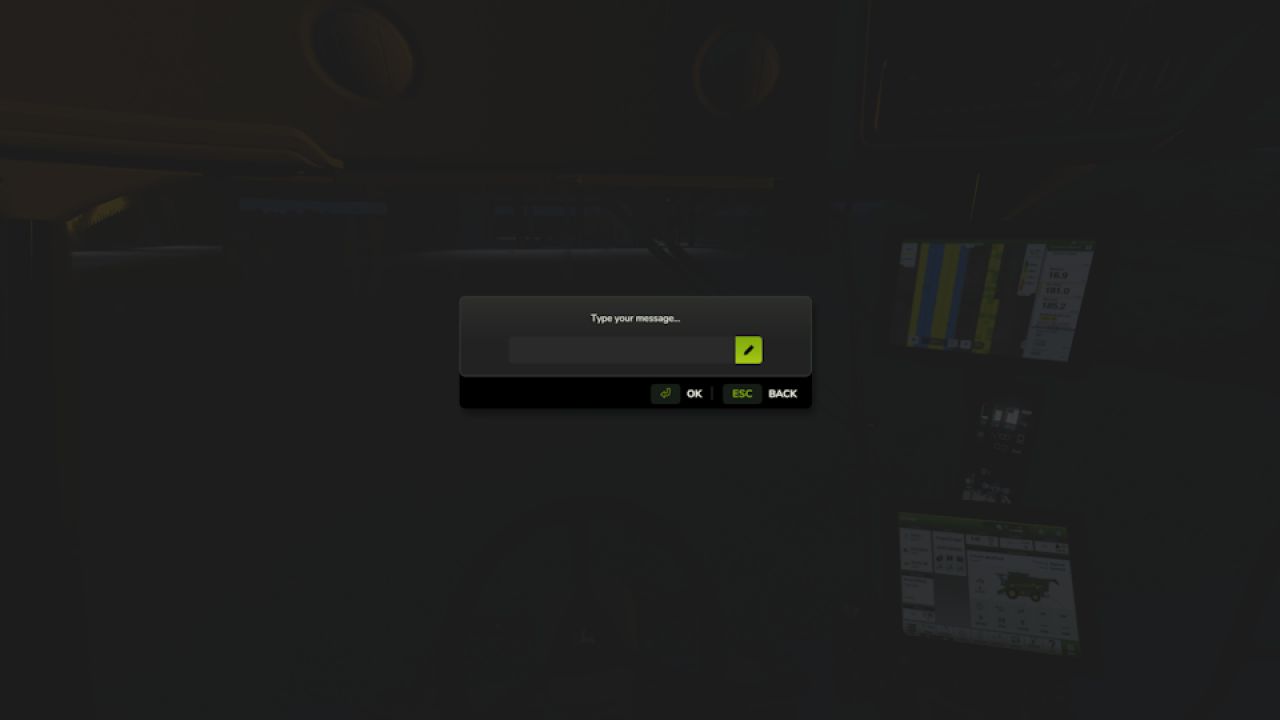
4. You answer in the game — click 👍/👎, acknowledge, dismiss, or type a free-text reply. Bring your mouse cursor up the way you already do for AutoDrive / Courseplay.
5. It reacts — reads your answer, remembers it, and follows up. Then it idles at basically zero cost until the next real event.
WHAT IT DOES FOR YOU
Real memory — a per-farm history of decisions, plans, and YOUR house rules, so it starts every session already caught up.
Buy/sell price sense — grain flagged at its seasonal peak; seed / fertilizer / lime / herbicide flagged at their annual low — and only if you actually own the storage to stockpile.
Used-equipment reality check — “is this listing actually a bargain?” answered against real new prices.
Planning that respects timing — what to buy and WHEN, not just what.
Notifications you can trust — colour-coded cards (green ok / blue info / amber warn / red critical) with 31 context glyphs. It under-sends on purpose: silence is the default, and it only interrupts when it’s worth your hands off the wheel.
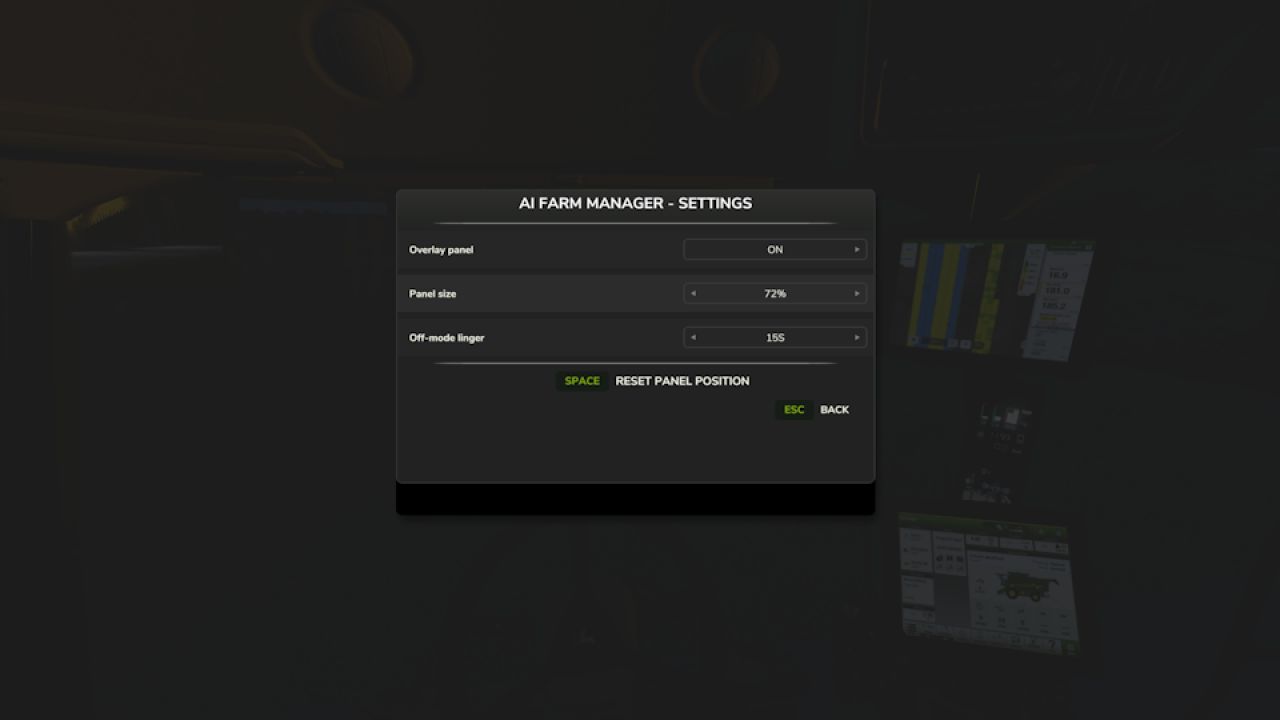
Your overlay, your way — persistent panel or classic pop-ups (toggle Ctrl+Period), movable and restylable, and your unanswered cards survive a restart.
Two-way, for real — it reads your clicks and typed replies back; a double-click can’t double-count.
WHAT IT WILL NEVER DO
Never writes to your savegame — not once, not ever. 100% read-only against your game.
Never phones home — everything stays on your PC (run it on a local model and your farm data never touches the internet at all).
Client-side only, safe for singleplayer AND multiplayer; changes no gameplay system.
WHAT YOU’LL NEED
Farming Simulator 25 + this mod (PC).
Claude Code (https://claude.com/claude-code) installed on your PC — the free companion that runs the manager.
An AI model for it to use — your choice: a Claude / Anthropic account, an OpenRouter key, or a free local model via Ollama.
Python 3 (standard library only — nothing to pip-install).
A one-time 2-minute setup: start Claude Code in your farm folder and say “set up my farm manager.”
Currently WSL / Linux-oriented on Windows (it uses /mnt/c/… paths). To click card buttons you need a mouse cursor on screen (AutoDrive’s MMB, Courseplay’s RMB, or any cursor mod).
THIS IS EARLY — HELP SHAPE IT
Built for Claude Code today; more AI CLIs may follow as the community asks. Got a feature idea or hit a bug?
Made by Parzival. Reads everything, guesses nothing, and stays on your machine.
V3.0.0.0
A new architecture for how Cyrus reads your farm, plus a round of fixes from the manager’s first live sessions on a real save.
Added
Setup now asks your name and what language to speak, right at the start. Before this, the manager never asked either it addressed you as “partner” and spoke English no matter what language you actually use. Now it asks first, and speaks the language you give it from that point on.
A new cache layer. Dedicated scripts now gather your farm’s state and write it to a verified cache whenever the game saves including pushing fleet fuel/repair alerts straight to your on-screen overlay the moment a threshold is crossed, with no need to ask. Cyrus reads what those scripts already produced instead of gathering and reporting everything itself in one conversation, so a session starts from more of what the game knows, read the same way every time.
Closeout can now offer to send issues to the project’s GitHub tracker. At the end of a session, if anything logged looks like a product defect, Cyrus asks whether to send it and always asks whether there’s anything else you’d like added or changed, defect or not. Every issue is scanned and the scan result is told to you plainly (“scanned for usernames, home paths and author identifiers” not a claim your finances were checked); you see the exact title and body before anything is sent, and approve, edit, defer, or drop each one individually. Nothing is batched, and nothing goes anywhere without your say-so.
Setup now asks which farm is yours when your save has more than one (for example, a joined multiplayer save), instead of assuming.
A field-by-field work list of what needs doing today. Each field reports the operation its own state calls for ploughing, liming, weeding, and more grounded in the same read of the field’s own state, not a generic checklist, and with the reading behind each recommendation carried alongside it.
Cyrus can now tell you which of your production lines are running dry, and how many hours you have before each one empties checked against that line’s own input stock, not your farm’s stock as a whole, so a full silo elsewhere doesn’t hide a bin that’s actually about to run out. Where the underlying data can’t say, it tells you that instead of guessing.
Changed
The “can I sell this?” check no longer states a flat “no” it can’t actually back up. It previously could tell you an item you own (manure, wool, milk, and others) can’t be sold, when it had simply not found where it now only reports what it has confirmed.
File-size limits on your farm’s memory files are now recommendations that warn when crossed, instead of hard caps that block you from continuing. Your farm can also record its own preferred size, which overrides the shipped recommendation.
A mistyped notification command is no longer reported as “the game must be closed” argument mistakes and real delivery failures are now told apart.
Fixed
Several documented commands referenced a Claude Code variable not defined in current versions, so they silently could not run. Every command in the skill now uses a direct path.
Updating an older farm’s memory to a newer format now always backs up your data first, or refuses to run it could previously destroy your only restore point if interrupted partway through.
A background freshness check could keep reporting your farm’s cached data as out of date immediately after it had just been refreshed. Fixed for the affected data sources.
“I have no mods” is now accepted as a complete, final answer during setup the manager no longer keeps re-asking or goes searching your disk for a folder that isn’t there.
Checking what equipment you’re missing could time out on a large fleet; it now gets more time to finish that specific check.
A quick freshness check on your cached data (used when a full re-check would take too long) could report that data as “verified” when it had only compared each file’s timestamp and size, never read its actual contents. It no longer claims more than it checked.
Every field’s crop-growth stage was reading as unknown, always, on every save a step in building the underlying growth-stage table was silently missing its data, so the table never built. It now builds correctly, and crop state populates the way it was always meant to.
Whether a crop was ready to harvest was being judged by the name of its growth stage instead of the flag that actually marks it ready. On this map several crops have a stage named as if it were ready when it isn’t, while the truly ready stage is named something unrelated so a crop could read as ready when it wasn’t, and vice versa. Readiness is now read from the correct flag.
therealparzival