Cinematic Camera v1.0.0.0 FS25
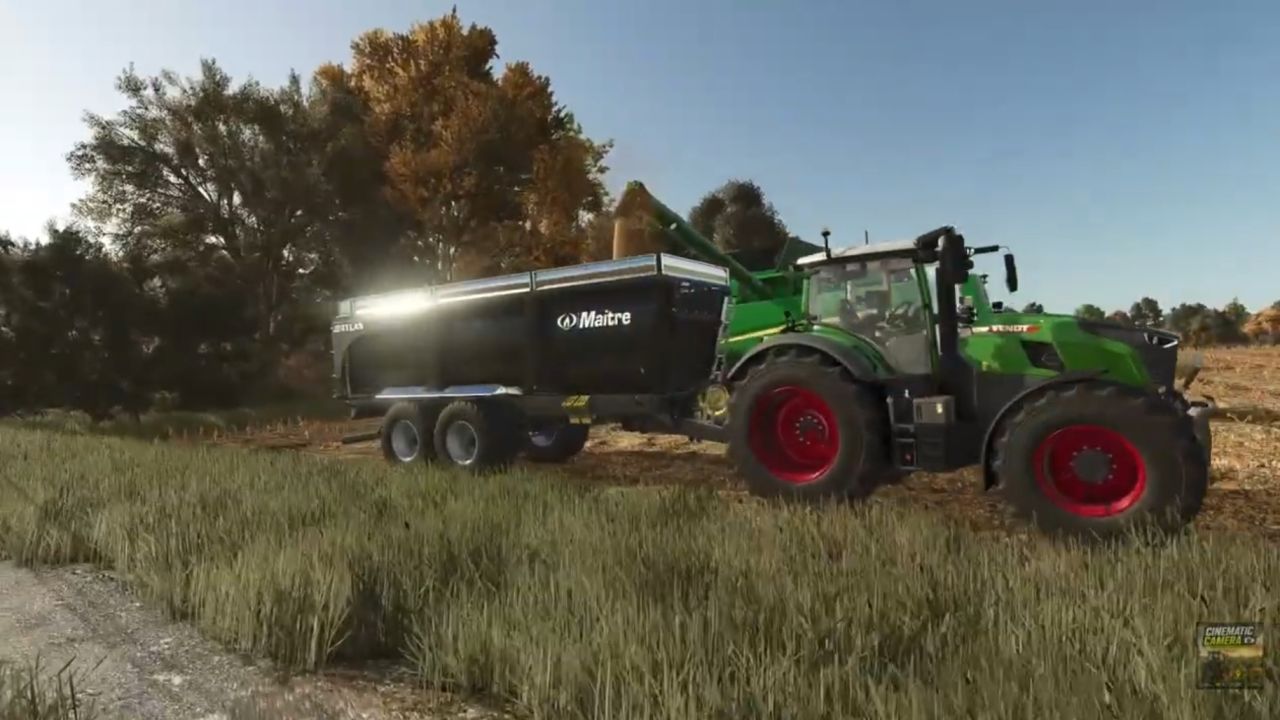

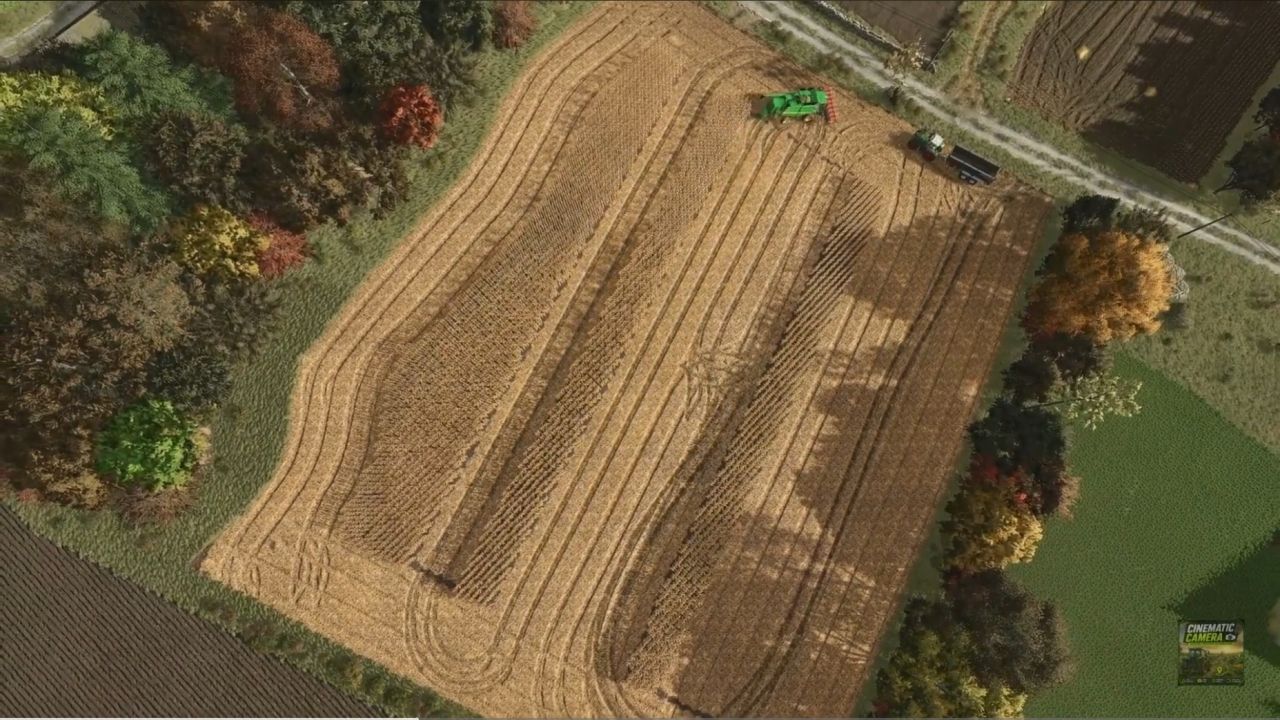
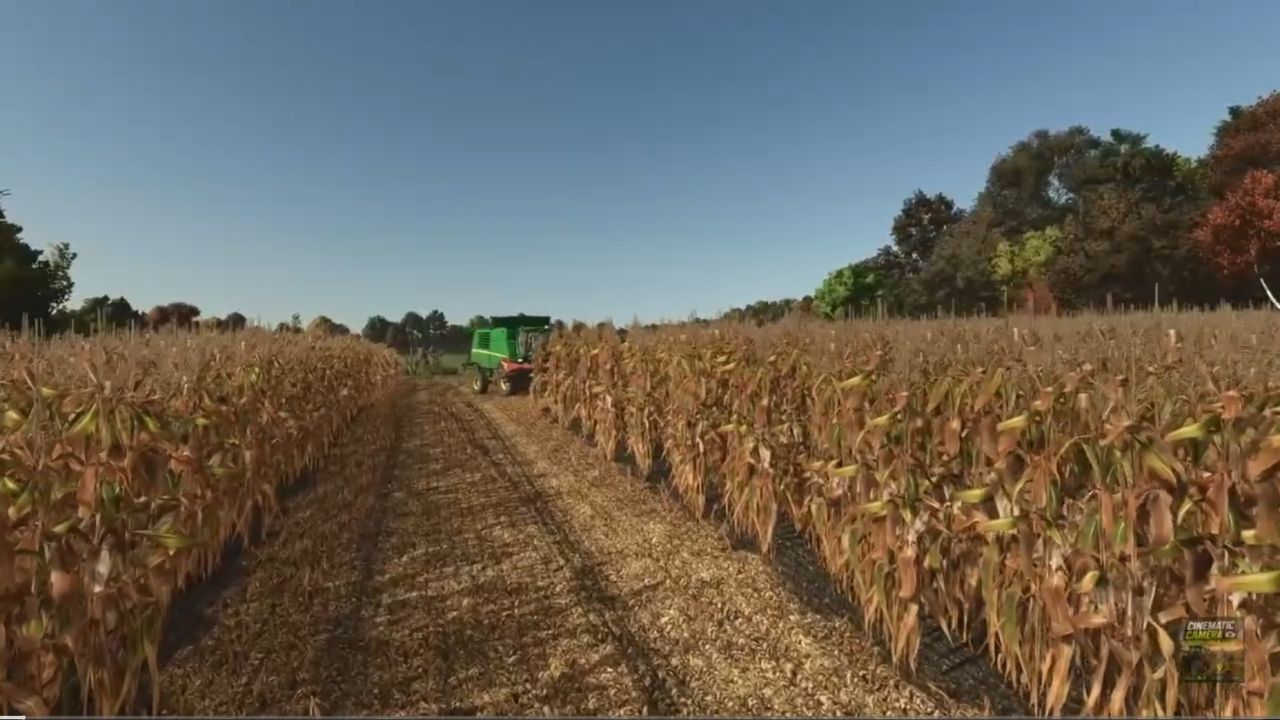
Cinematic Camera v1.0.0.0 FS25
Cinematic Camera lets you create custom cinematic tracking shots in Farming Simulator 25.
Place multiple points in the world, set a fixed target, and let the camera follow a smooth path to capture immersive videos of your farms, vehicles, and landscapes.
Features
Smooth travel shots between multiple points
Automatic curves between points
Walk compatible
Automatic return to the player’s camera at the end of the tracking shot
Controlling tracking speed
Ideal for cutscenes, presentations and screenshots
Orders
Key | Action |
F5: Add point
CTRL + F5: Delete last point
CTRL + ALT + F5: Delete all points
F7: Start / Stop tracking
F8: Set target
F6: Decrease speed
F9: Increase speed
Speeds available
1 m/s
2 m/s
5 m/s
10 m/s
Quick use
1. Place your points with F5
2. Set your target with F8
3. Set the desired speed with F6 and F9
4. Start the tracking shot with F7
5. Stop the tracking shot with F7
Current limitations
This first version is still in development.
To get the best results:
It is recommended to remain still during the tracking shot.
Changing vehicles during a tracking shot is not recommended.
To avoid camera glitches, it is best to start the tracking shot from a fixed position.
The tracking speed must be set before launching.
Speed cannot currently be changed while a tracking shot is in progress.
Tracking of moving vehicles is not yet supported.
Tracking players or moving objects is not yet supported.
The target defined with **F8*corresponds to a fixed position in the world towards which the camera is oriented throughout the duration of the tracking shot.
Development in progress
Future versions of the mod will aim to improve:
General stability of the camera system.
Changing vehicles during a tracking shot.
Speed change in real time.
Tracking of moving vehicles.
Tracking objects and players on the move.
Added new customization options for tracking shots.
Easily create immersive cutscenes and give a new dimension to your Farming Simulator 25 videos!
Credits:le ponpon 04