Disable Perspective Cam V1.0.0.0 FS25

Disable Perspective Cam V1.0.0.0 FS25
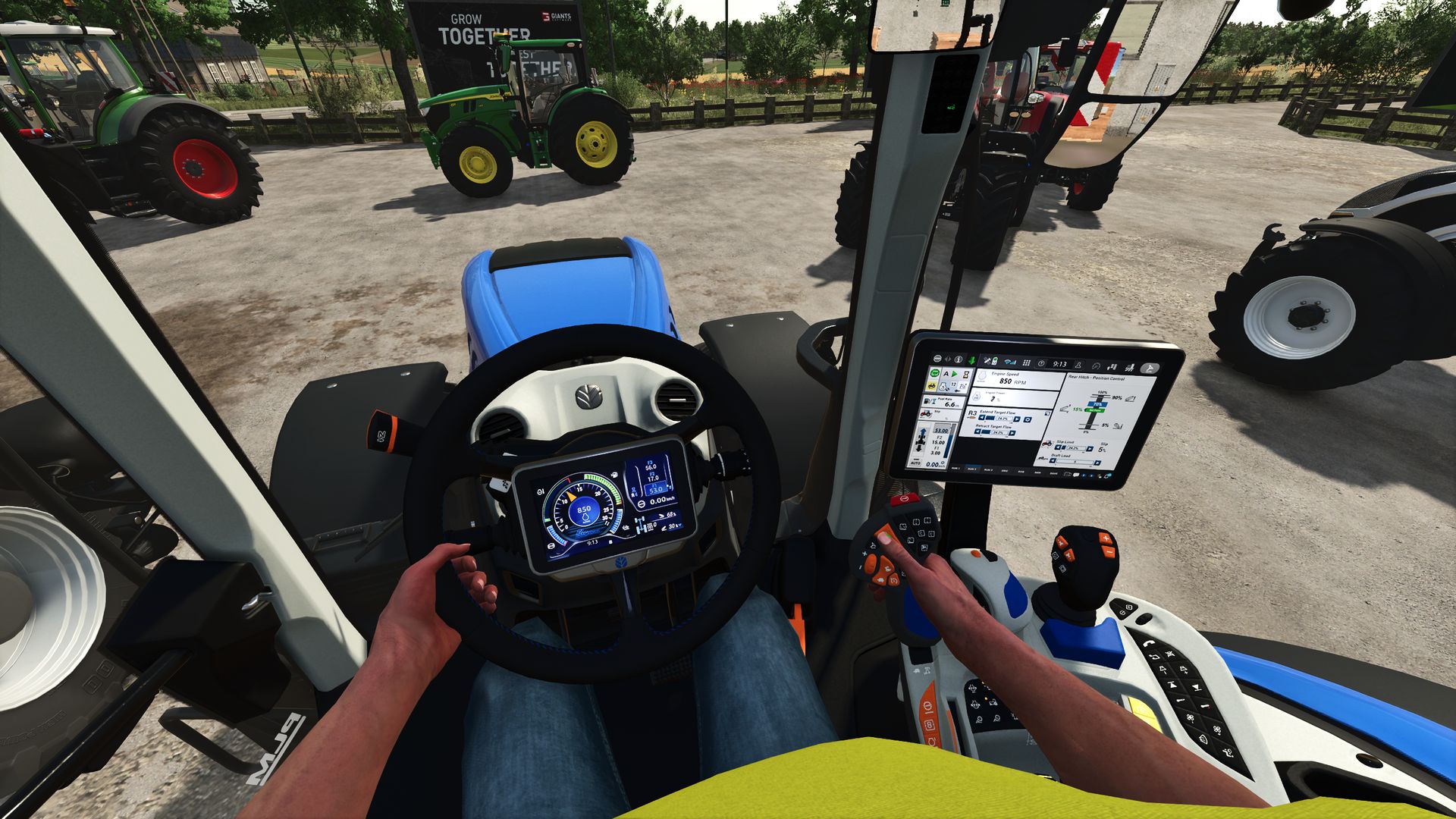
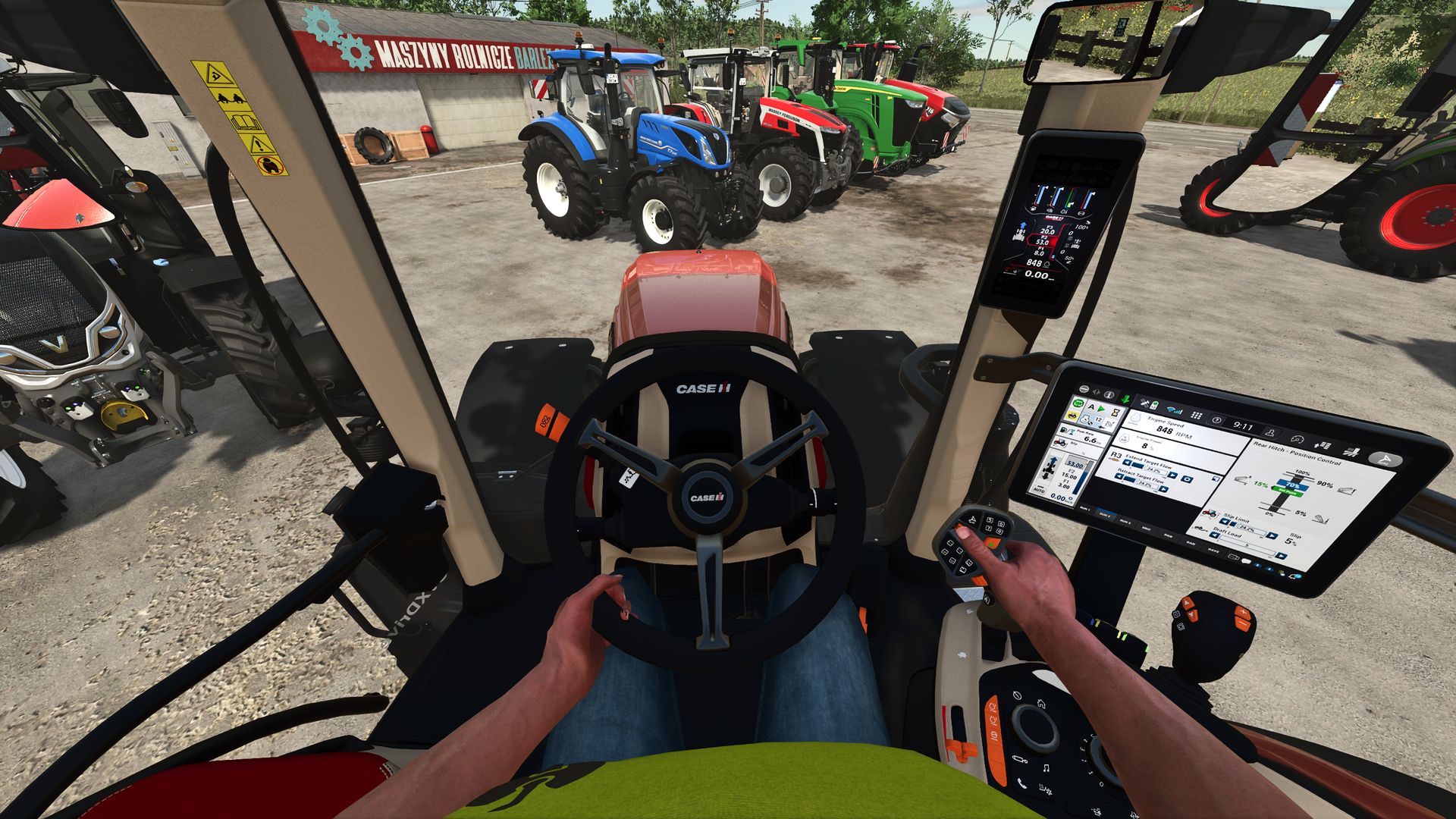
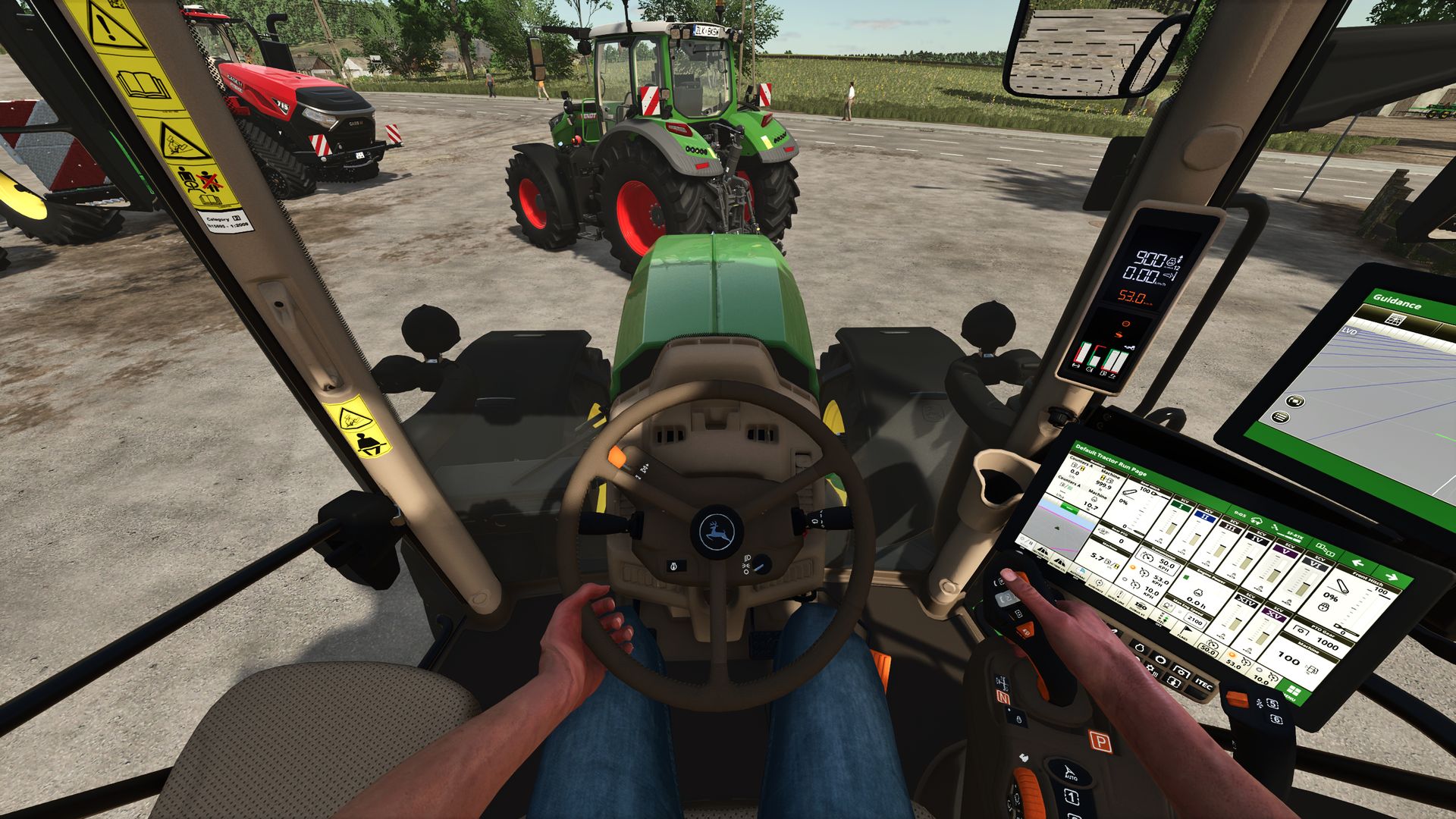
“Disable Perspective Cam” ensures that supported vehicles in Farming Simulator 25 are limited to their interior views (cab views). When the option is enabled, exterior and perspective views are removed from the selection; when disabled, the vehicle’s normal camera list is available again.
Overview of “Disable Perspective Cam”:
“Disable Perspective Cam” is a script for first-person driving in Farming Simulator 25. It is aimed at players who want to control tractors and other supported vehicles from the driver’s seat without having to switch between external, orbital, or other perspective views. The mod checks the camera list of each loaded vehicle, retains the interior views, and temporarily removes the other camera options while the setting is active.
The change is reversible. The script saves the vehicle’s original camera views before filtering them; therefore, disabling the option restores the normal external and perspective views. This makes the mod ideal for a savegame that consistently uses the cab view, while still allowing the player to quickly revert to the standard LS25 camera system if an external view is needed.
What the mod does:
When a vehicle is loaded, the script identifies the cameras marked as having an interior view and creates a camera list limited to the cabin. The same principle is applied to the camera lists for supported passenger seats, so passengers don’t automatically retain an exterior view that was removed from the vehicle’s main camera.
When this option is enabled, it restricts supported vehicles to the available interior views (cabin views).
It removes exterior and perspective views from the vehicle’s active camera cycle.
If the player is currently using an exterior view when the option is enabled, it switches to the first available interior view.
It filters both the camera lists for supported passenger seats and the vehicle’s main cameras.
It restores the vehicle’s original camera lists once the setting is disabled.
It also applies changed settings to vehicles already loaded in the current game. This mod adds the “Disable Perspective Cam” option to the general game settings page. This option has two distinct states: “Enabled” and “Disabled.”
By default, it is enabled, so only the cabin view is available immediately after activating the mod.
The selected state is saved in the current save game’s memory settings and loaded later.
In multiplayer, the project metadata declares support, and the code restricts editing to the server or the master user.
All participants in a multiplayer test should use the same mod version, and the host should confirm the option after the game save has been loaded.
SumroGaming