Family Helper Selector V1.0.0.0 FS25

Family Helper Selector V1.0.0.0 FS25
Make farming a family effort!
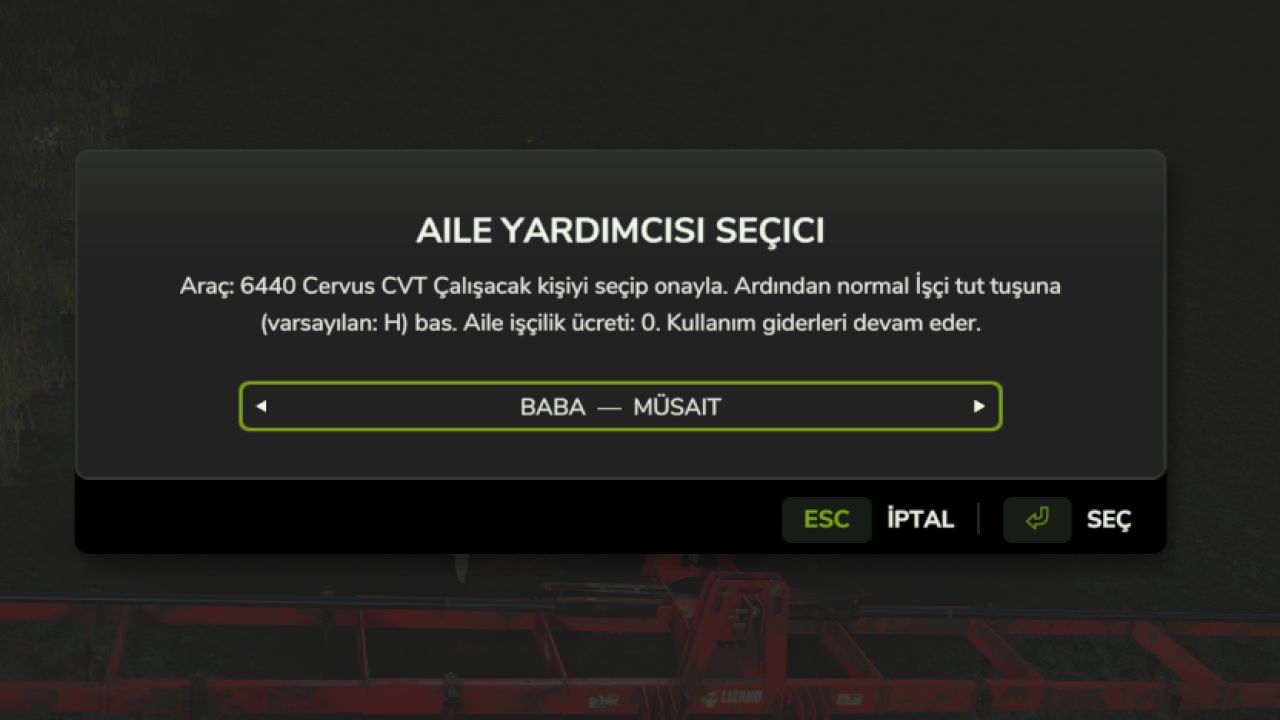
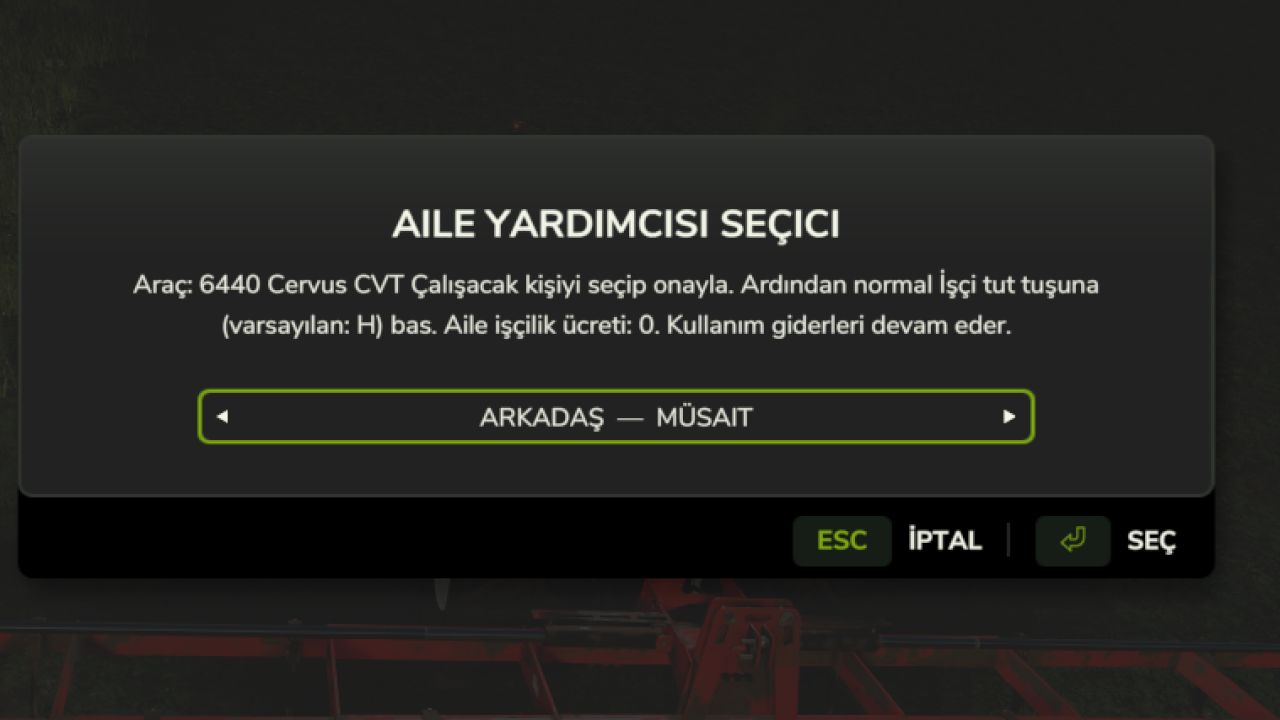
Family Helper Selector lets you choose family and friends for FS25’s native AI vehicle jobs. Assign your father, uncle from either side of the family, cousin, friend, brother, mother, older sister, sister, aunt from either side, or neighbour. Assigned family helpers work without helper wages.
FEATURES
An in-game selection screen with 12 people.
Available / working status; one person cannot run two jobs at once.
Separate selection for each vehicle, retained through normal game saves.
Zero helper wages for native AI vehicle jobs assigned to a family member.
English and Turkish text, automatically following the game language.
A rebindable selection shortcut and the native worker start/stop control.
Existing game character appearances; no custom family character models.
INSTALLATION
1. Copy FS25_FamilyHelperSelector.zip into Documents/My Games/FarmingSimulator2025/mods without extracting it.
2. Remove older test/fix ZIPs or extracted copies of this mod from mods. Keep only one version.
3. Restart the game and enable the mod when loading your save. Existing saves can be used.
HOW TO USE
1. Enter a vehicle supported by the native FS25 AI worker and prepare the correct equipment.
2. Press Left Ctrl + Left Shift + H.
3. Choose an available person and confirm with Select. This assigns that person to the vehicle.
4. Briefly press the normal Hire worker key (default: H) to start.
5. Press the same key again to stop the worker.
6. Stop the job before reopening the selector to change the person.
If no person has been selected, the first H press opens the selector. Confirm a person, then press H again to start. Cancel/Esc preserves your existing selection.
CONTROLS
Left Ctrl + Left Shift + H: Choose family helper.
H: Native worker start/stop key.
Hold H: Native AI settings. If Steering Assist is selected, switch to Worker mode there.
Rebind the selector under Settings > Key bindings > “Choose family helper”. If you have rebound Hire worker, use your assigned key instead of H.
SCOPE
PC single player only. Multiplayer and consoles are unsupported.
Fuel, maintenance, seeds, fertiliser, chemicals and automatic supply purchases still cost money. Only helper wages for native AI vehicle jobs explicitly assigned to a family member are removed. Unassigned map jobs and production labour are unchanged.
This mod uses the existing driving AI. Normal vehicle, field, implement and worker-limit requirements still apply. Compatibility with third-party job systems such as Courseplay or AutoDrive is not guaranteed.
RELEASE NOTE
1.0.0.0 is an initial release candidate. Code/package checks have been performed; do not describe it as in-game tested or error-free until the in-game acceptance checks are complete.
wraithasan