Push Bales V1.0.0.0 FS25

FS25 Other

Push Bales V1.0.0.0 FS25
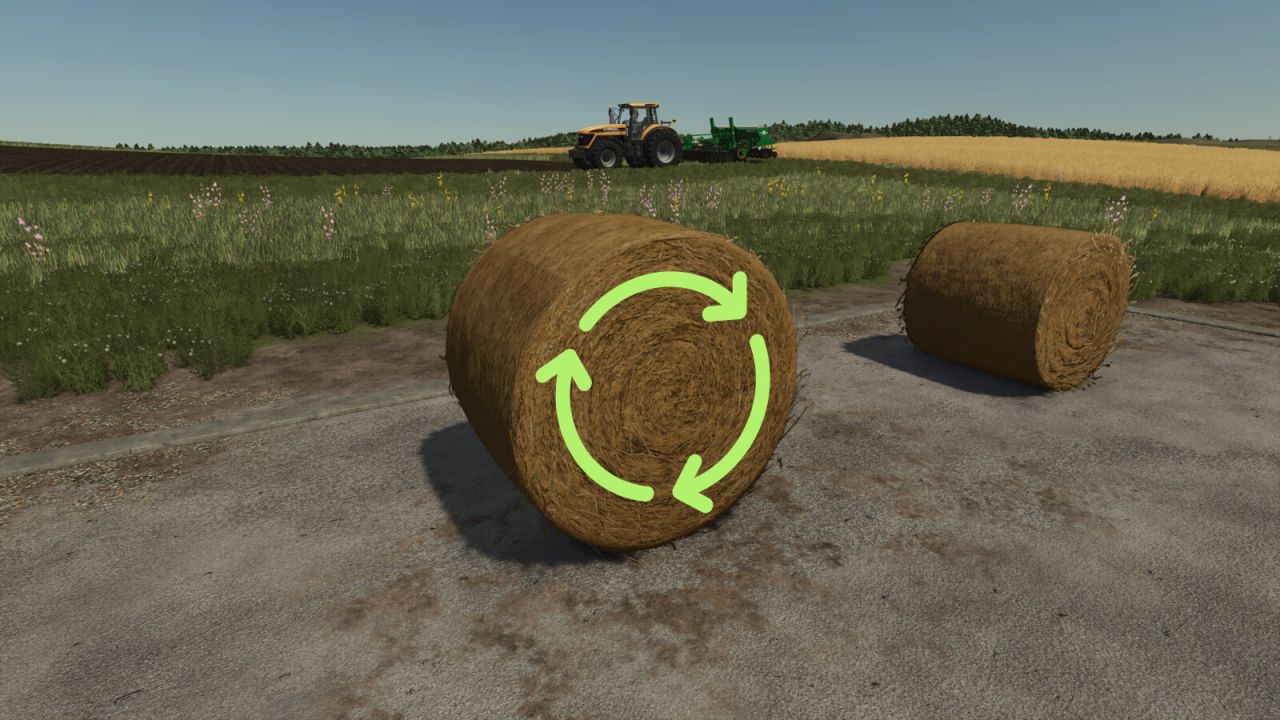

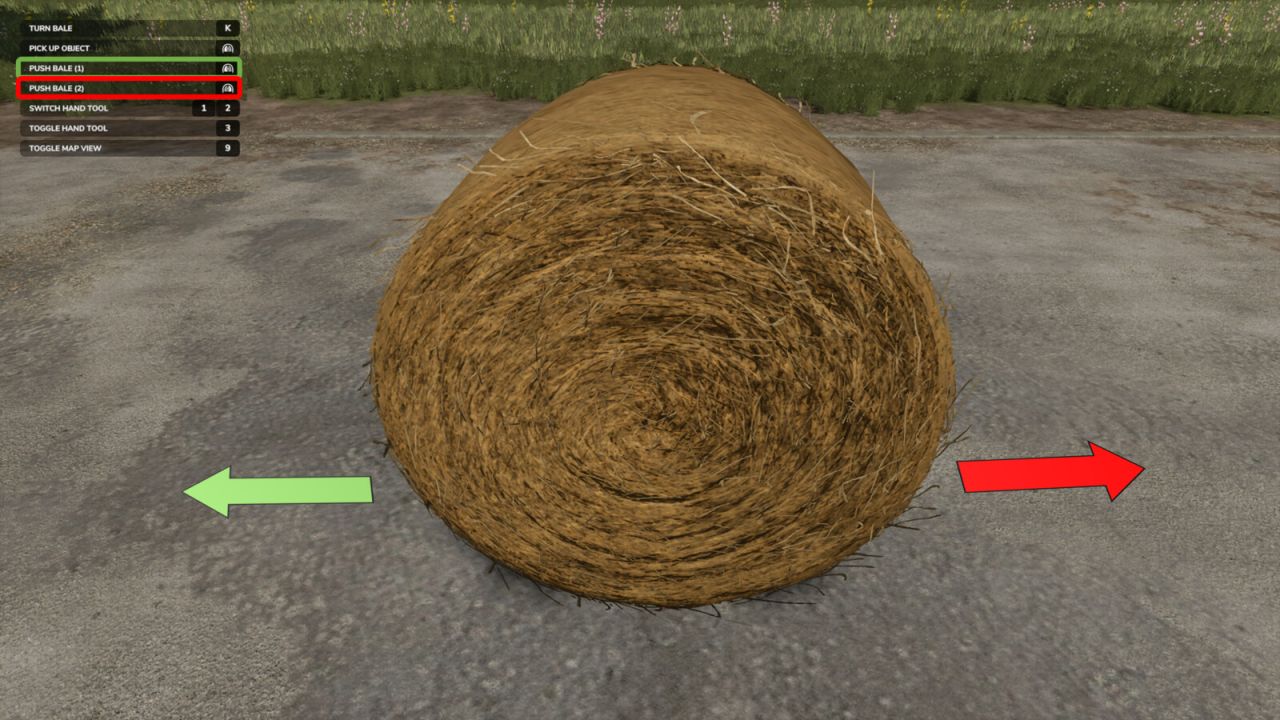
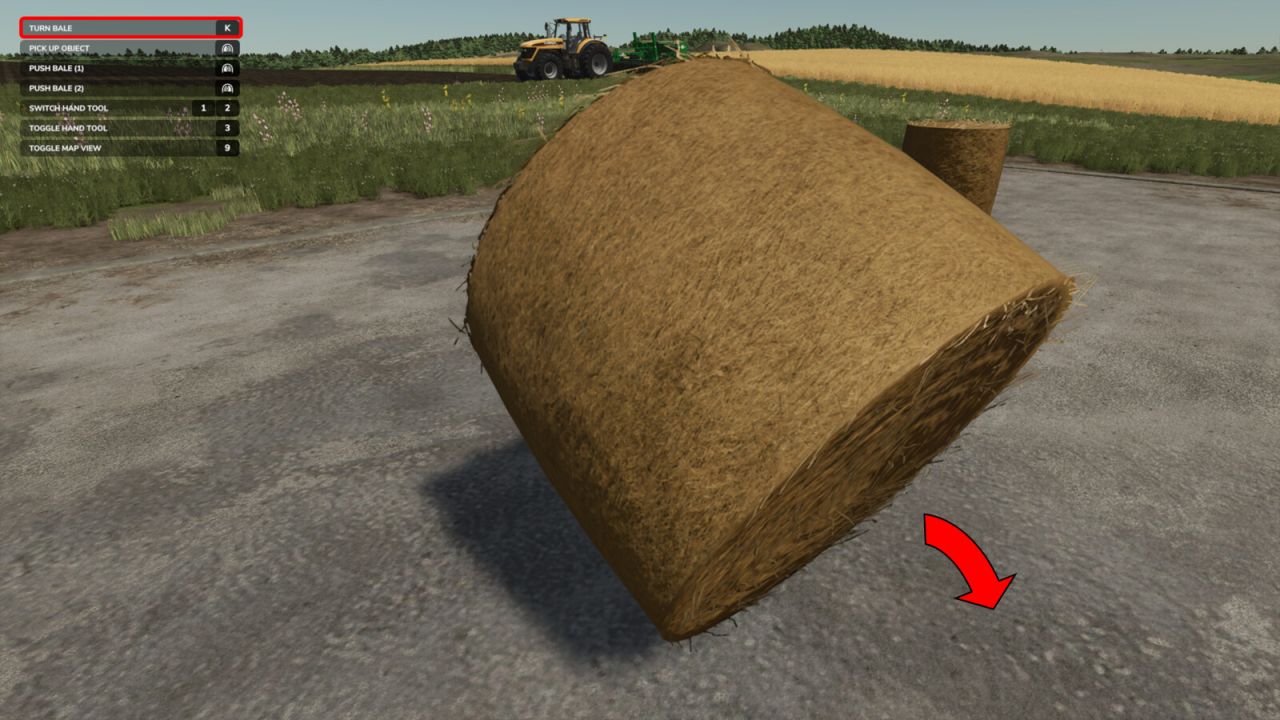
With this mod, you can easily roll your bale slightly to the left or right and (after assigning a key) tip it over.

Do you sometimes have the problem that you only want to roll your bale a small distance?
Then this mod is exactly what you need. It allows you to move your bale left or right—or forward and backward—depending on the direction, with a mouse click.

And here’s how it works:
Look at the bale
In the context menu, two new options should appear: “Move Bale (1)” & “Move Bale (2)” (default keys: left mouse button & right mouse button)
By pressing the respective button, the bale will—hopefully—move
By assigning a key, you can also tip it over
Multiplayer is NOT supported yet!! But it will be added in the first update.

Credits:
x_xmarleyy


What is Farming Simulator 25 / 22 mods use for

Farming Simulator 25 / 22 game supports mods for PC, Xbox, or PS5. FS25 / FS22 Mod is an extension file for the Farming Simulator game. Everyone can create Farming Simulator 25 mod file and share it with our community. So, why do you need Farming Simulator 25 / 22 mods? for example, you have bored with the basic game version or want to try new vehicles such as tractors or combines which the game doesn't have. So Farming Simulator 25 / 22 developers decided to support mods that let players create their own FS25 / F522 maps, Trucks, Vehicles, and any item in game. So you can download Farming Simulator 25 / 22 Mods to upgrade the game and create your own game version. Here you will find the Best FS25 mods and Top FS22 mods for PC, Mac, Xbox, or PS5. Don't wait and choose LS25 / LS22 mods category, download any mod for Farming Simulator 2025 you want and install the mod in FS 25. And the most important - Farming Simulator 25 mods is totally free and available to download all of them. Our Farming Simulator 25 Community goal is to create one of the biggest FS25 / FS22 mods databases


More FS25 Other mods

Leave a Reply

Do you need help or to say thanks for mod author? Just leave a comment bellow!