Realistic 4×4 Traction System V1.7.0.0 FS25

Realistic 4×4 Traction System V1.7.0.0 FS25
Multiplayer in development, playable but may contain bugs
Take real control of your tractor’s traction — engage 4×4, lock the differential and let the system react to actual wheel slip, not just to an assigned key.
This mod adds a fully switchable 4×4 traction system to compatible vehicles (tractors, trucks, harvesters, cars): engage/disengage the front axle when needed and toggle a differential lock that trades turning radius for maximum grip in mud, snow or during heavy work.
Features
Real rear-wheel slip detection — automatic modes react to actual wheel-slip physics, not just speed
Four driving modes, assigned to each vehicle by default:
Manual — always in control
Semi-automatic — engages with actual wheel slip, while manual control is always available
Automatic — the same logic, adjusted for vehicles with factory-fitted automatic 4WD (CVT/IVT transmissions)
Intelligent — continuous, proportional engagement in the Fendt style (without abrupt switching on/off)
Native tyre-pressure simulation during engagement — no dependency on any other mod
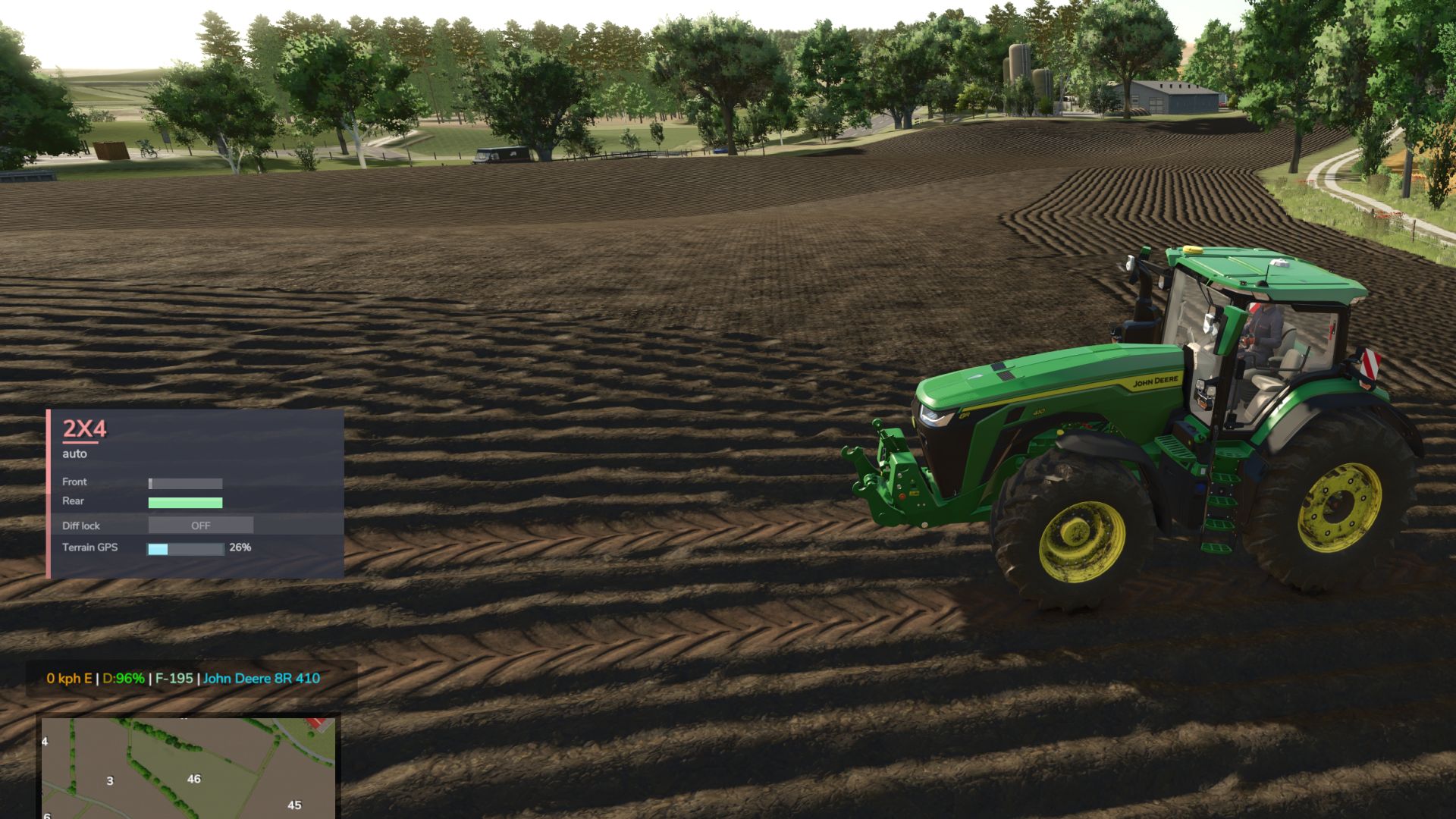
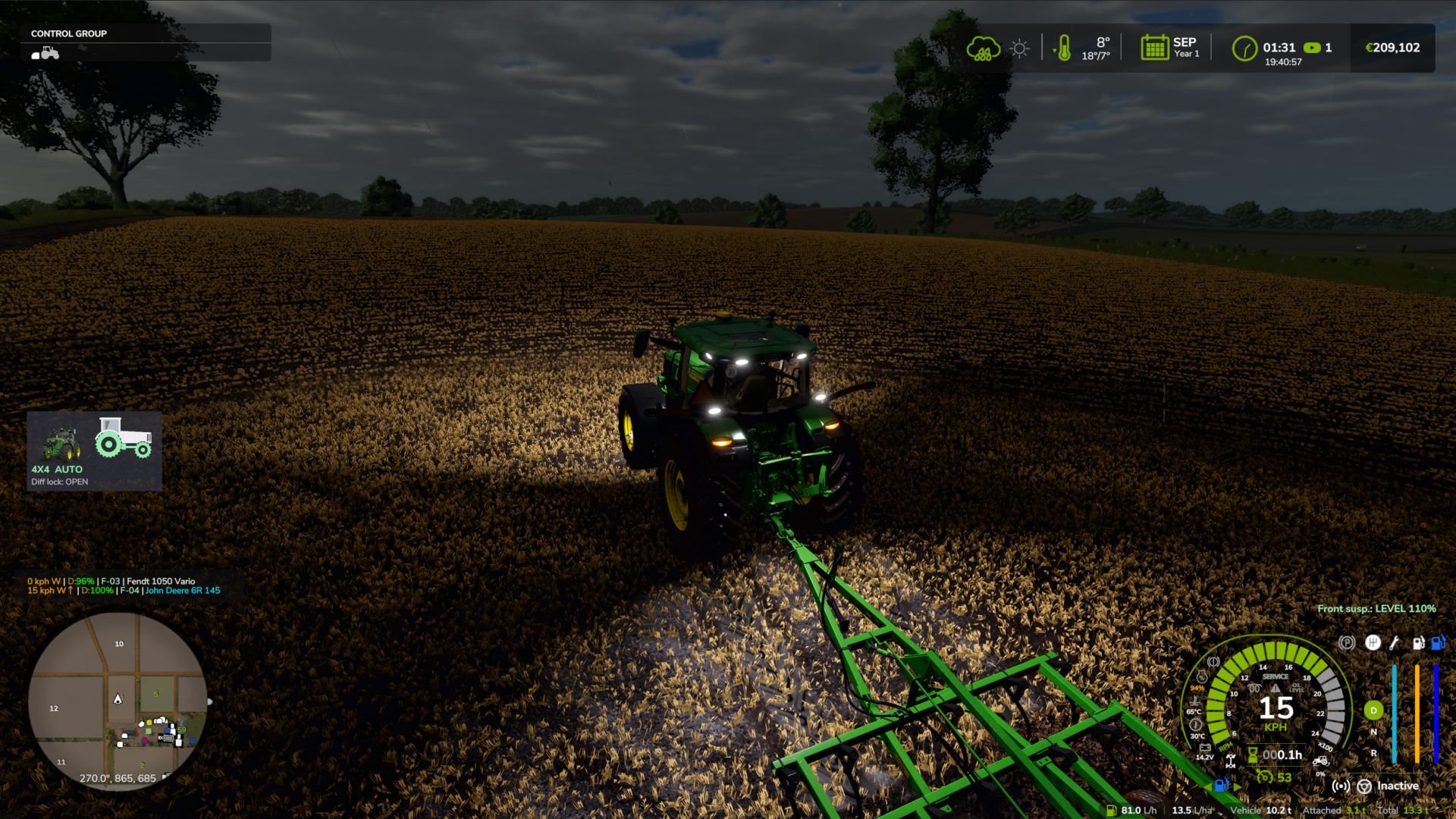
On-screen HUD with real-time status and adjustable position in the game Settings menu
Zero XML changes to any vehicle — the system integrates automatically into all compatible vehicles
V1.7.0.0
New
– In-game settings menu: Esc -> Settings -> General -> “4×4 Traction System”. HUD position and style, engage 4WD with implement lowered, disengage in tight turns, engage when braking, road speed limit, GPS prediction strength, locked centre torque bias, tyre pressure by hand, diagnostic log. Saved in modSettings/FS25_4x4TractionSystem.xml (kept for all savegames and when the mod is updated). No more editing files inside the zip.
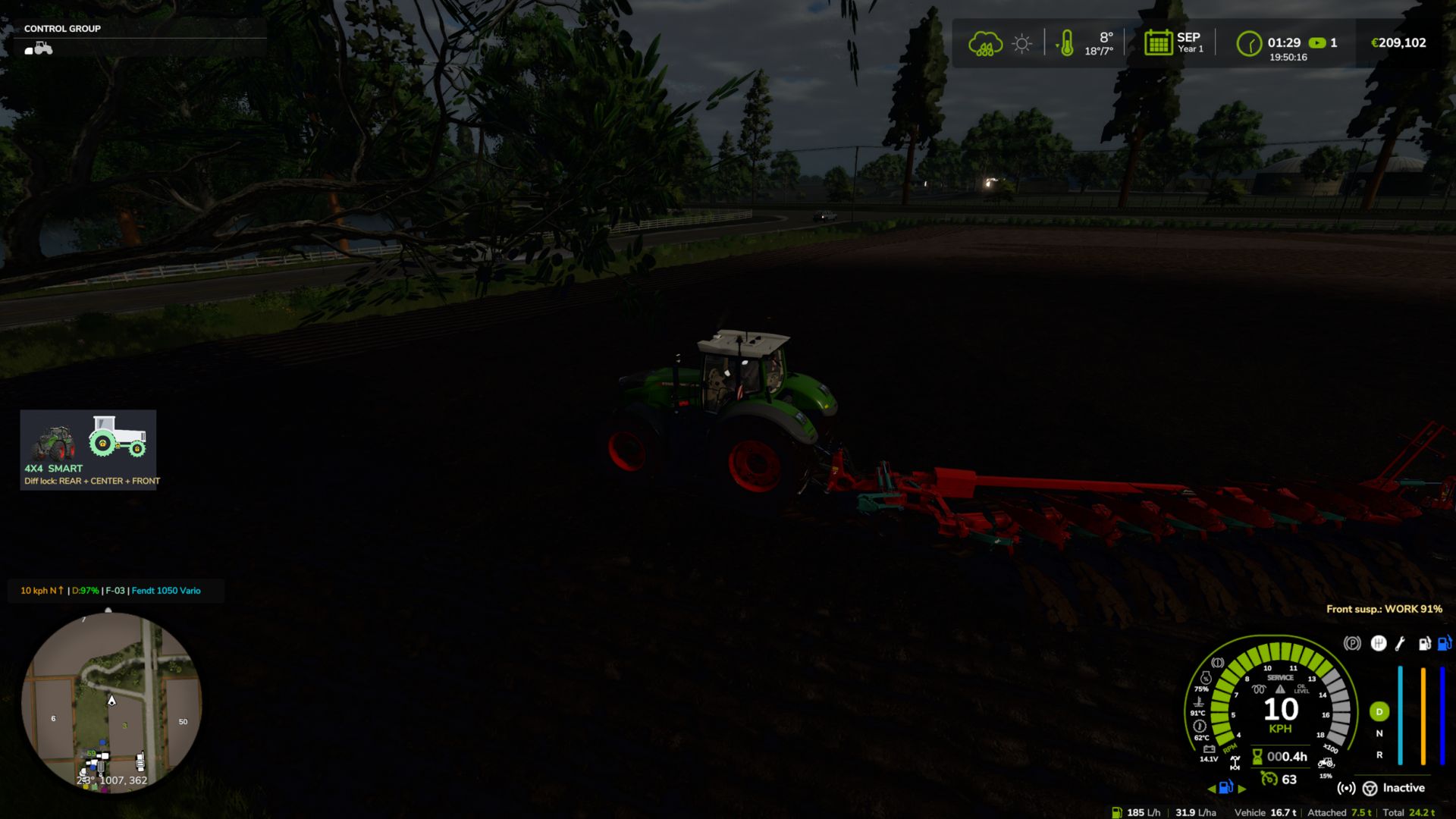
– New minimalist HUD (optional, choose “Icon” in the menu): the tractor seen from the side.
– Green wheel = wheel with traction. The rear is always green; the front wheel and the drive shaft turn green when 4WD engages (grey in 2WD).
– Padlocks = diff locks: on the rear hub (rear), on the transfer box (centre) and on the front hub (front).
– A wheel that is slipping flashes green/red (each axle on its own). Both wheels flash with low field pressure at road speed.
– Tyre pressure under each wheel (front / rear, in bar) on tractors with CTIS or pressure by hand.
– Shop picture of the tractor you are driving next to the icon (can be switched off).
– Text underneath: 4X4 / 2X4, mode and active locks. Three sizes.
– Move the HUD (panel or icon) with the mouse: Ctrl+Shift+N, drag with the left button, right click / Esc / Enter to finish. The camera stays still while moving. Key can be changed in the Controls menu.
Note
– The new menu and icon texts are in English and Portuguese; other languages show English for now. working on translations soon
zasty chalk