Removing the lifting balls V1.0.0.0 FS25

FS25 Other

Removing the lifting balls V1.0.0.0 FS25
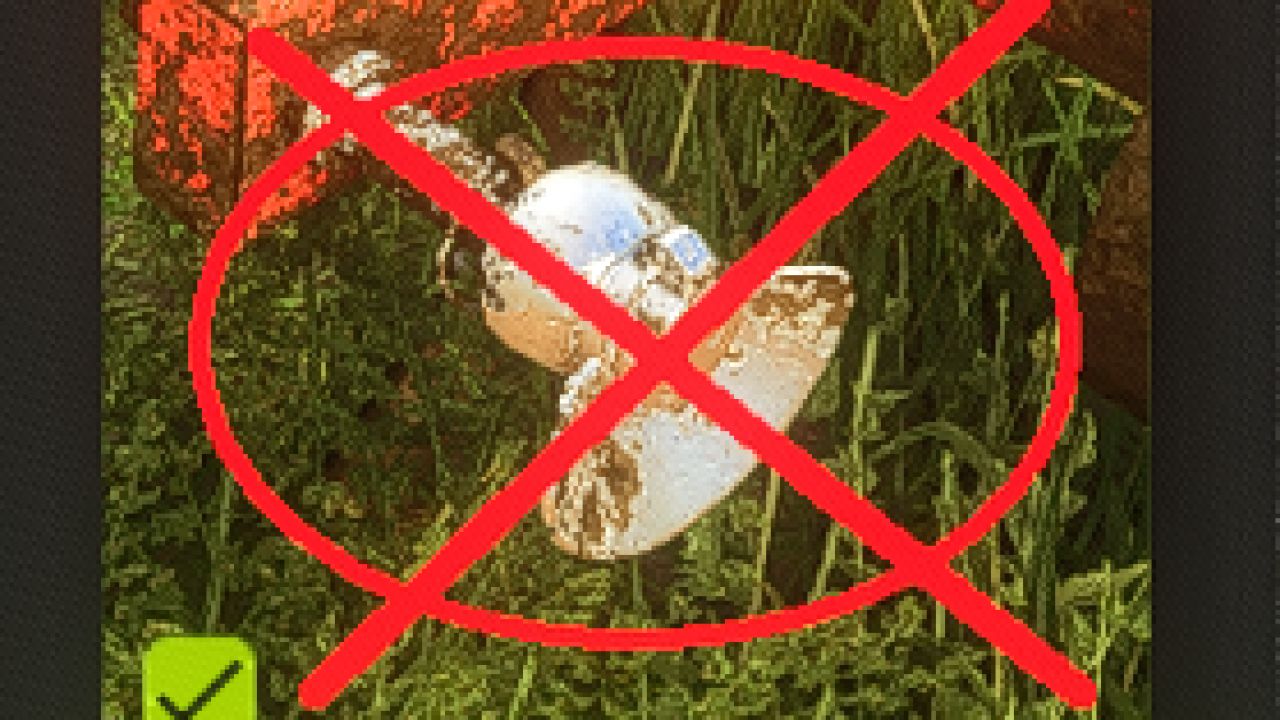

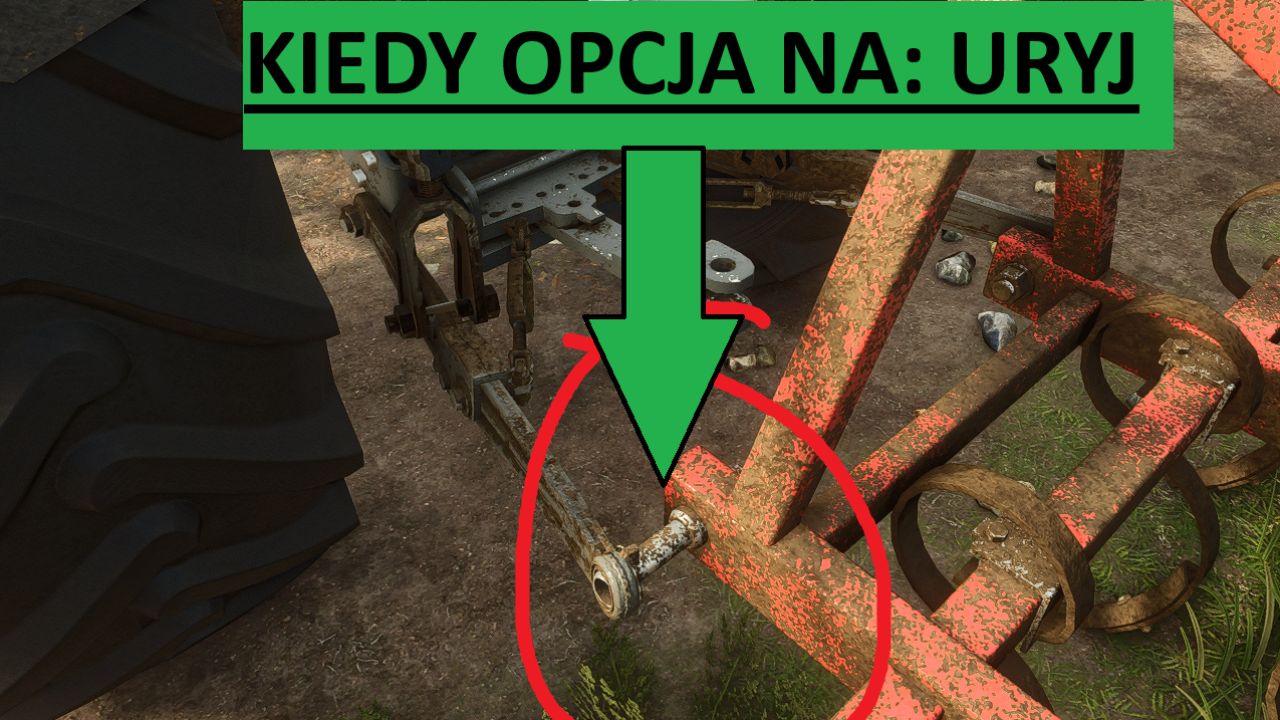
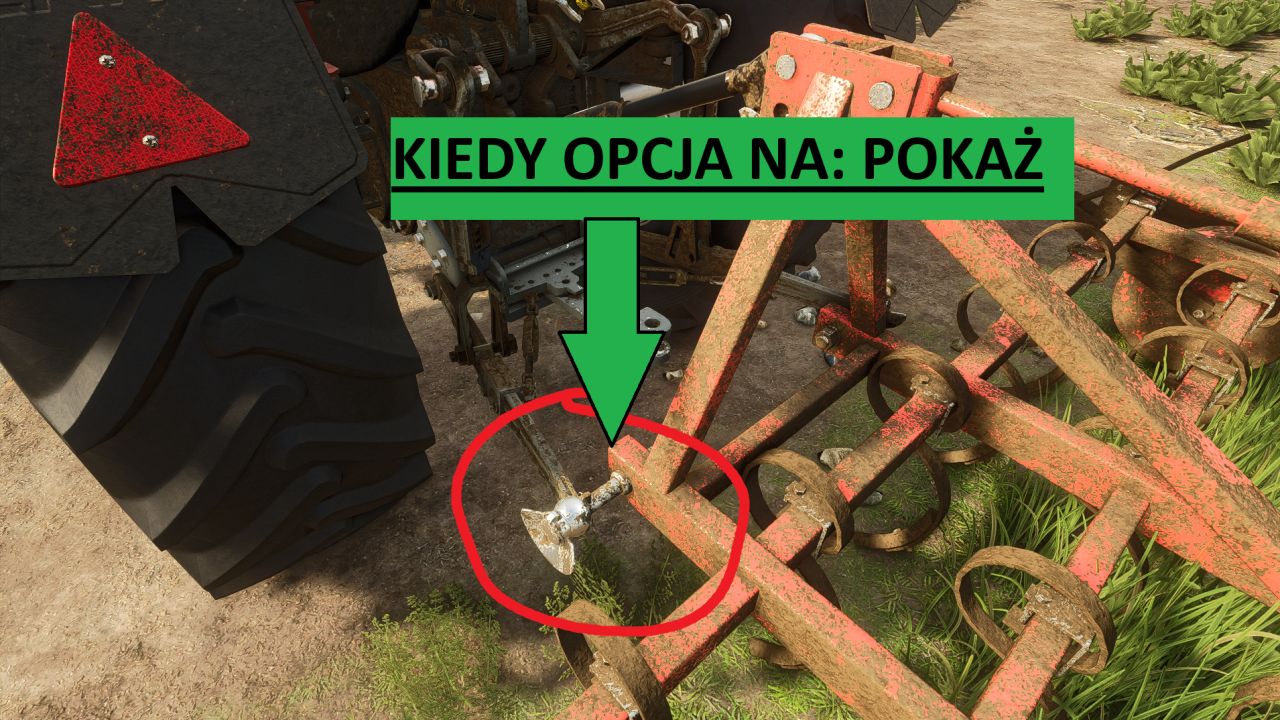
A simple mod that allows you to hide or restore lift balls when connecting machines.

Mod features
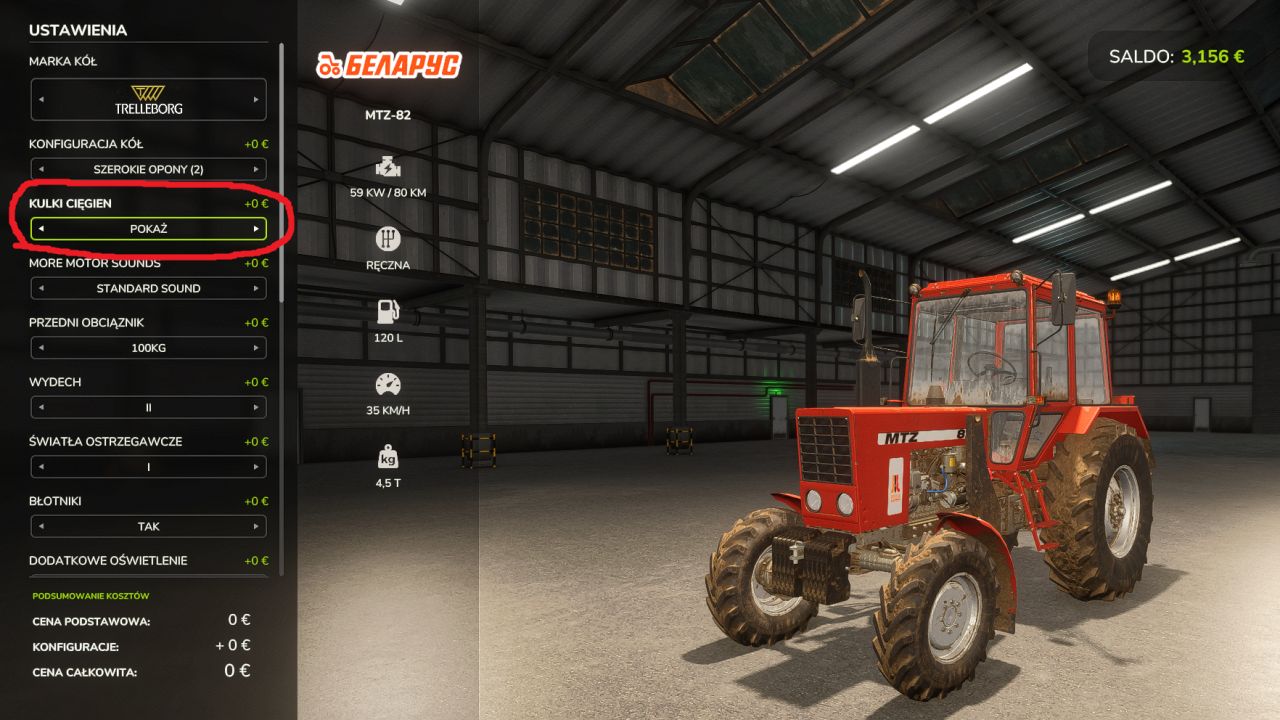
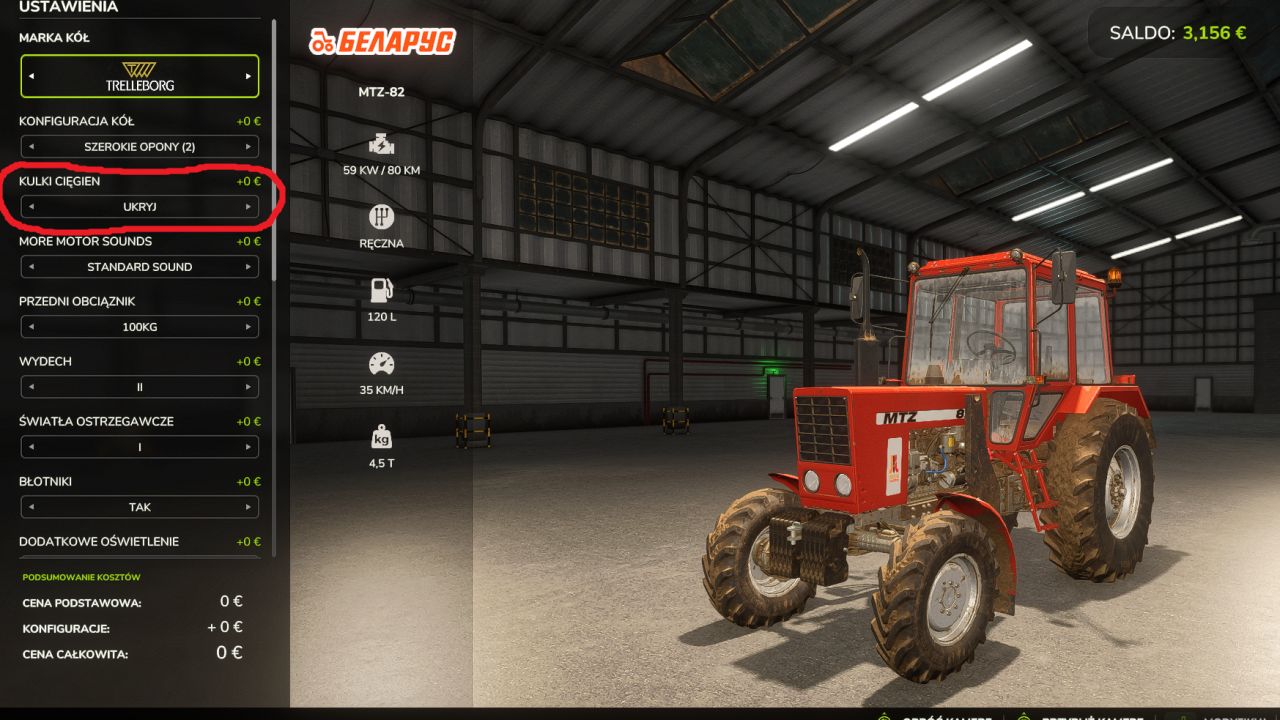
ability to choose Show / Hide lift balls,
configuration available in the store,
after selecting the Hide option, the lift balls on the connected machine become invisible,
works, among others with seeders, tillage units and other machines,
useful especially in the case of older tractors, such as C-360 or MTZ-82, where additional balls often look unsightly or do not match the model.

Installation
Download mod.
Place the .zip file in the folder:
Documents/My Games/FarmingSimulator2025/mods
Launch Farming Simulator 25.
Enable mod when selecting save.
Select the appropriate configuration in the store.

Credits:
Terminat0r2k11


What is Farming Simulator 25 / 22 mods use for

Farming Simulator 25 / 22 game supports mods for PC, Xbox, or PS5. FS25 / FS22 Mod is an extension file for the Farming Simulator game. Everyone can create Farming Simulator 25 mod file and share it with our community. So, why do you need Farming Simulator 25 / 22 mods? for example, you have bored with the basic game version or want to try new vehicles such as tractors or combines which the game doesn't have. So Farming Simulator 25 / 22 developers decided to support mods that let players create their own FS25 / F522 maps, Trucks, Vehicles, and any item in game. So you can download Farming Simulator 25 / 22 Mods to upgrade the game and create your own game version. Here you will find the Best FS25 mods and Top FS22 mods for PC, Mac, Xbox, or PS5. Don't wait and choose LS25 / LS22 mods category, download any mod for Farming Simulator 2025 you want and install the mod in FS 25. And the most important - Farming Simulator 25 mods is totally free and available to download all of them. Our Farming Simulator 25 Community goal is to create one of the biggest FS25 / FS22 mods databases


More FS25 Other mods

Leave a Reply

Do you need help or to say thanks for mod author? Just leave a comment bellow!